Send the drawing, the quote or the variation as a link. Whoever has to approve it opens it wherever they are, signs, and what comes back is a dated, signed record pinned to the exact file they saw. No accounts, nothing to install, nothing to explain.
Every other tool asks the people you work with to sign up first. Here, the person saying yes never logs in.
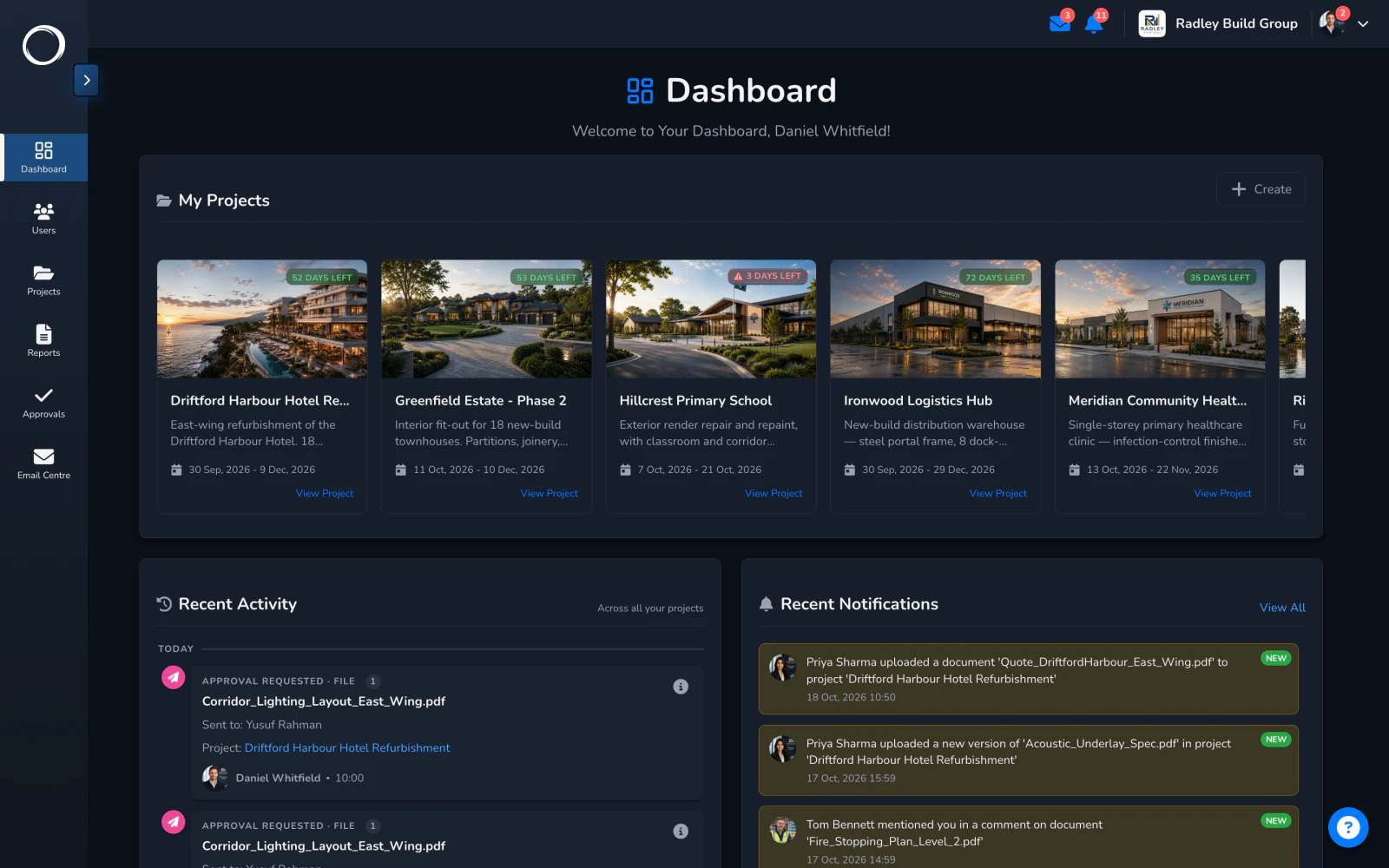
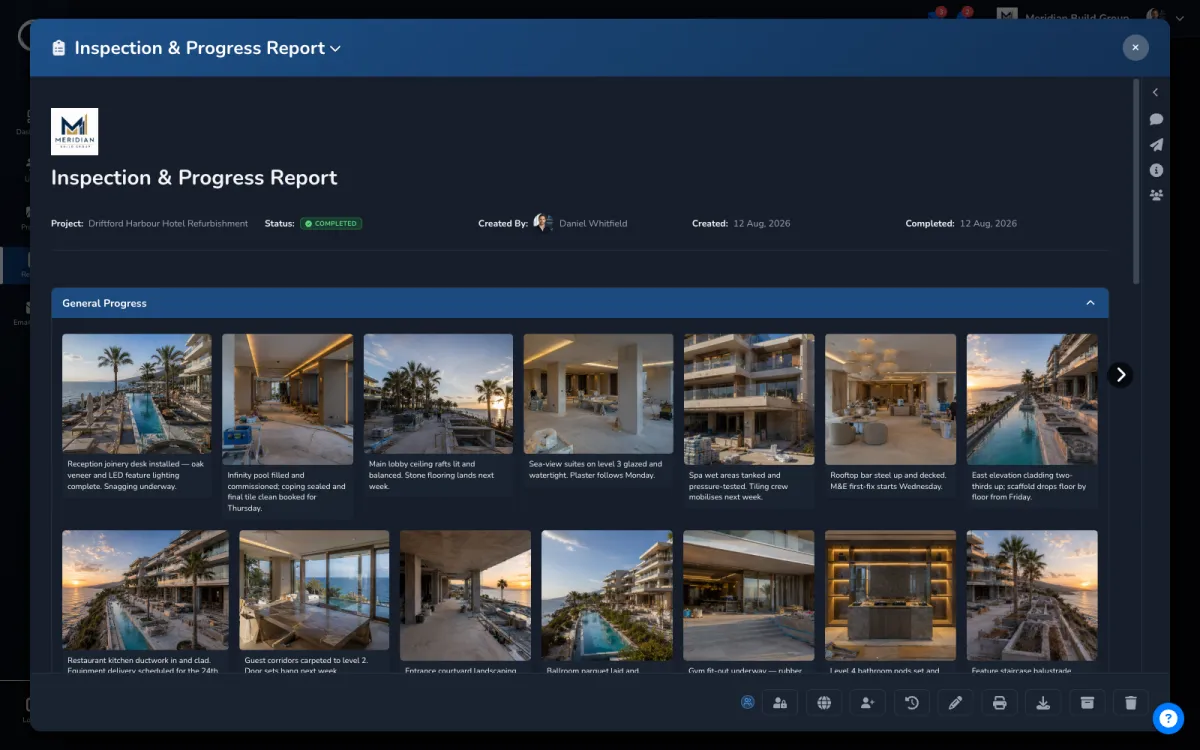
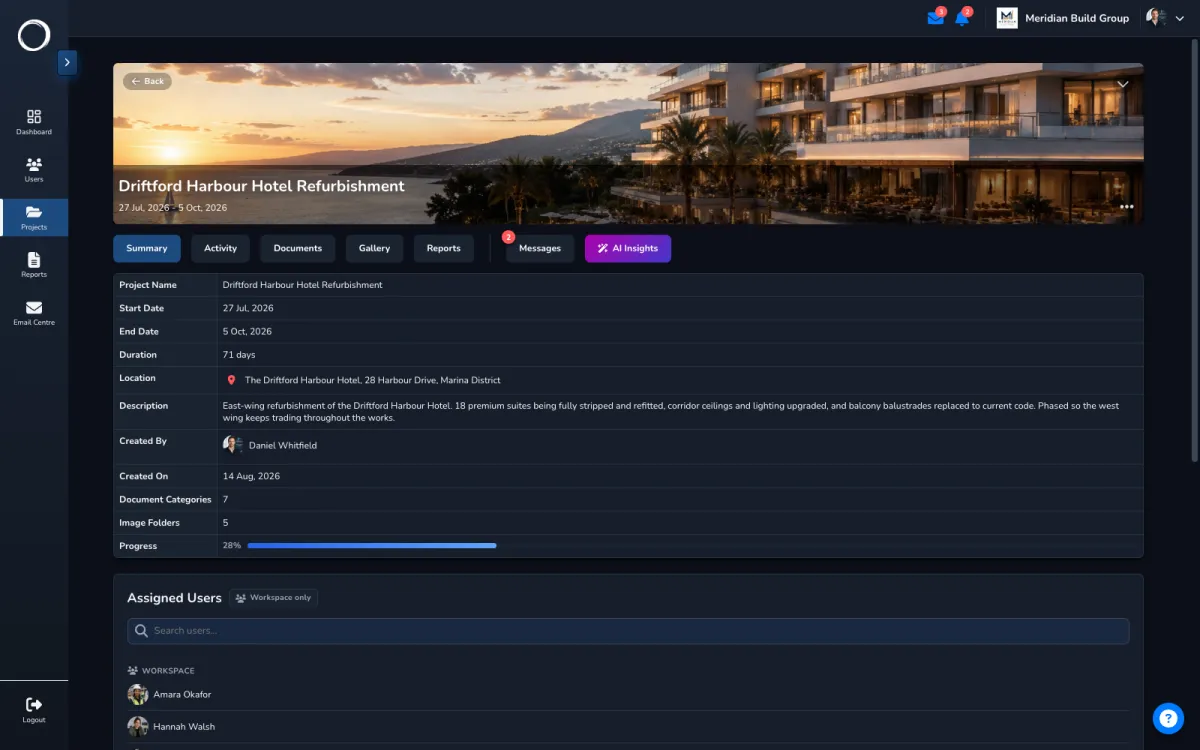
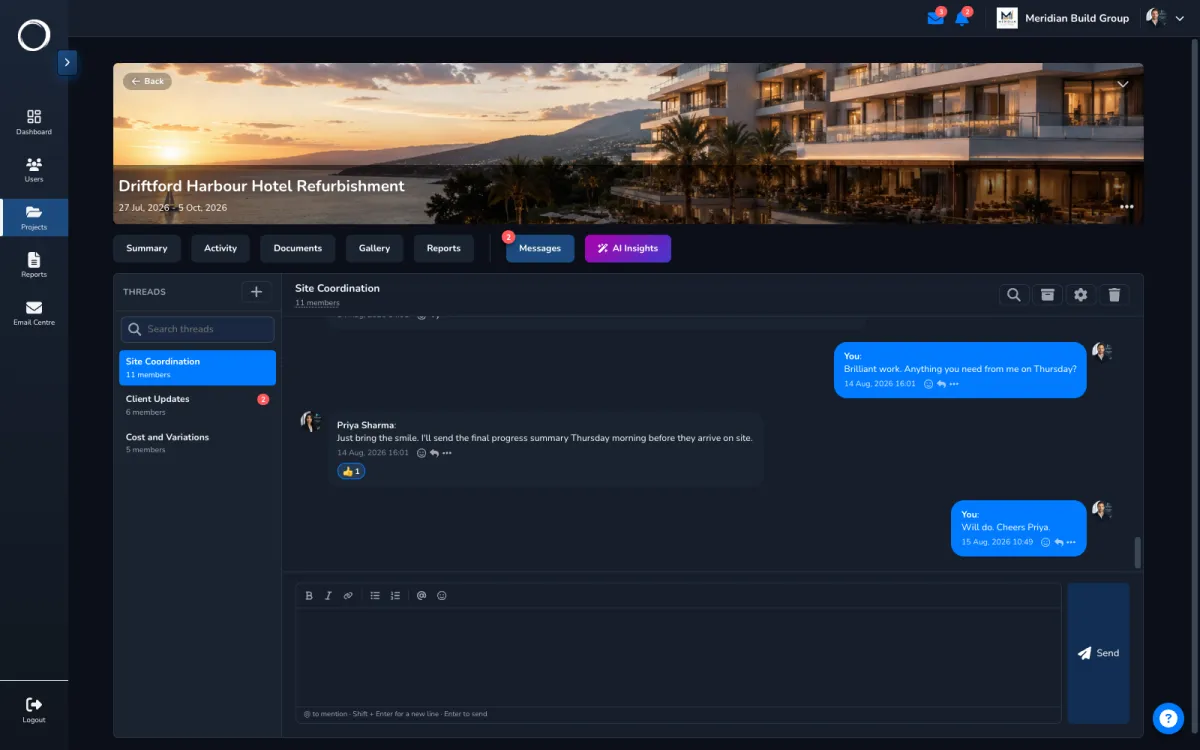
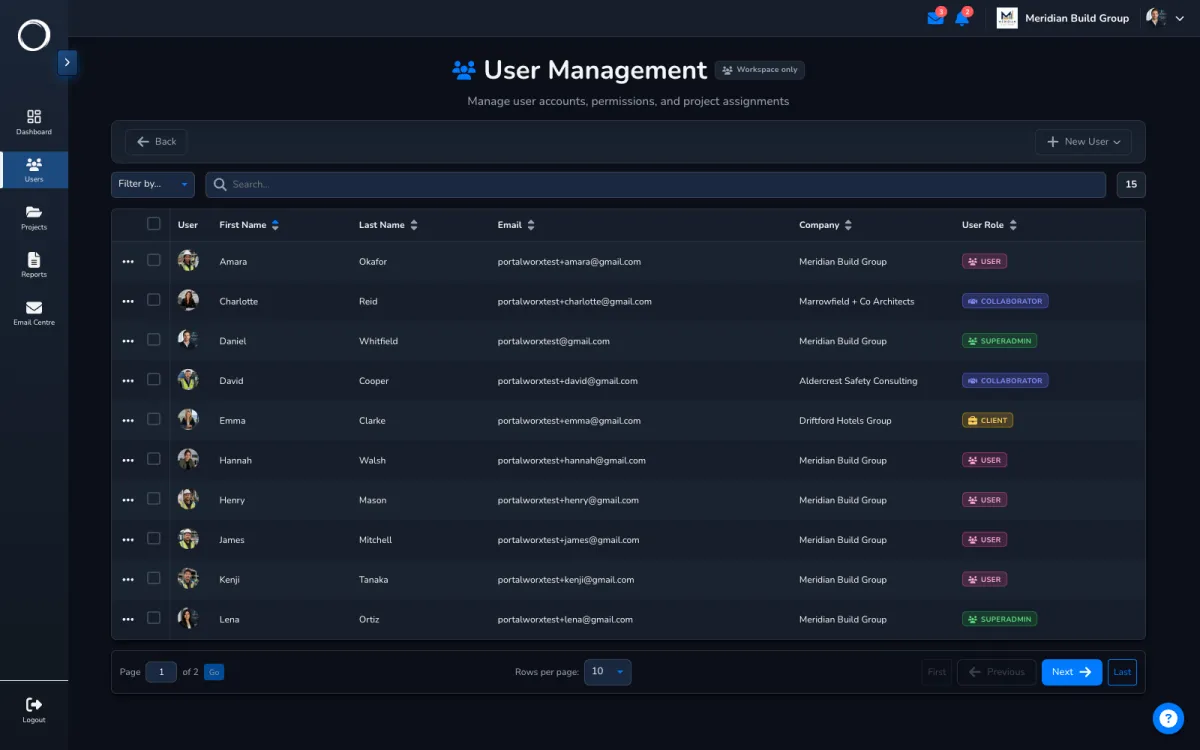
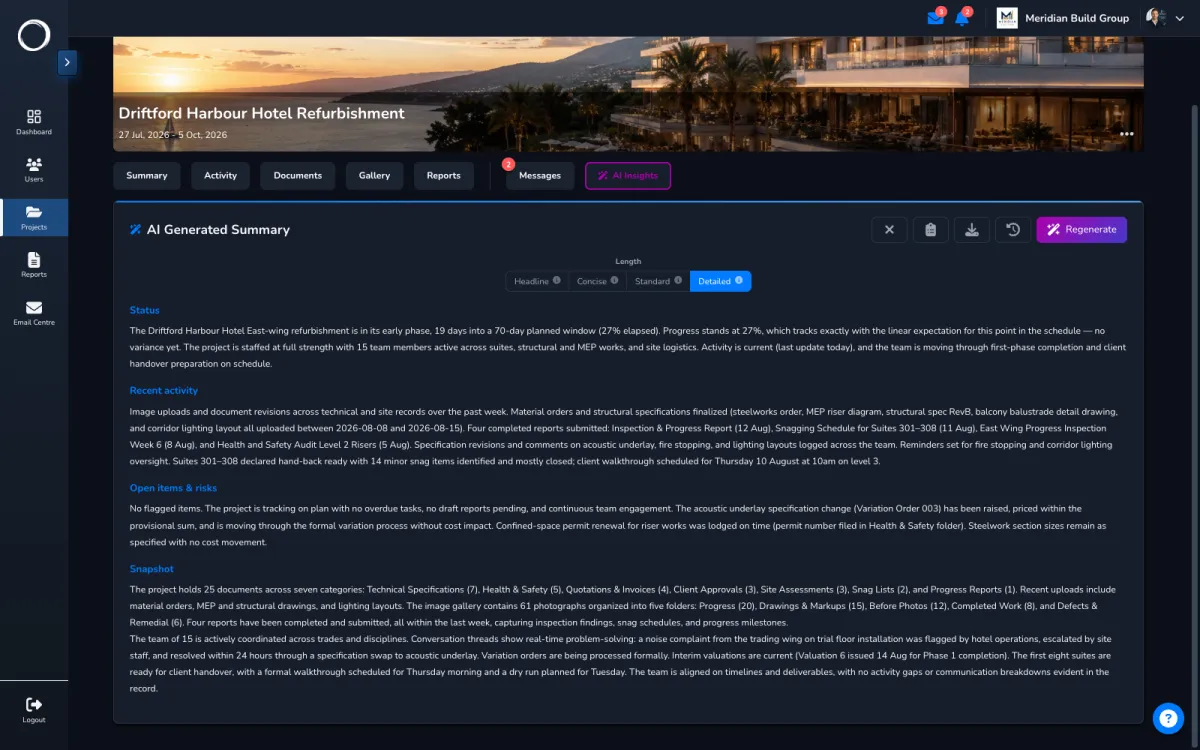
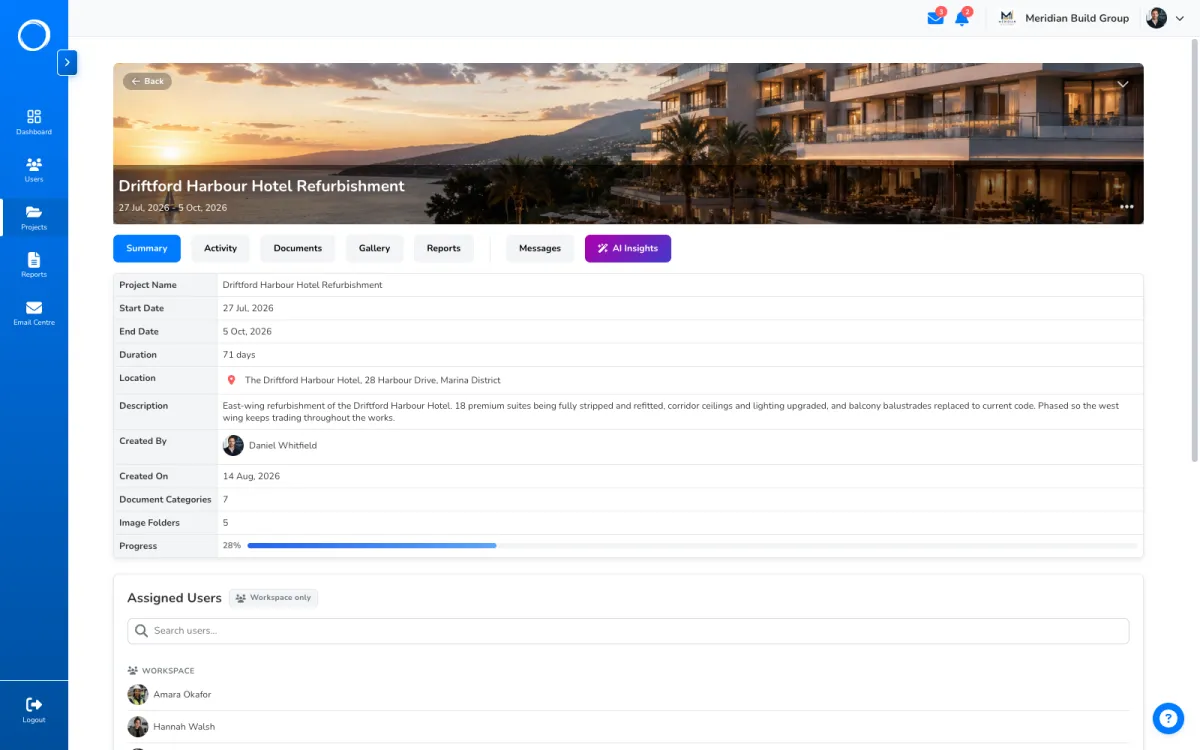
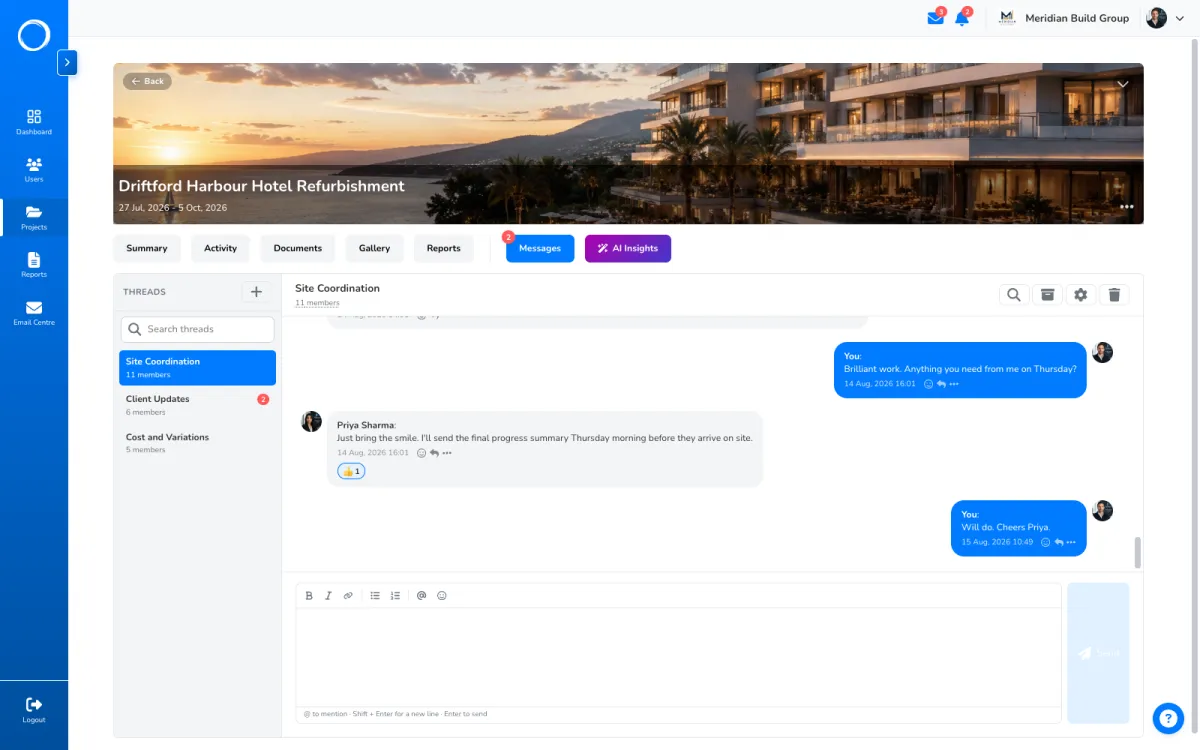
Sign-off is the start. Behind it is a workspace for every project: the drawings, the photos, the reports and the conversations in one place, and the people outside your team see only what's theirs.
No card. Cancel any time.
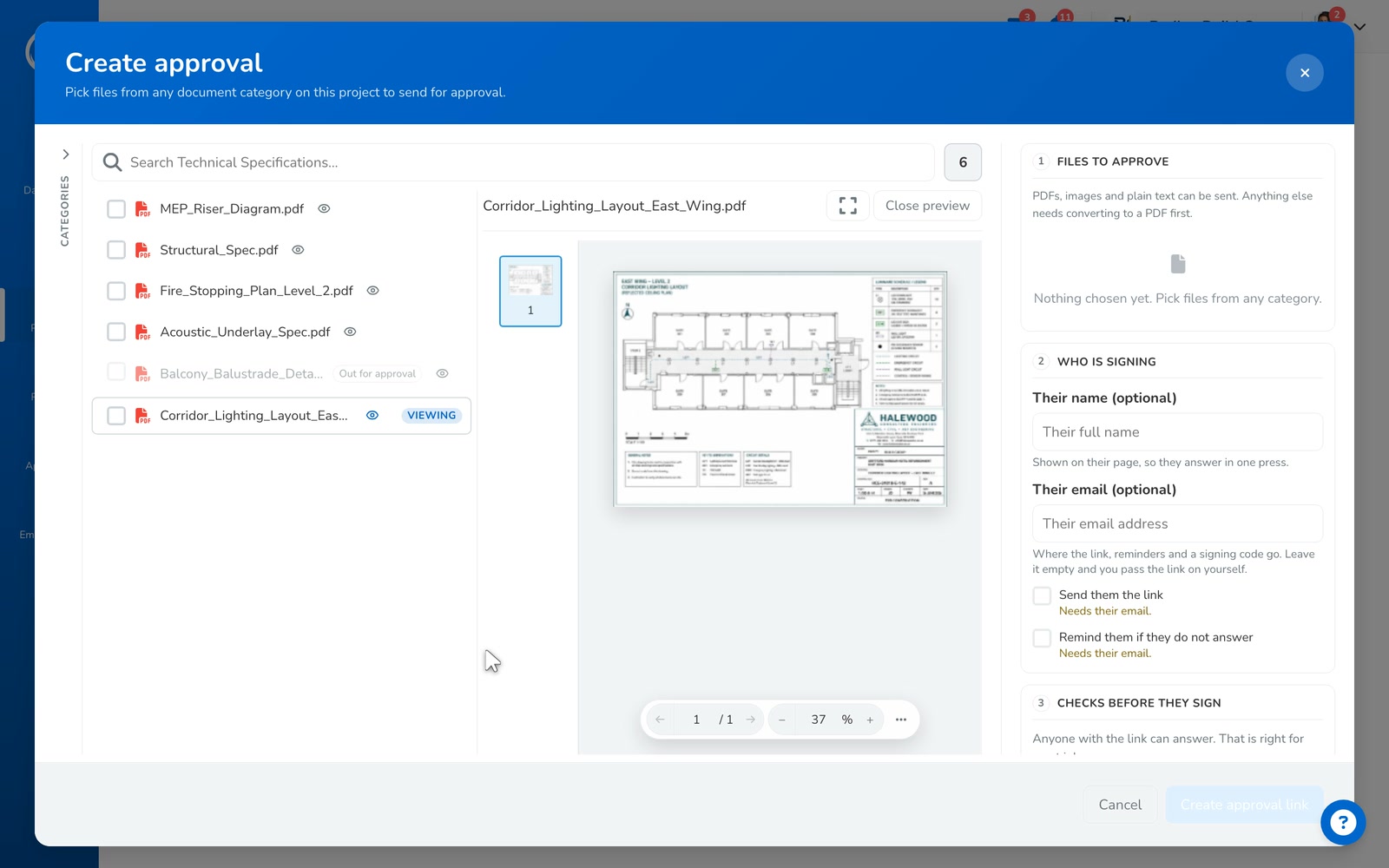
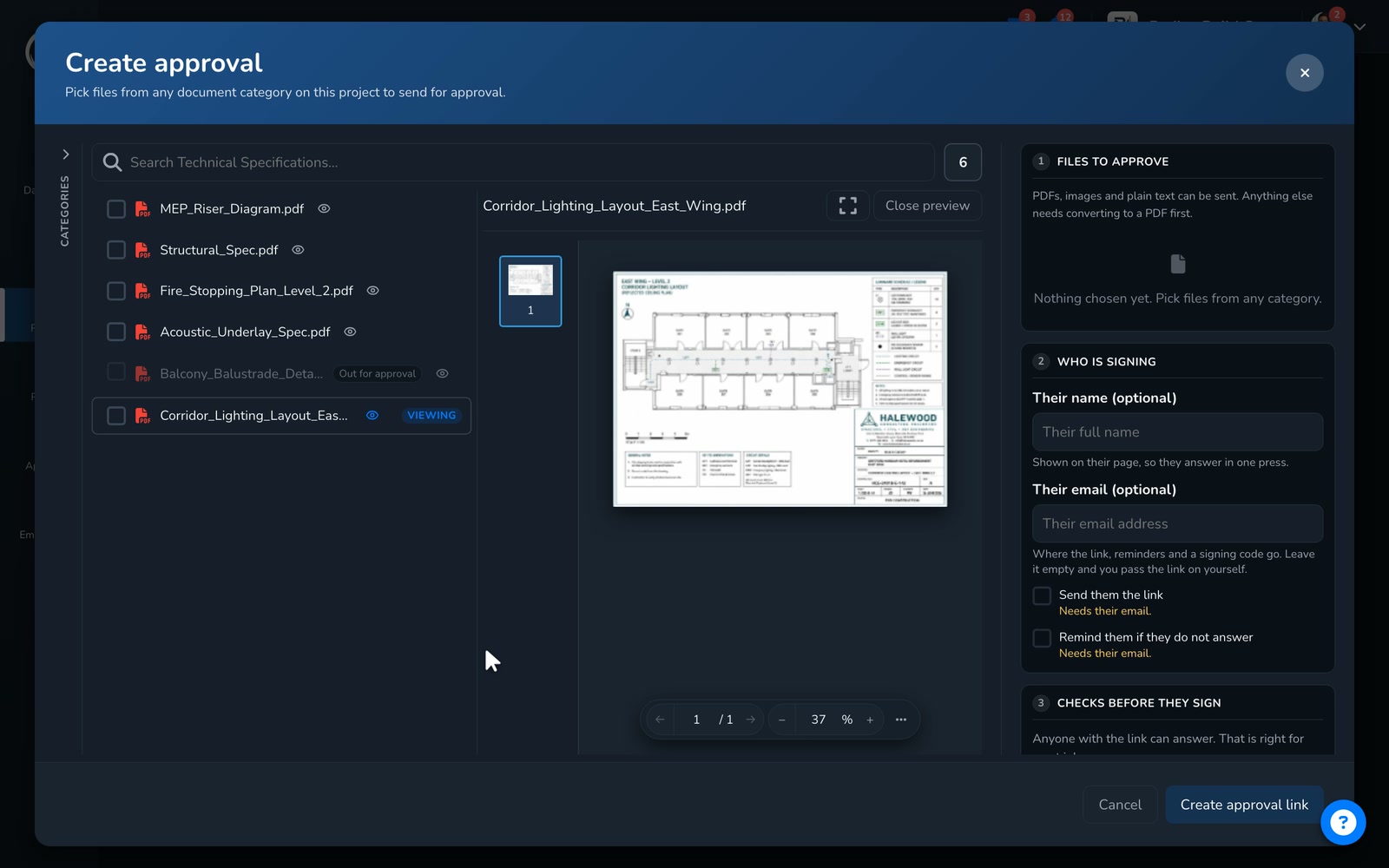
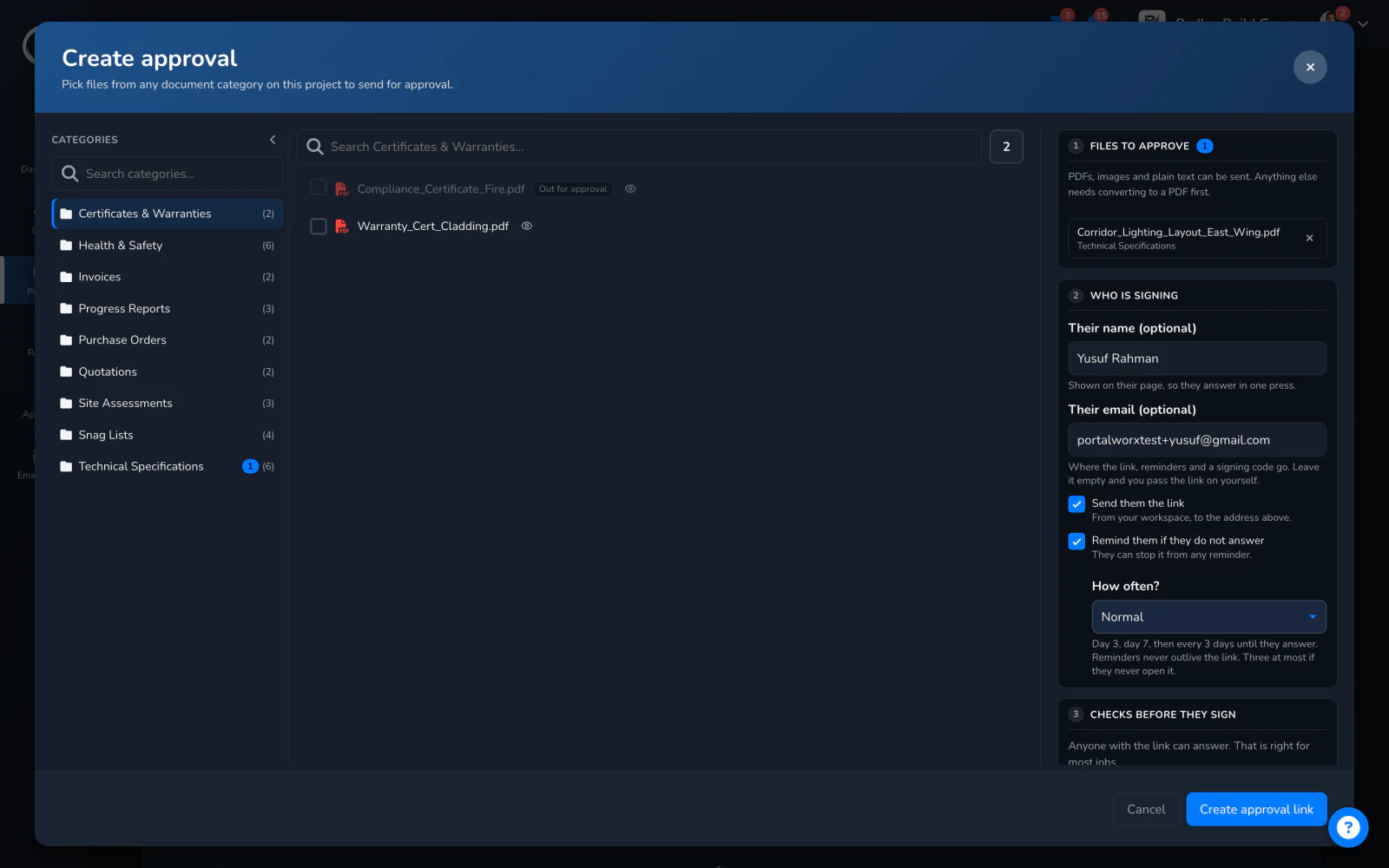
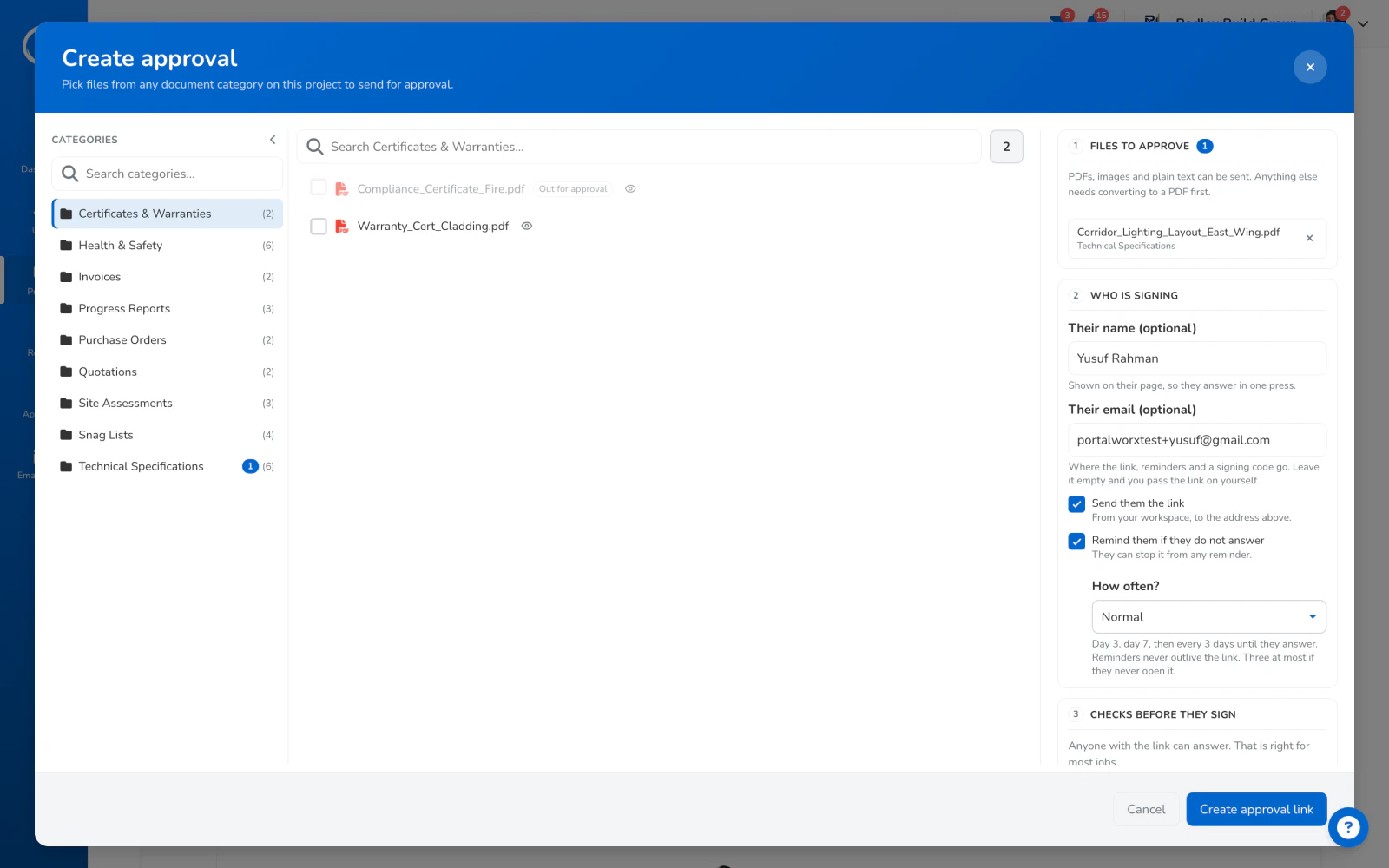
Your side is one dialog. Their side is four steps, and not one of them is a login.
From the document's row: their name and email, reminders on if you'd like them chased, and the link goes out in your name. That's the whole job on your side.
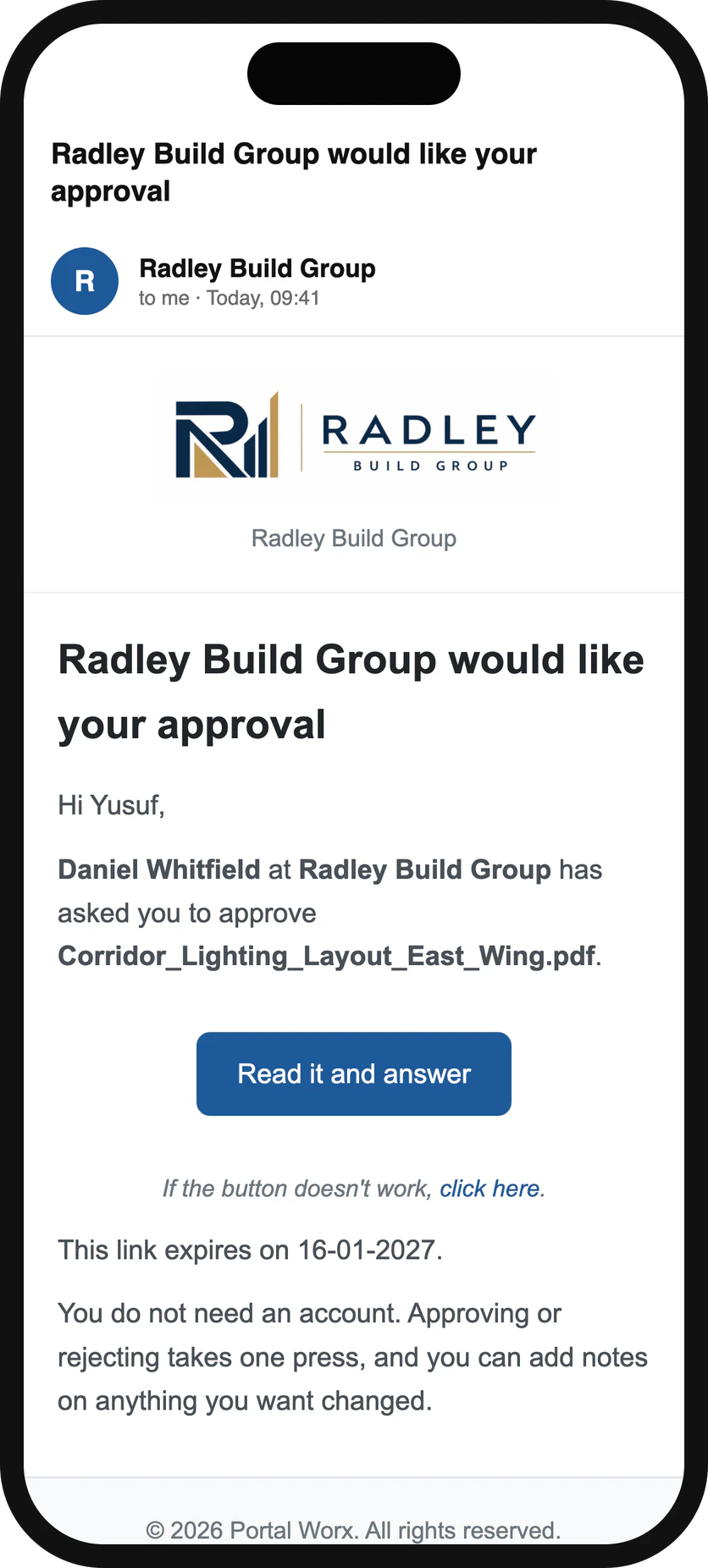
An email from you with one link in it. They can open it on a phone, on a laptop, or on the train.
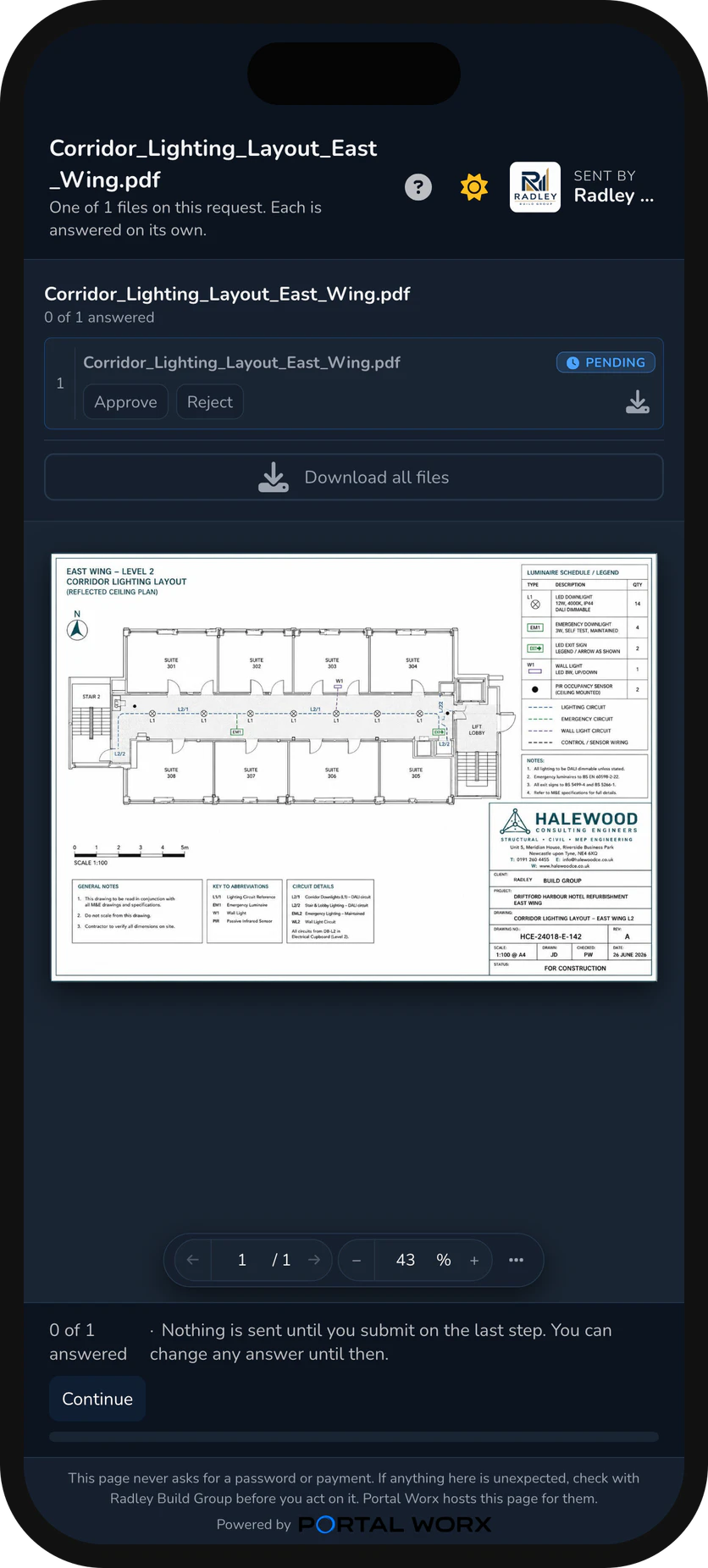
The drawing, quote or variation opens right there in the page. They can comment, mark a spot on the drawing, approve or reject.
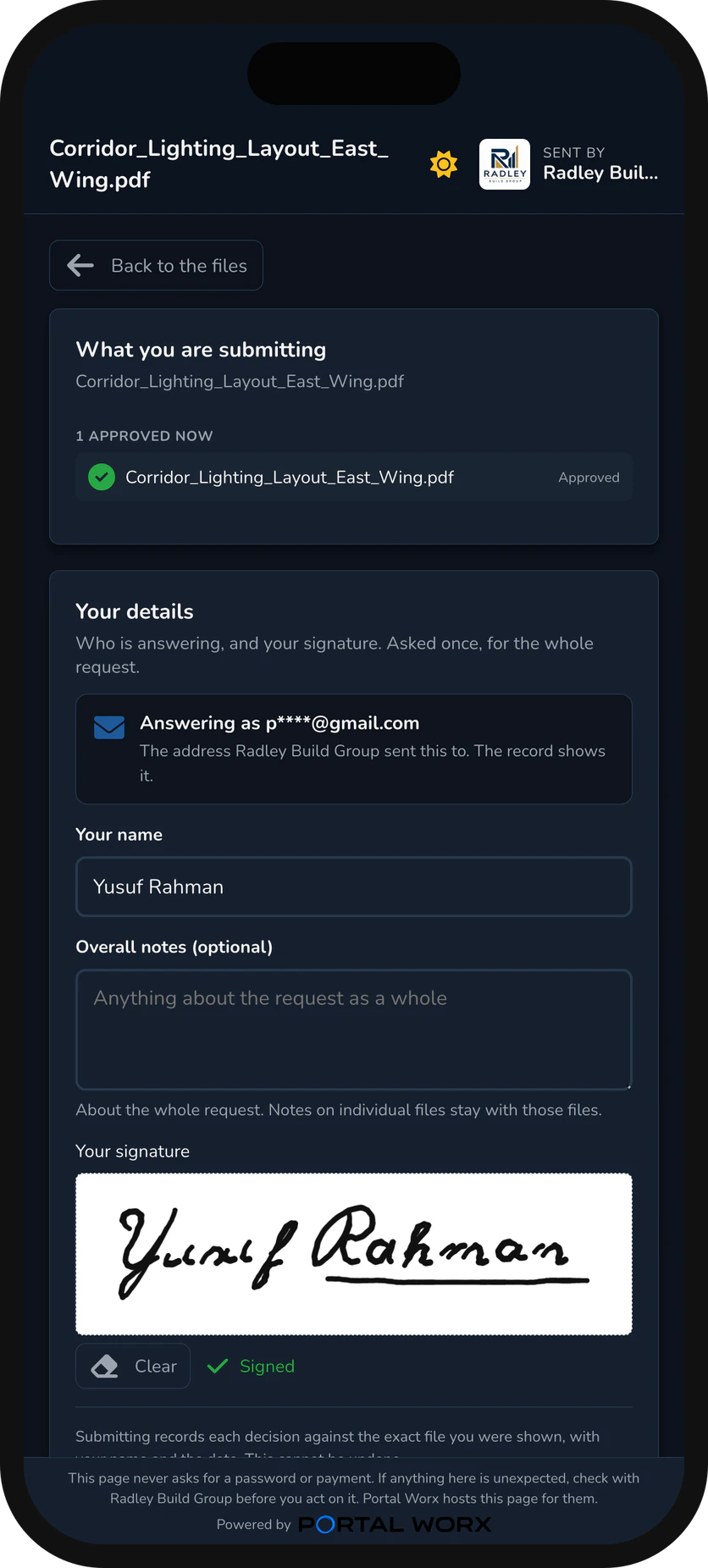
Name, signature, done. About ten seconds, with nothing to install and nothing to remember.
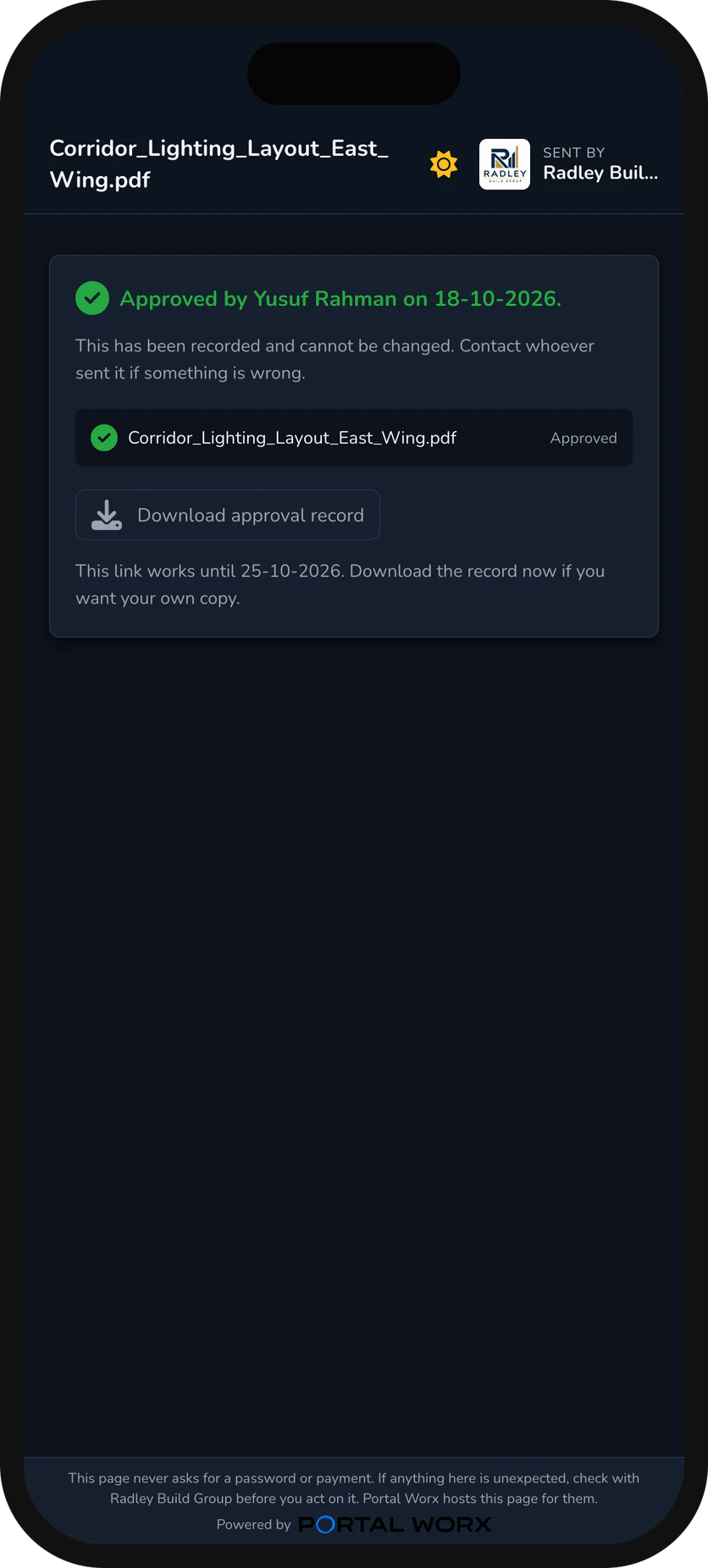
Who signed, when, from where, and which exact file they saw. It's kept on the project, next to the file it's about.
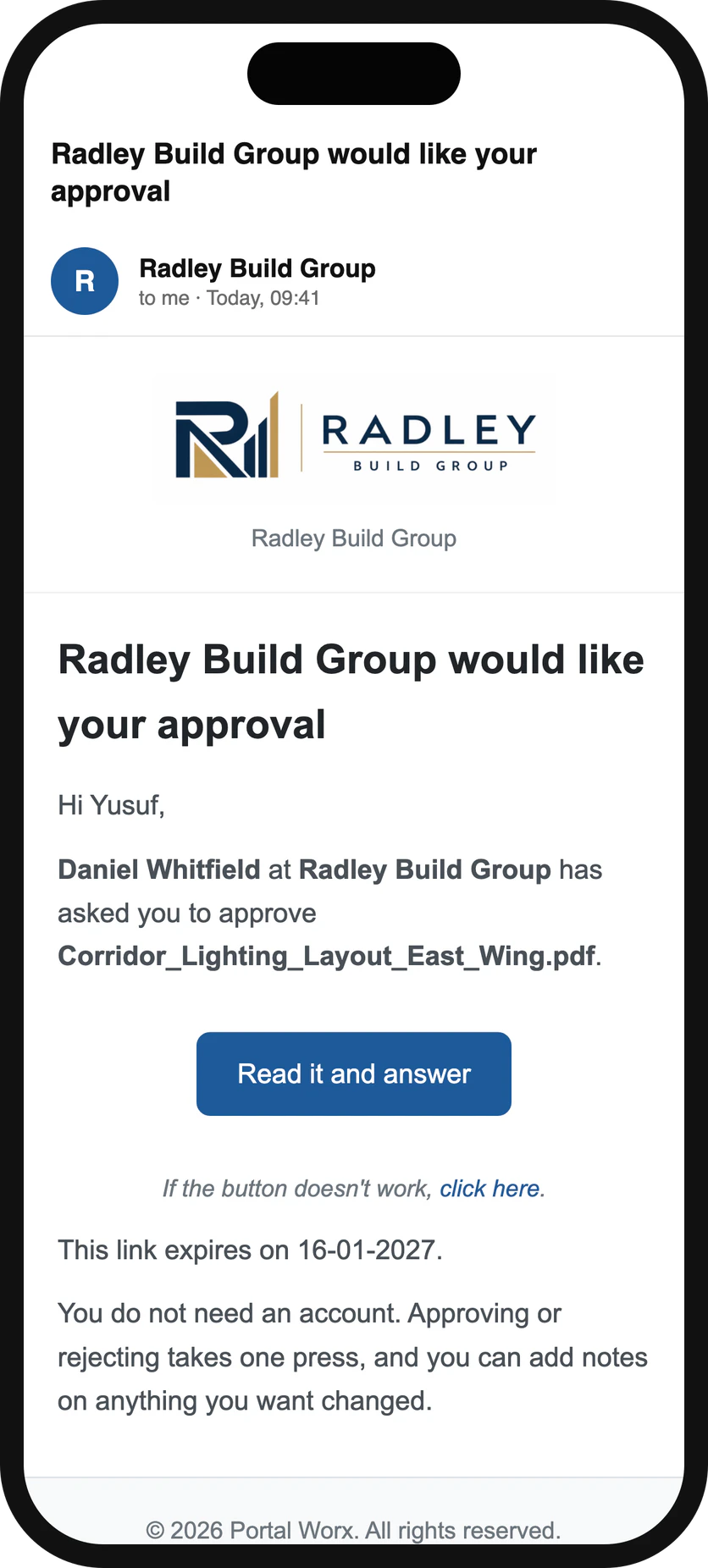
The link arrives
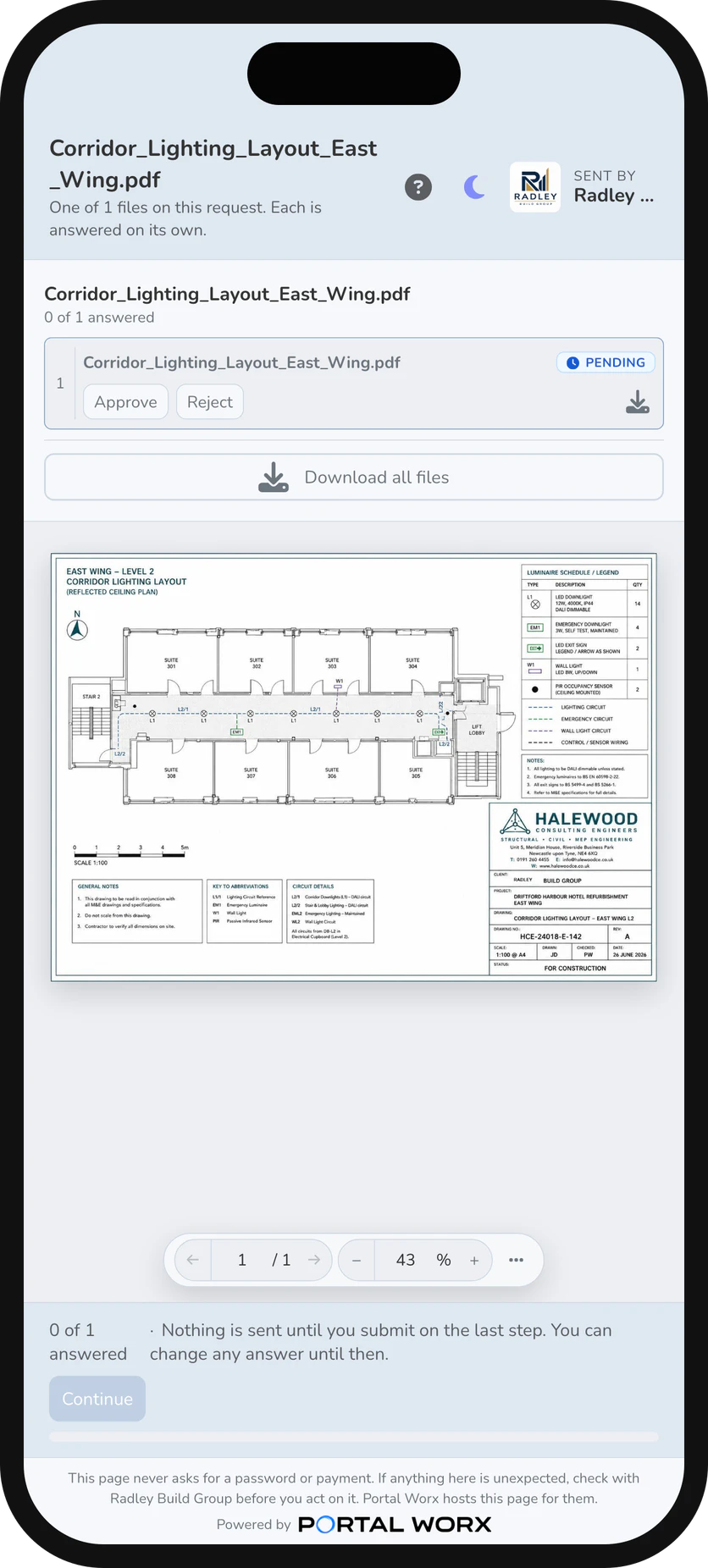
What they see
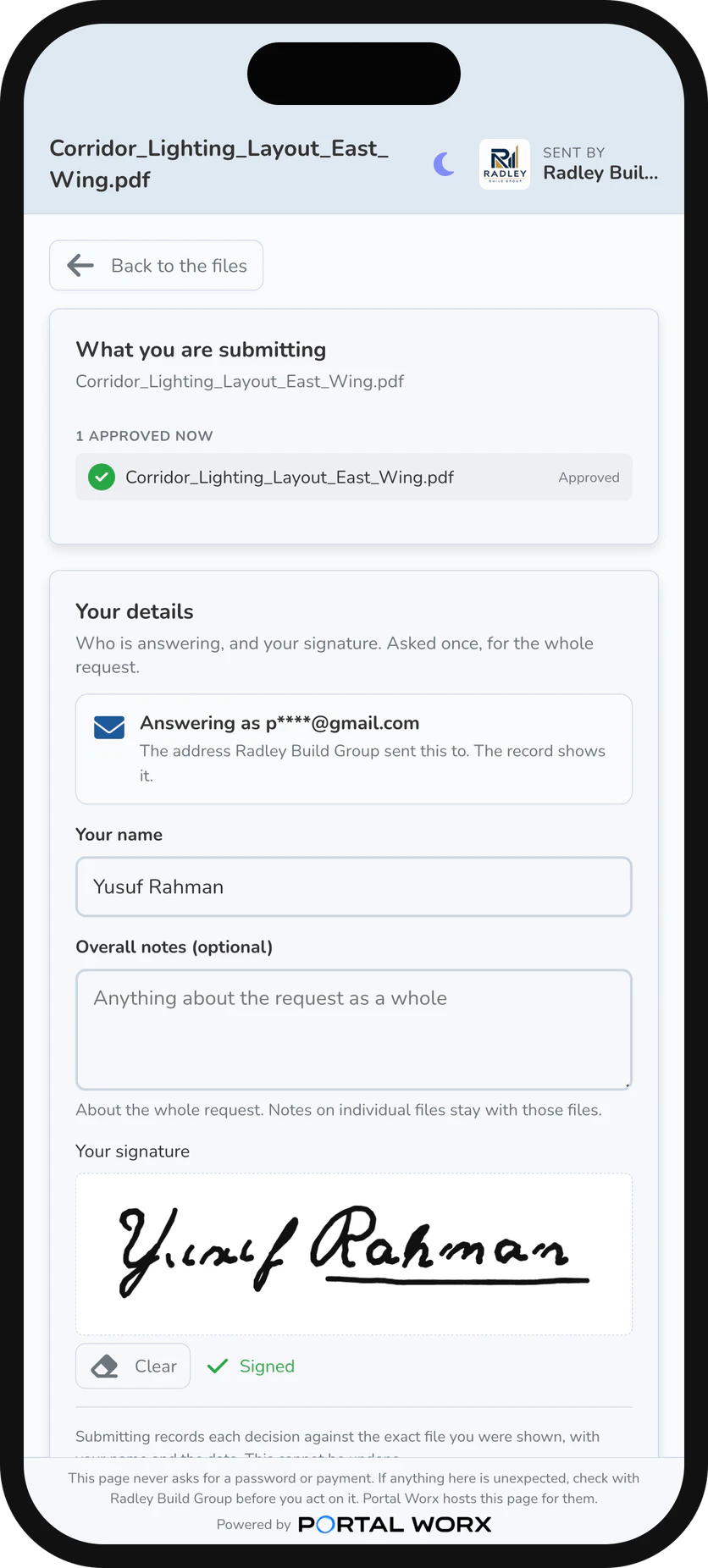
The signature
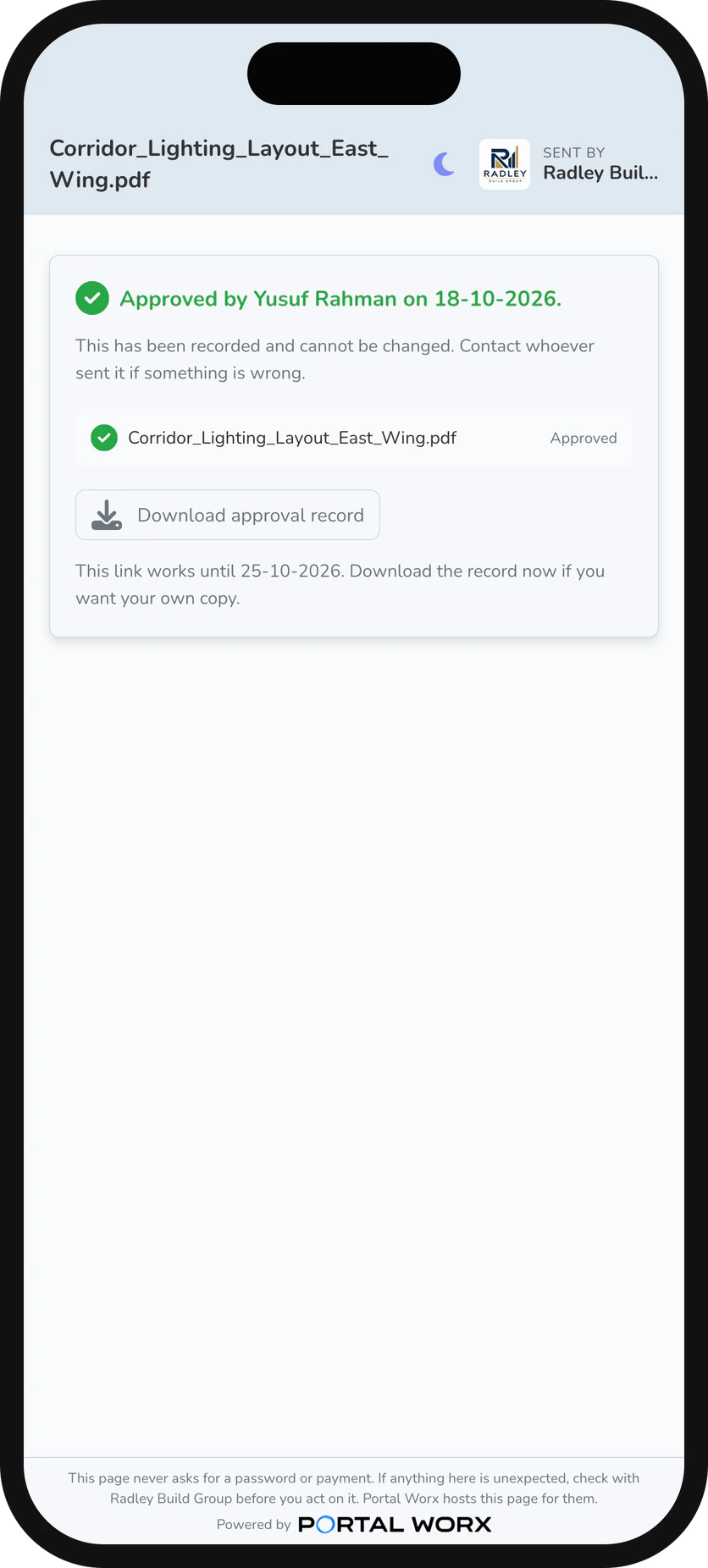
Done, and on the record
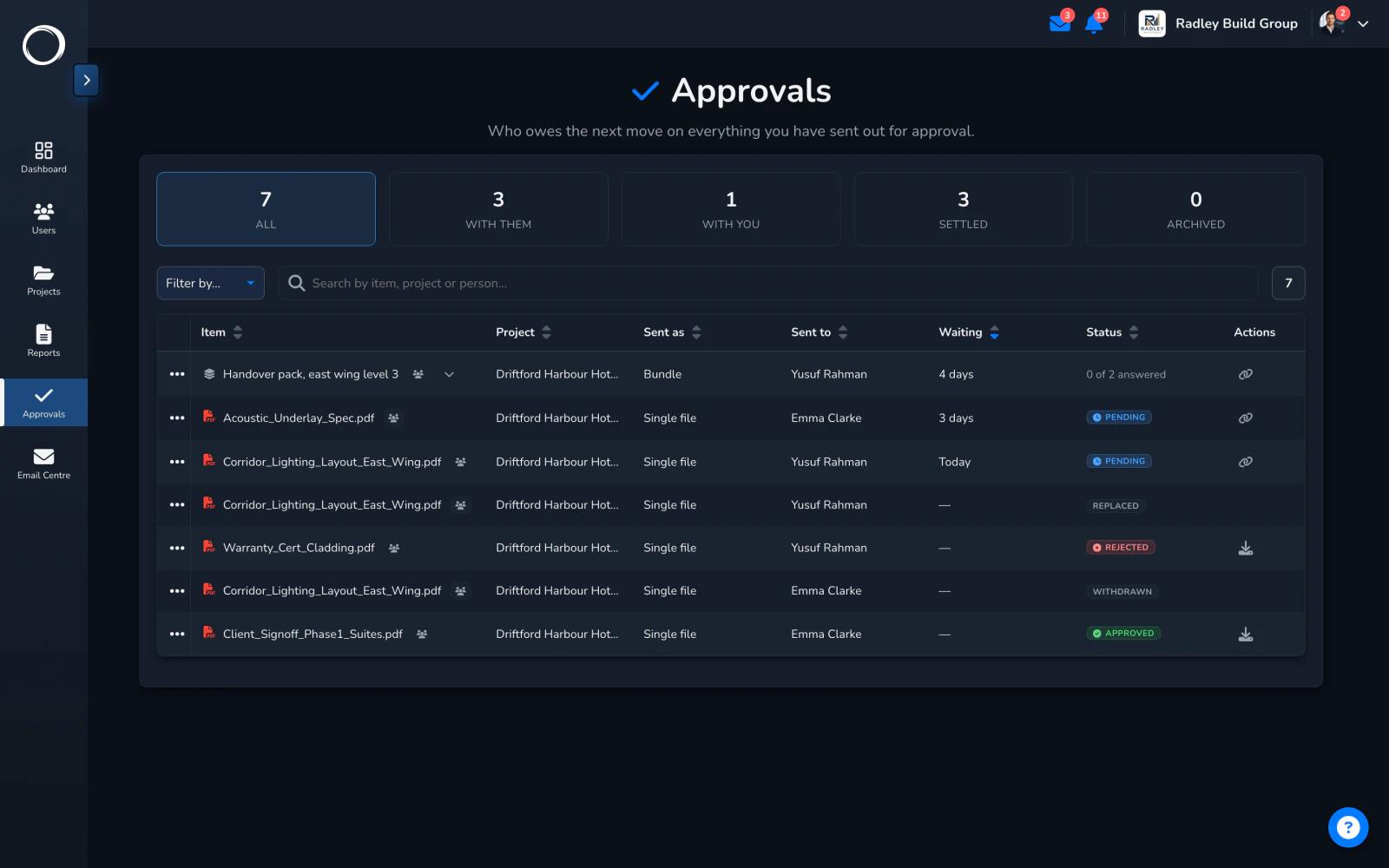
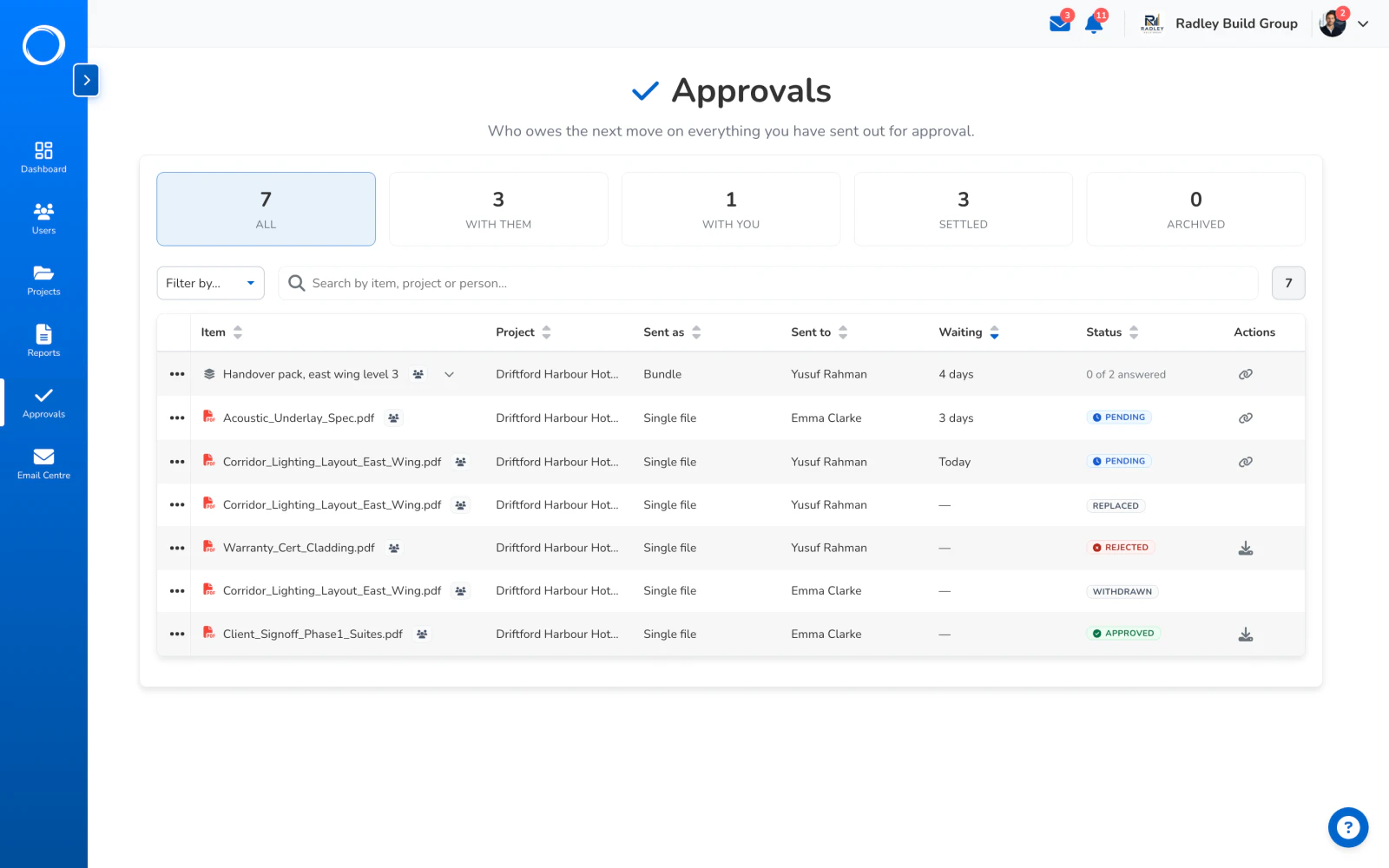
The Approvals Centre moves the request from With them to Settled, the record is a click away, and it's kept on the project next to the file they signed.
Every yes comes back as a PDF you can hand to anyone, with the original file inside it. It shows:
If you asked for it, the record also shows they typed in the one-time code we emailed them before signing. The technical detail, down to the file's SHA-256 fingerprint, is on the record itself: see a real one on the record page.
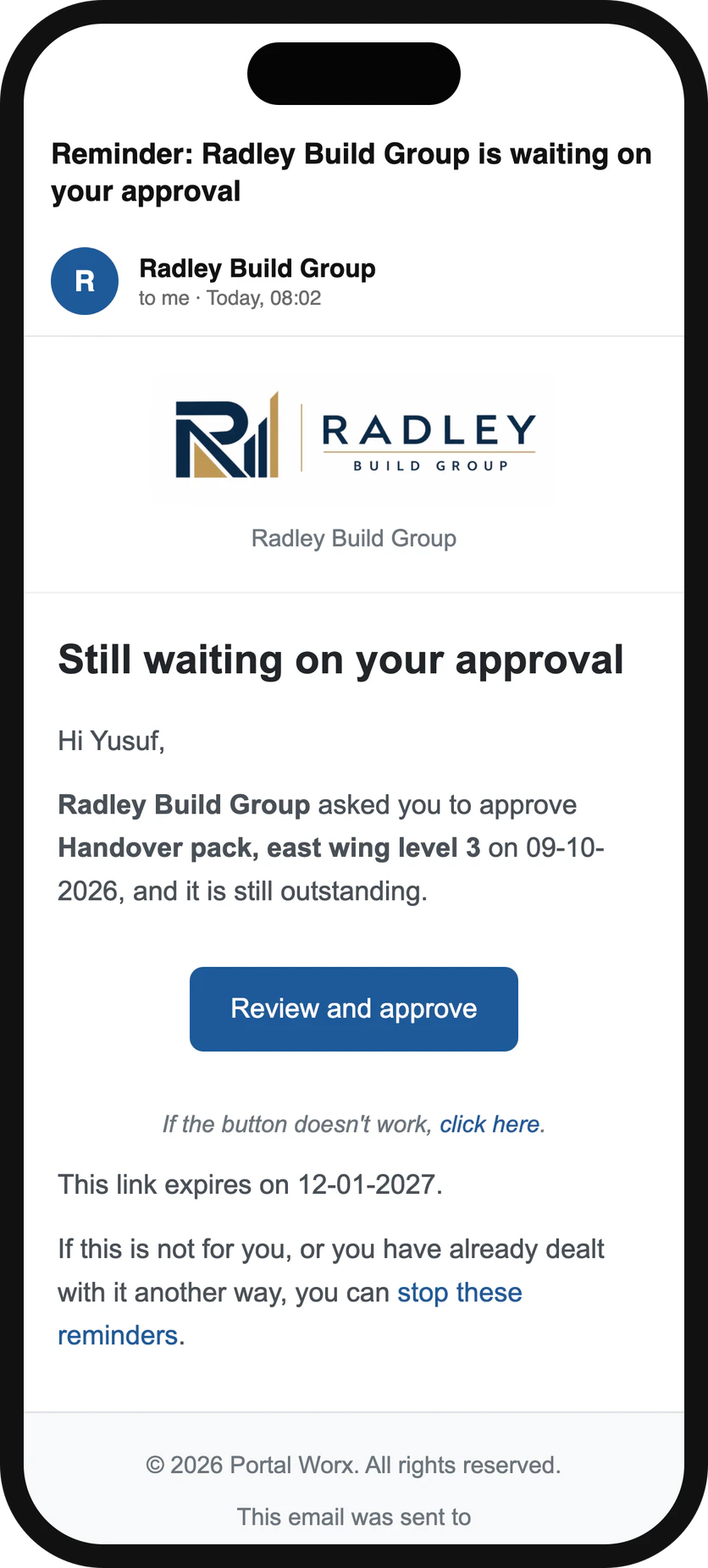
Switch reminders on when you send and they'll hear from you on day 3, day 7, then every 3 days until they answer. It stops the moment they do, or the moment you say so. And the Approvals Centre lists every request by who owes the next move, so Monday morning is a list, not a memory.
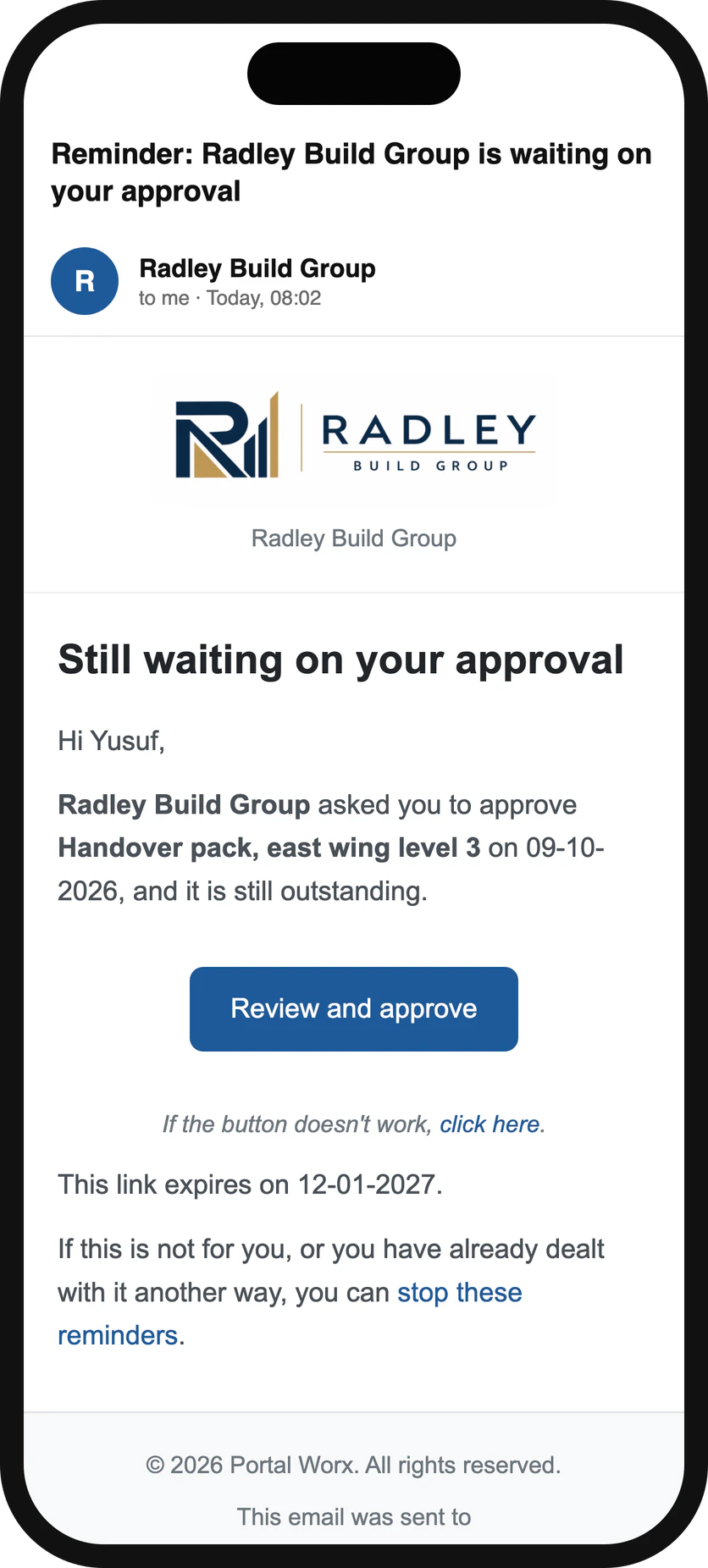
Day 3, on their phone
A signing tool sends a document from nowhere to nowhere. Here, the thing they signed sits on the project, at a known version, next to the photos that justify it, and you'll still find it in eighteen months.
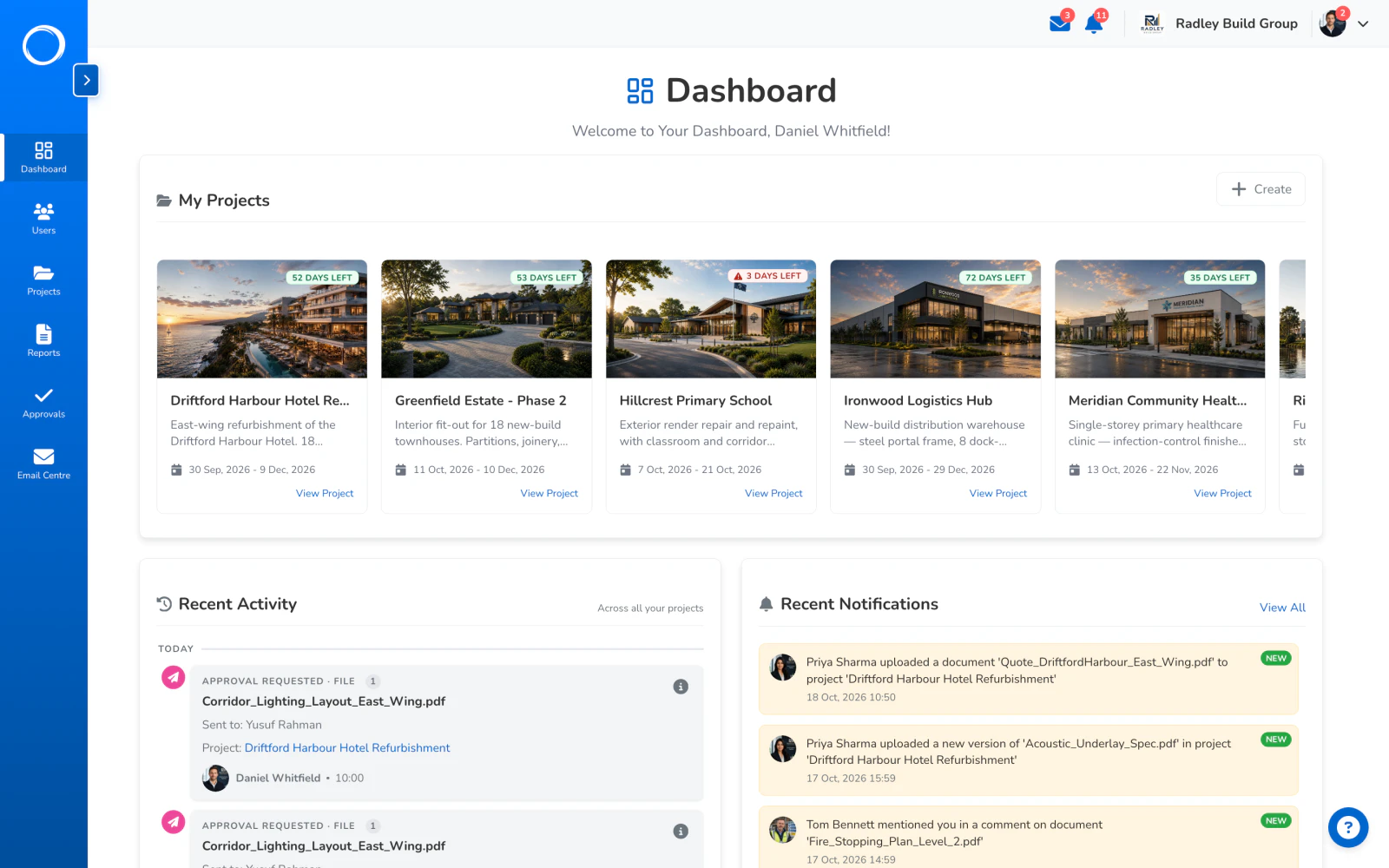
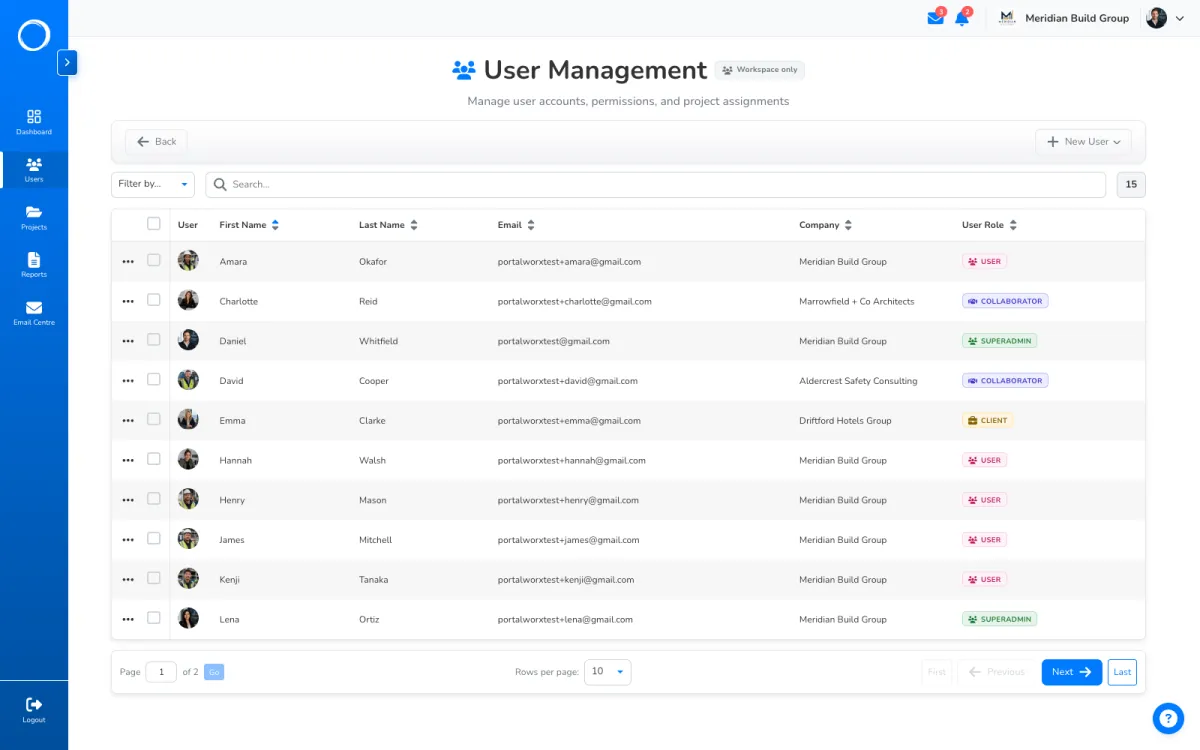
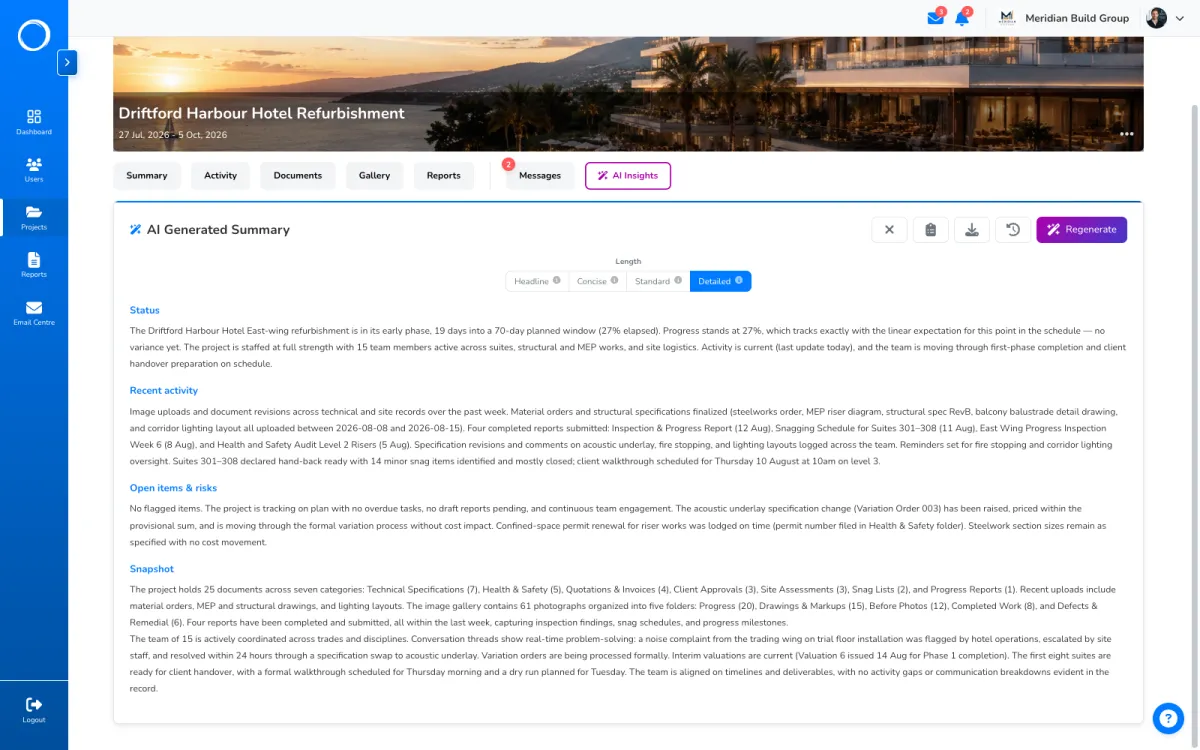
Came for something other than sign-off? Most of what a project needs is in the same place, with your logo on everything your client sees, on every plan.
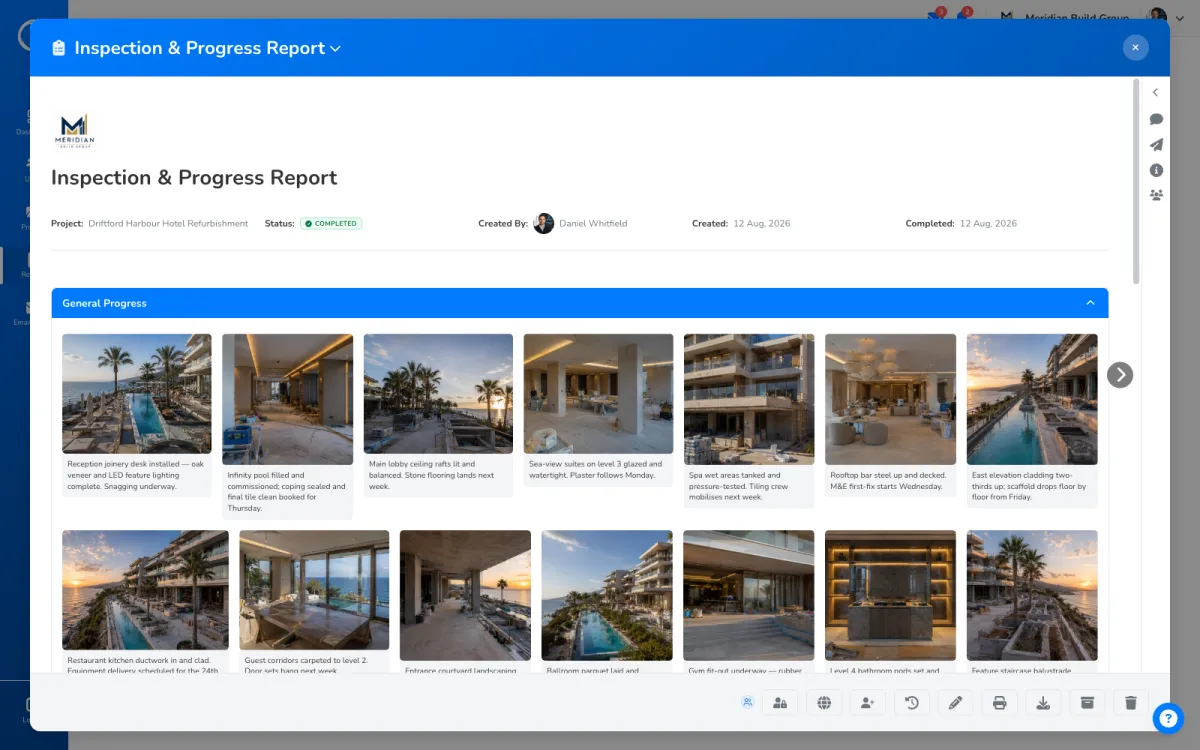
Ask for it on a request and, before they sign, we email them a one-time code they have to type in. That proves whoever signed had that inbox in front of them at that moment, and it's written on the record. It isn't an identity check.
If your document needs a verified identity, a property transfer, a deed, anything that calls for a qualified electronic signature, you need a notary, not us.
And so nobody finds out after a demo, here's what Portal Worx doesn't do:
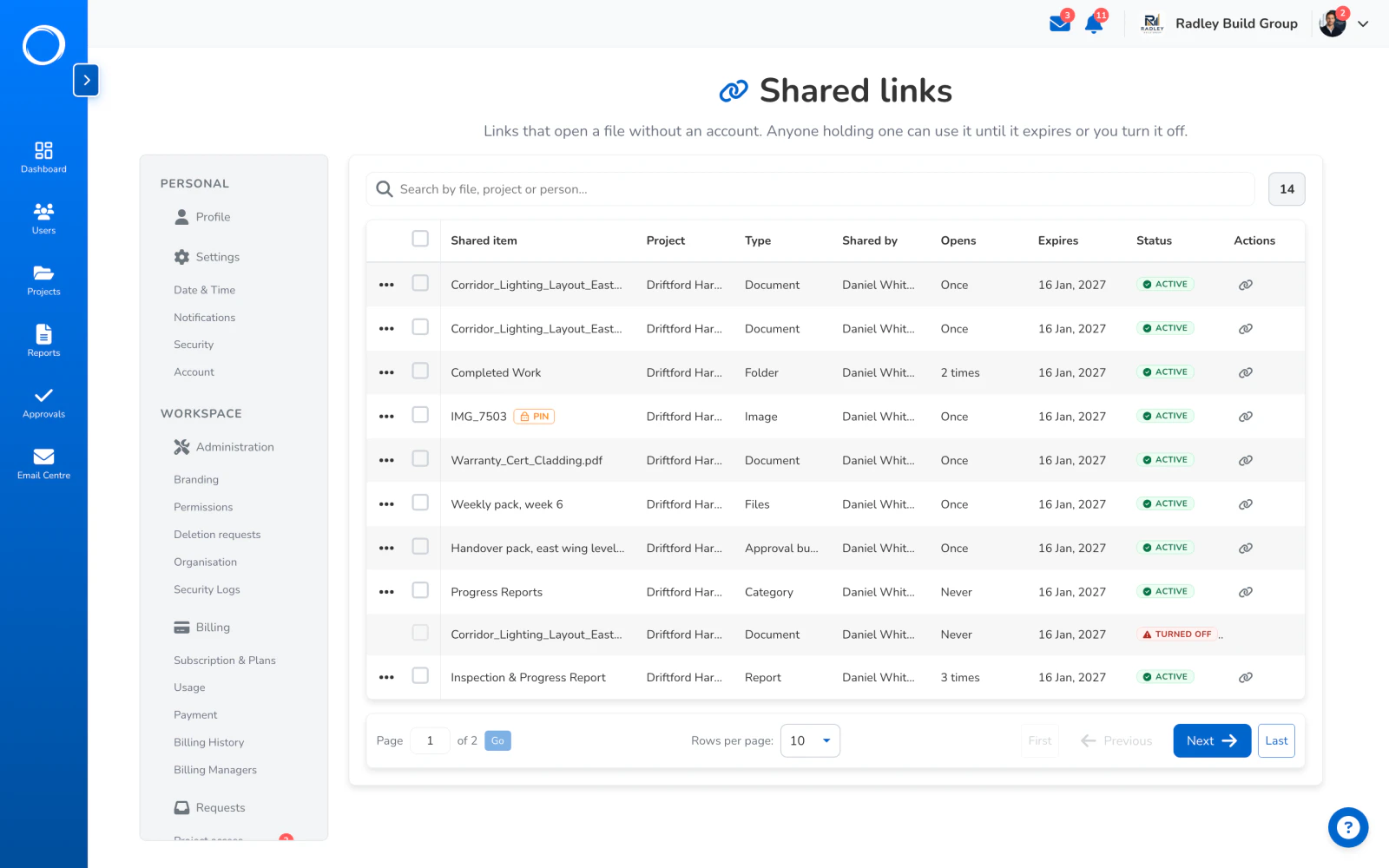
Approvals and share links aren't counted on any plan, including the £29 one. Neither are people: your team, your clients and your suppliers are all in. Plans are cut on projects, storage and AI credits, from £29 a month.
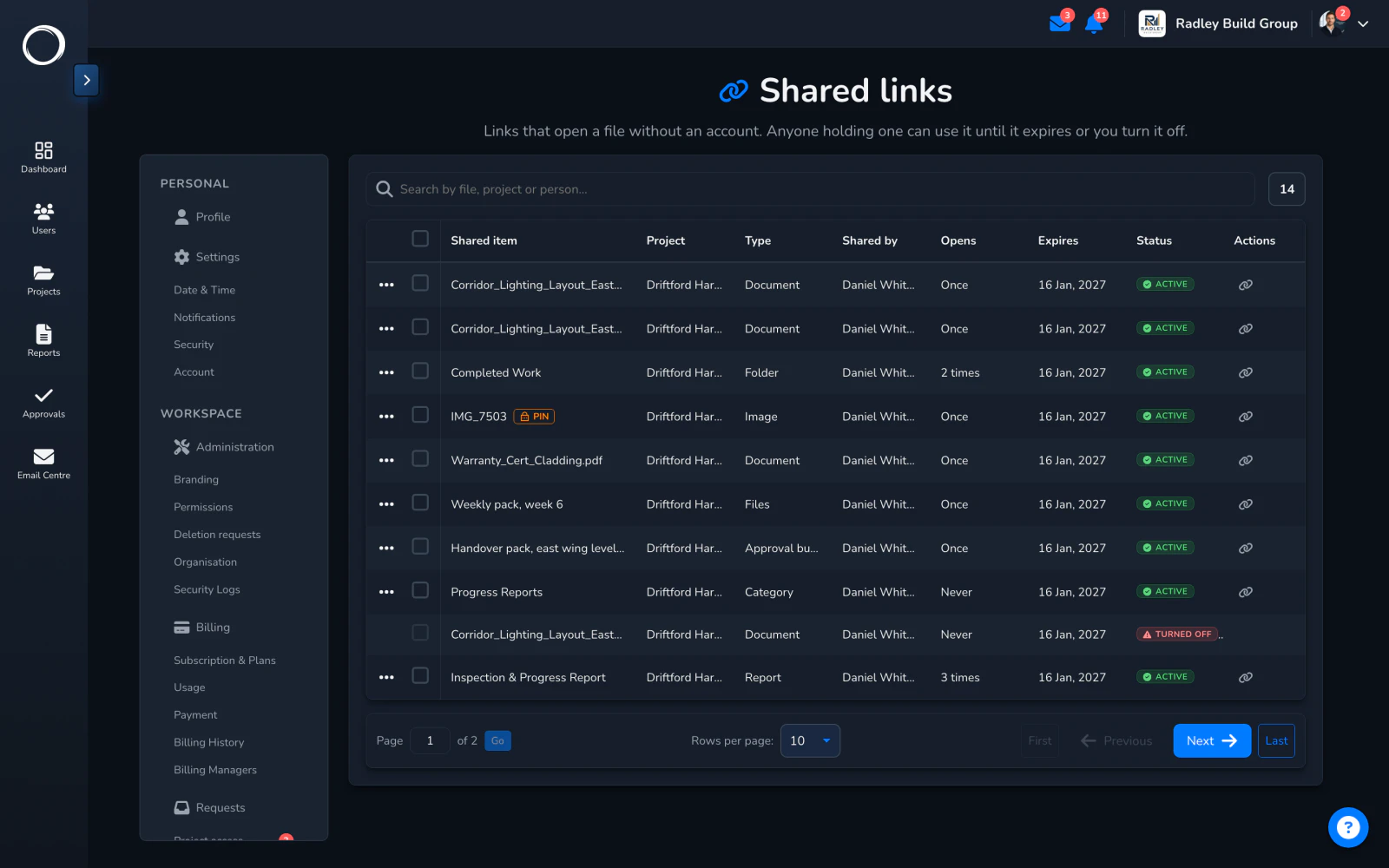
No. They open a link, and the link is the whole thing. It works for 90 days or until you turn it off, and you can add a six-digit PIN if you want a second check.
Documents: PDFs, image files and plain text. Reports are shared with them rather than signed, and Word or Excel files need saving as a PDF first.
The record shows who signed, from where, when, and that it was this exact file. That's evidence of agreement, and a record like it is admissible. It isn't an identity check: a deed or a property transfer needs a notary, not us.
The reminders you switched on go out on day 3, day 7 and then every 3 days, and stop the moment they answer. You can see every email that went out and whether it landed.
Send. Sign. Keep.
Set up in minutes and send a drawing for sign-off before lunch. Free for 14 days, no card, cancel any time.