Sign-off is the reason to start. The workspace behind it is the reason the record's still there, at the right version, when someone asks.
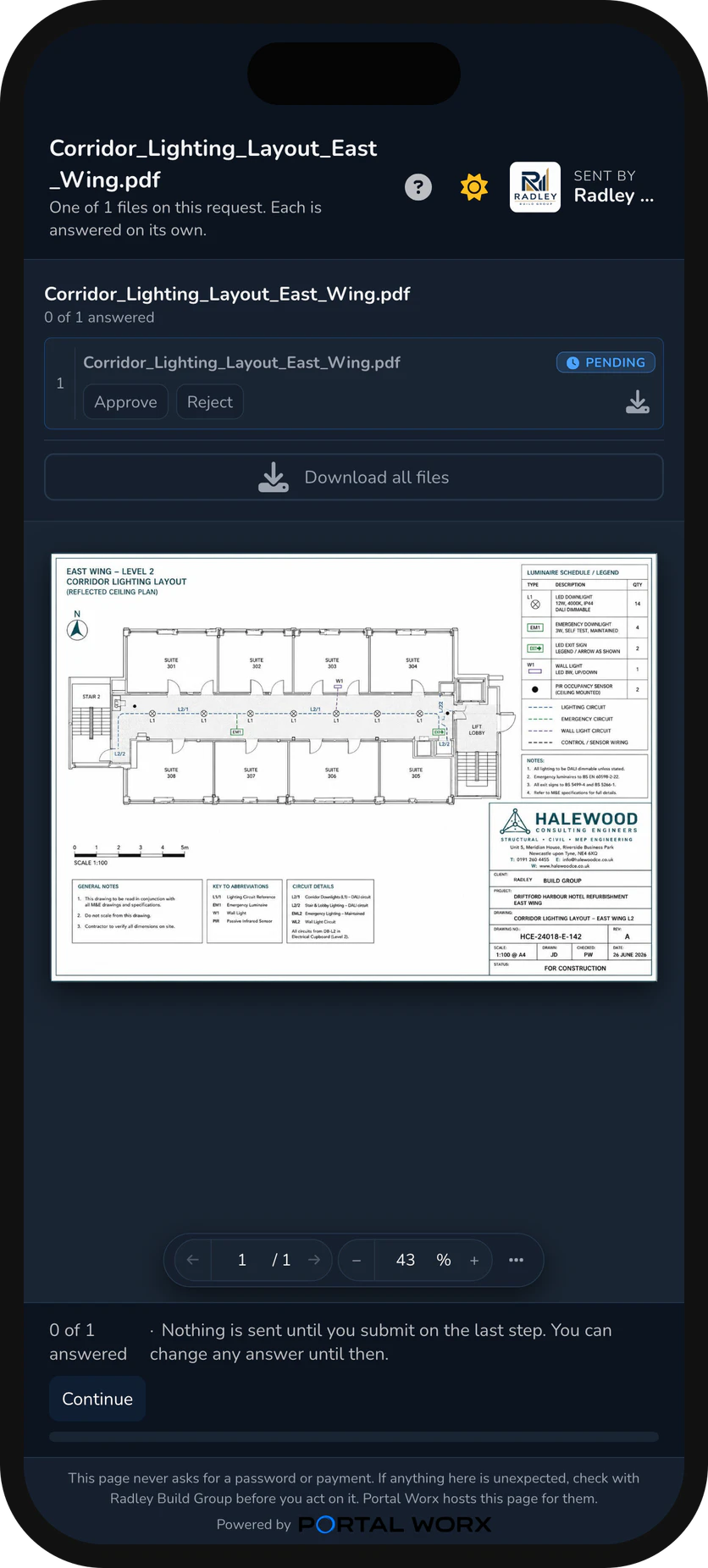
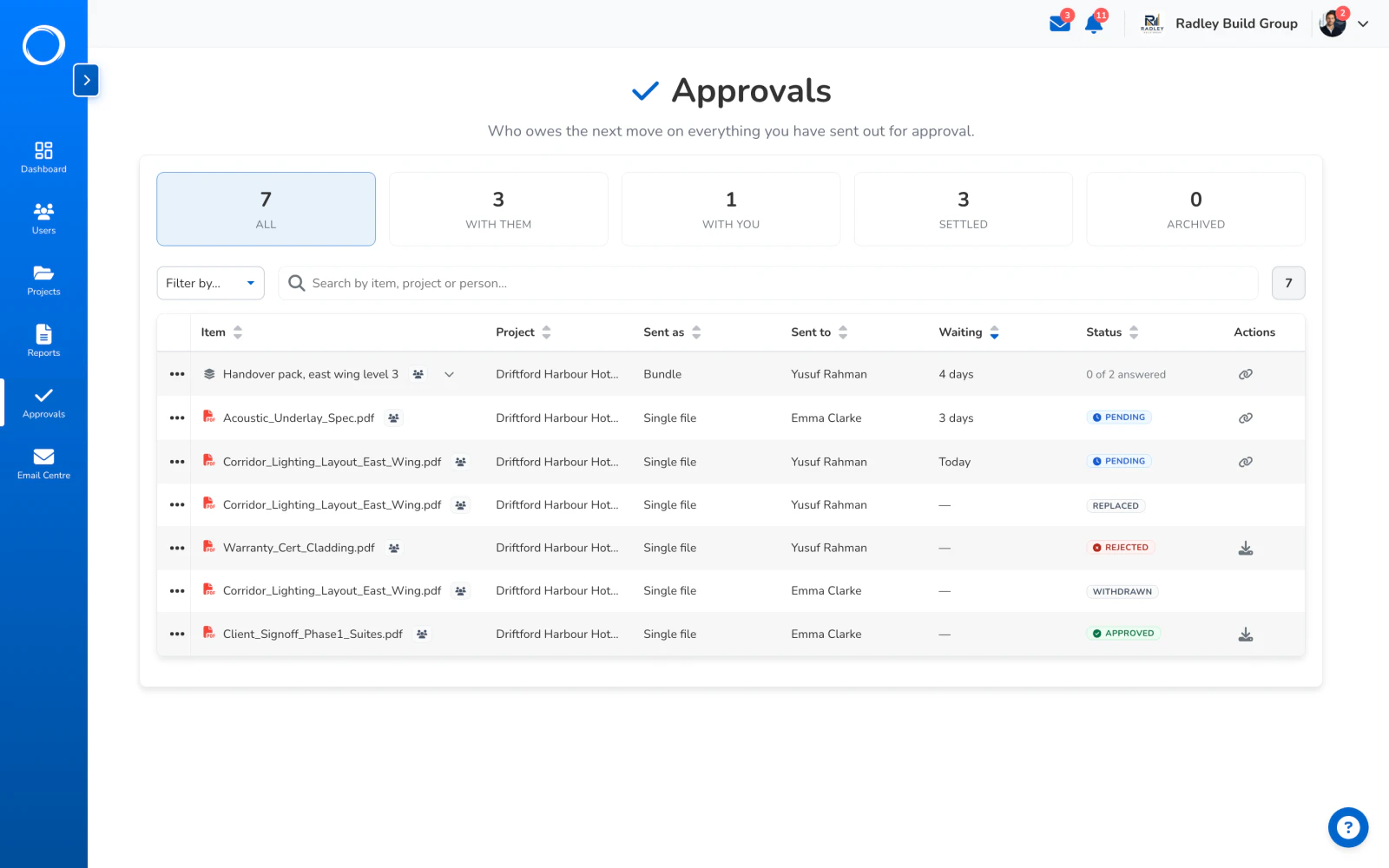
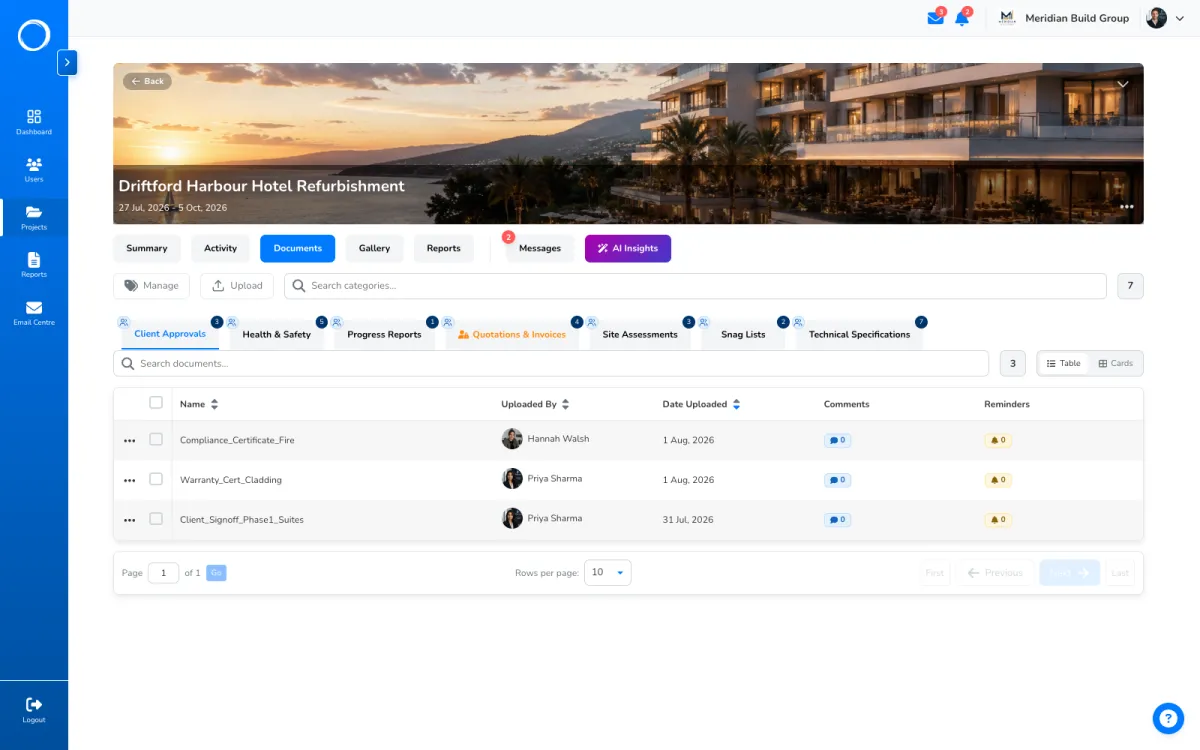
Pick a document, name the person, send. Whoever has to approve it opens the page wherever they are, reads the file, and approves or rejects it with a signature. No account, nothing to install.
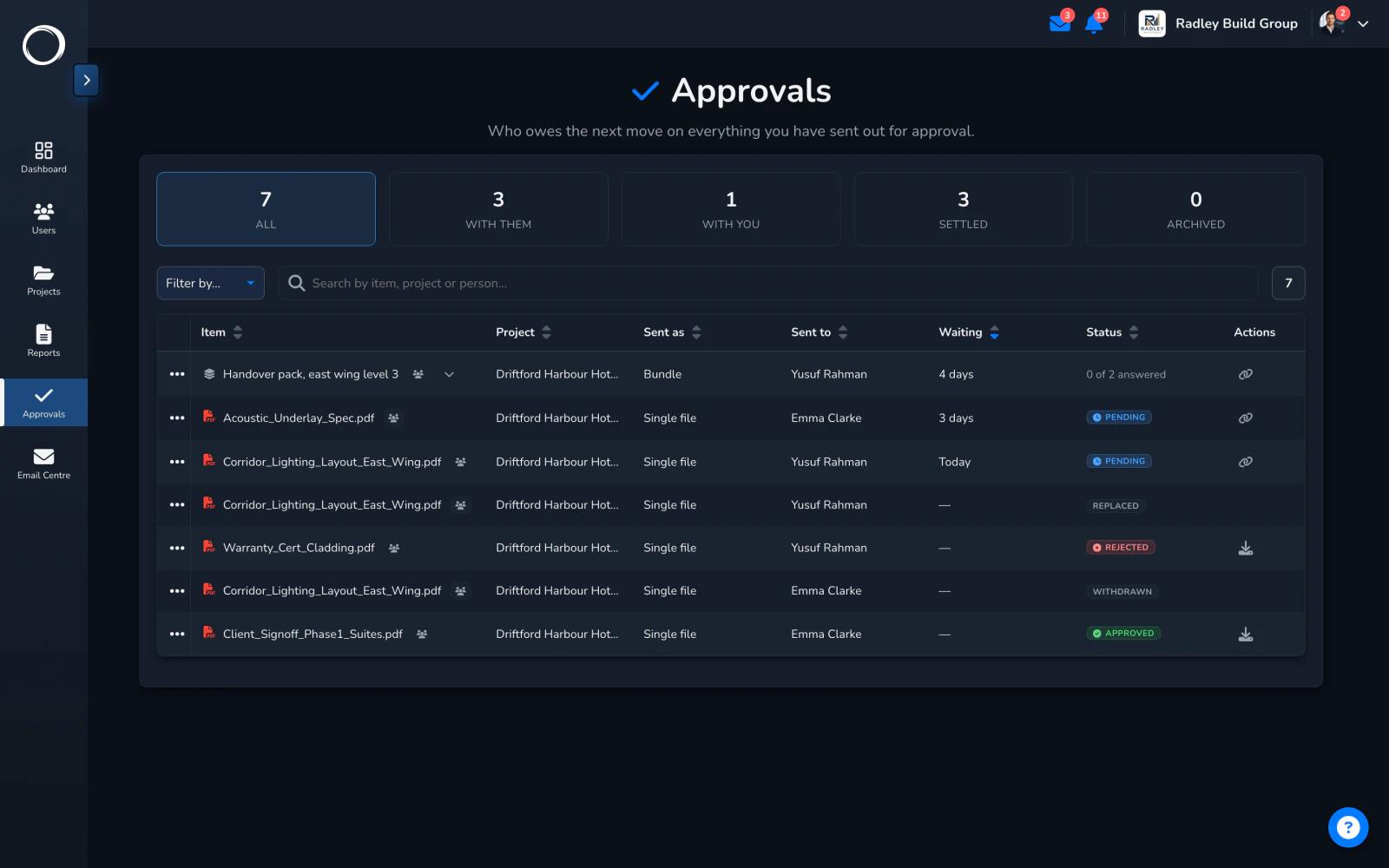
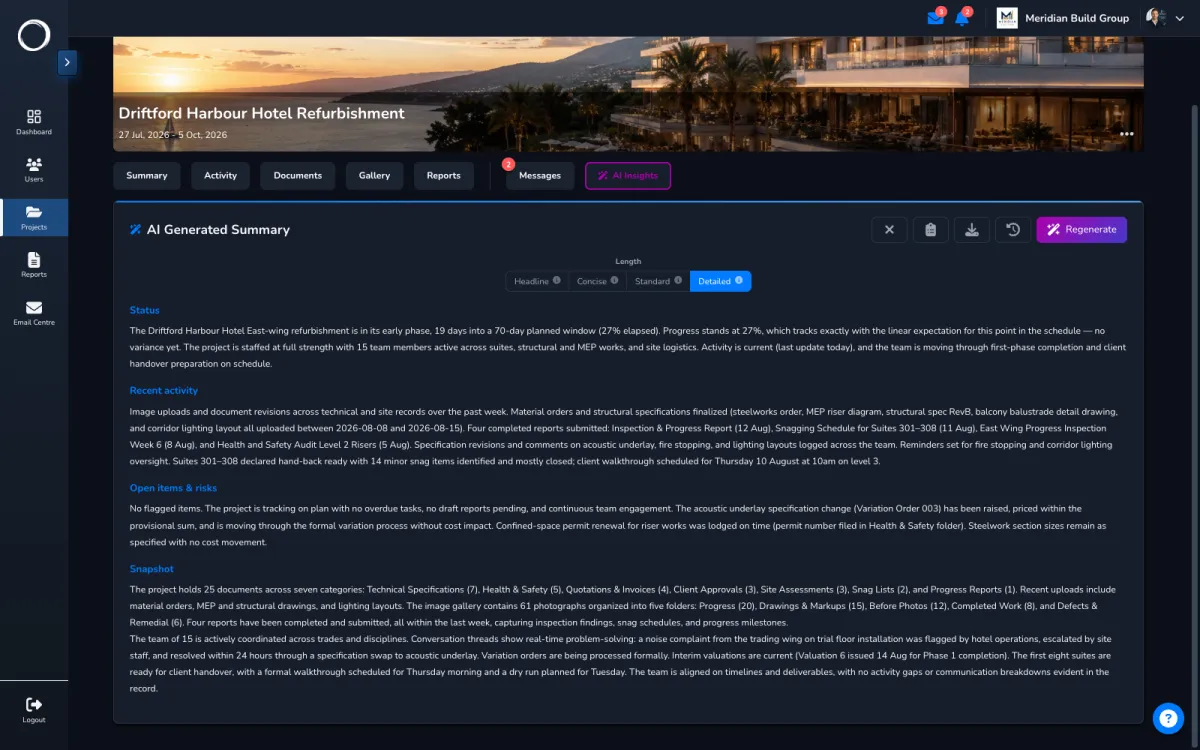
On the request's AI insights tab, one press says where it stands and one press says what the new version changed since the one they rejected. The comparison shows on the client's link too.
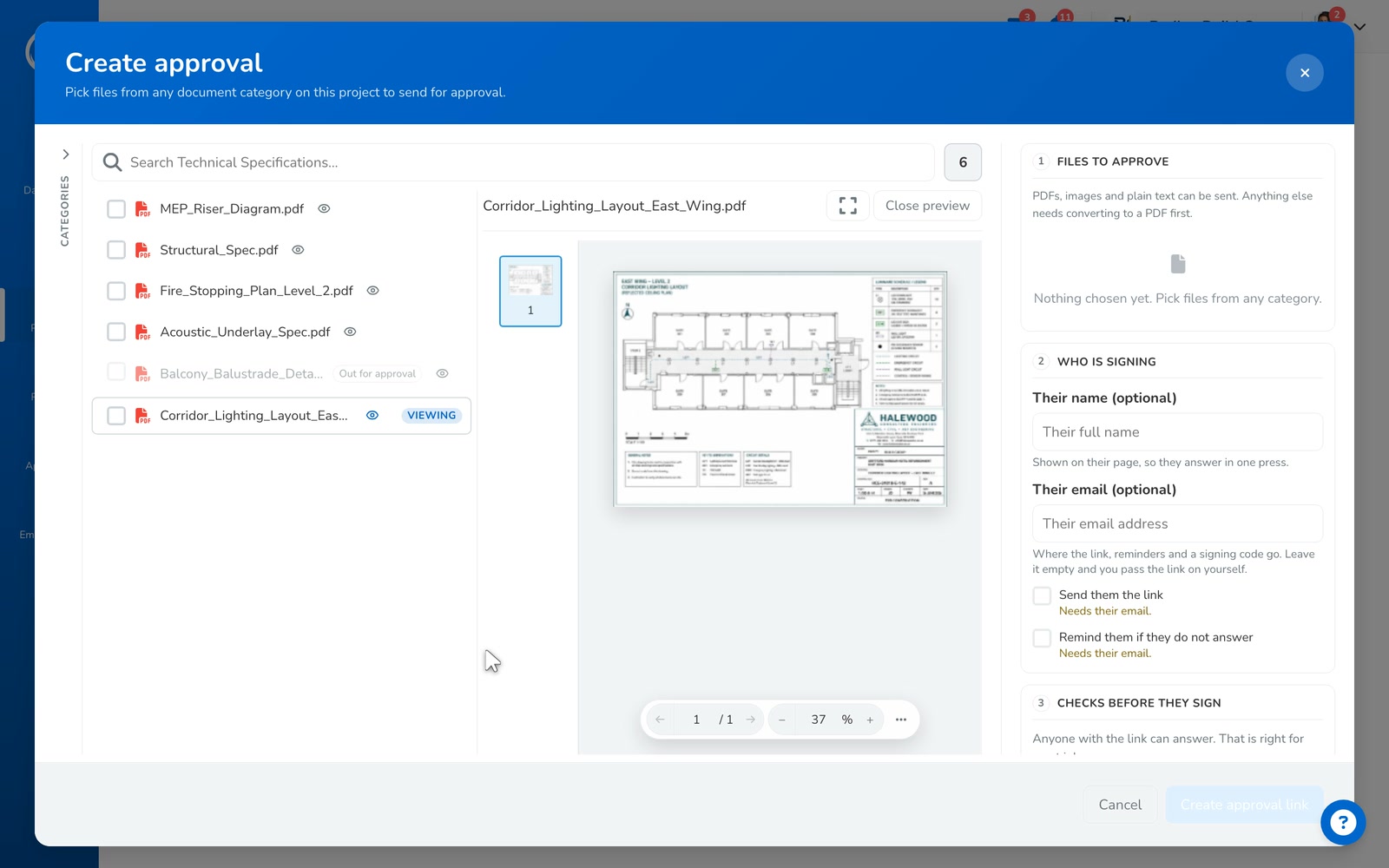
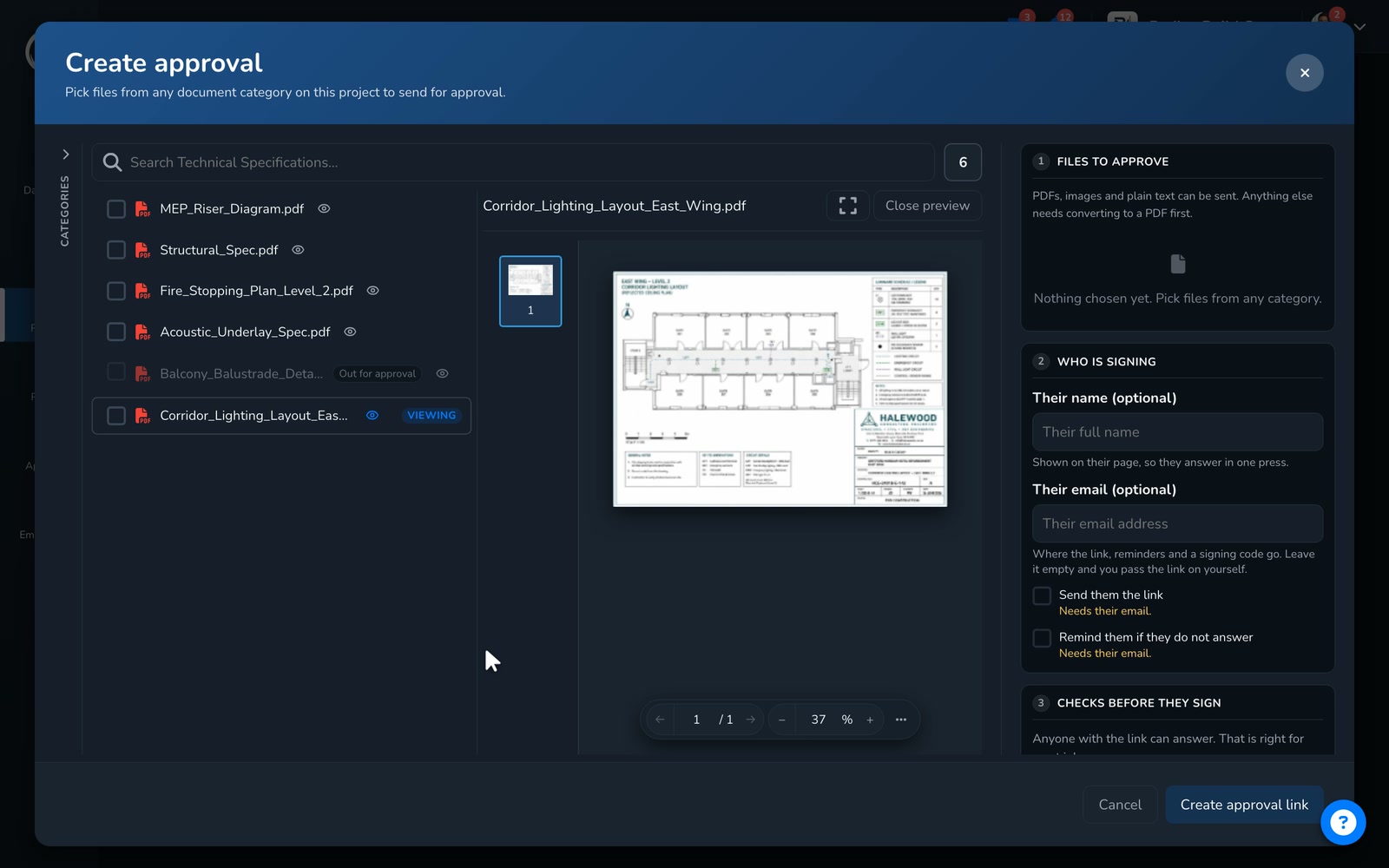
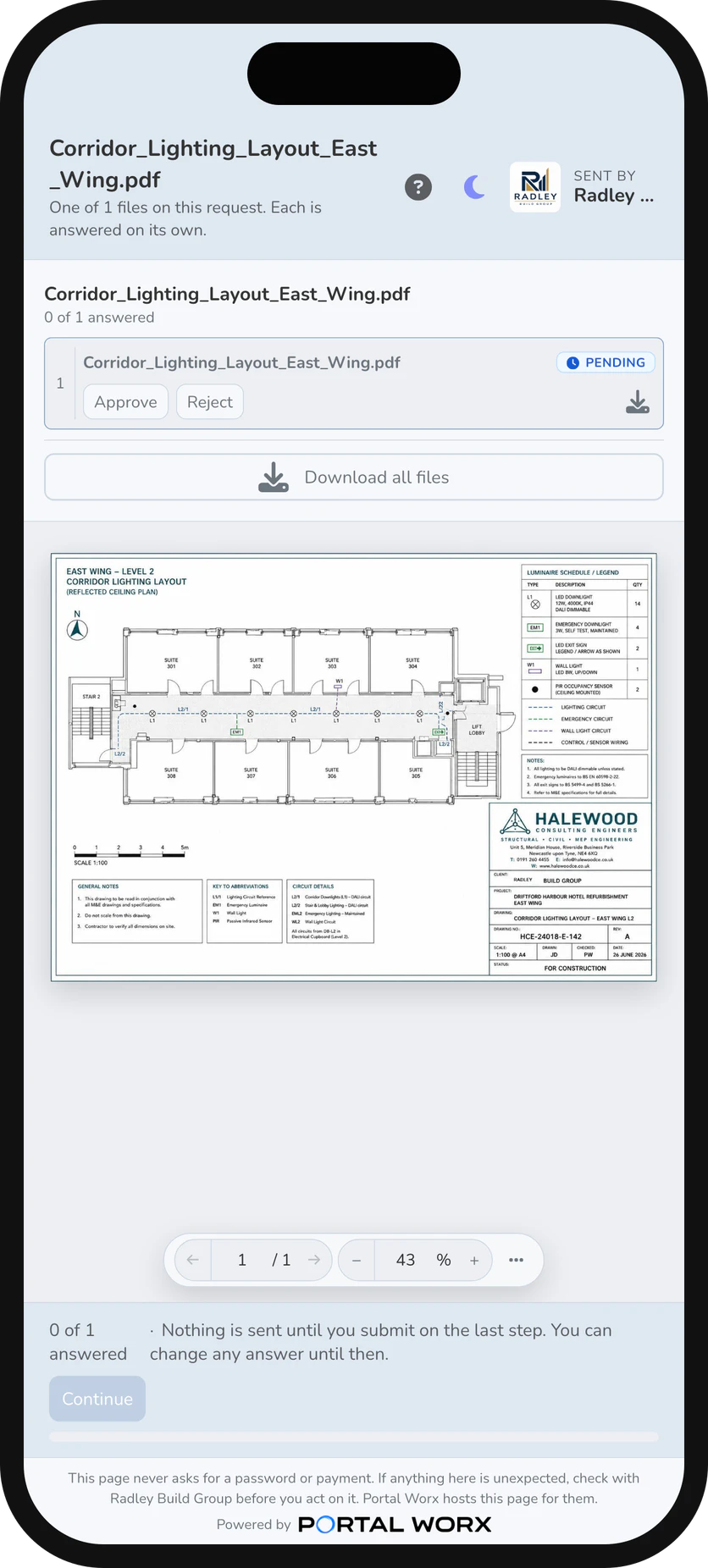
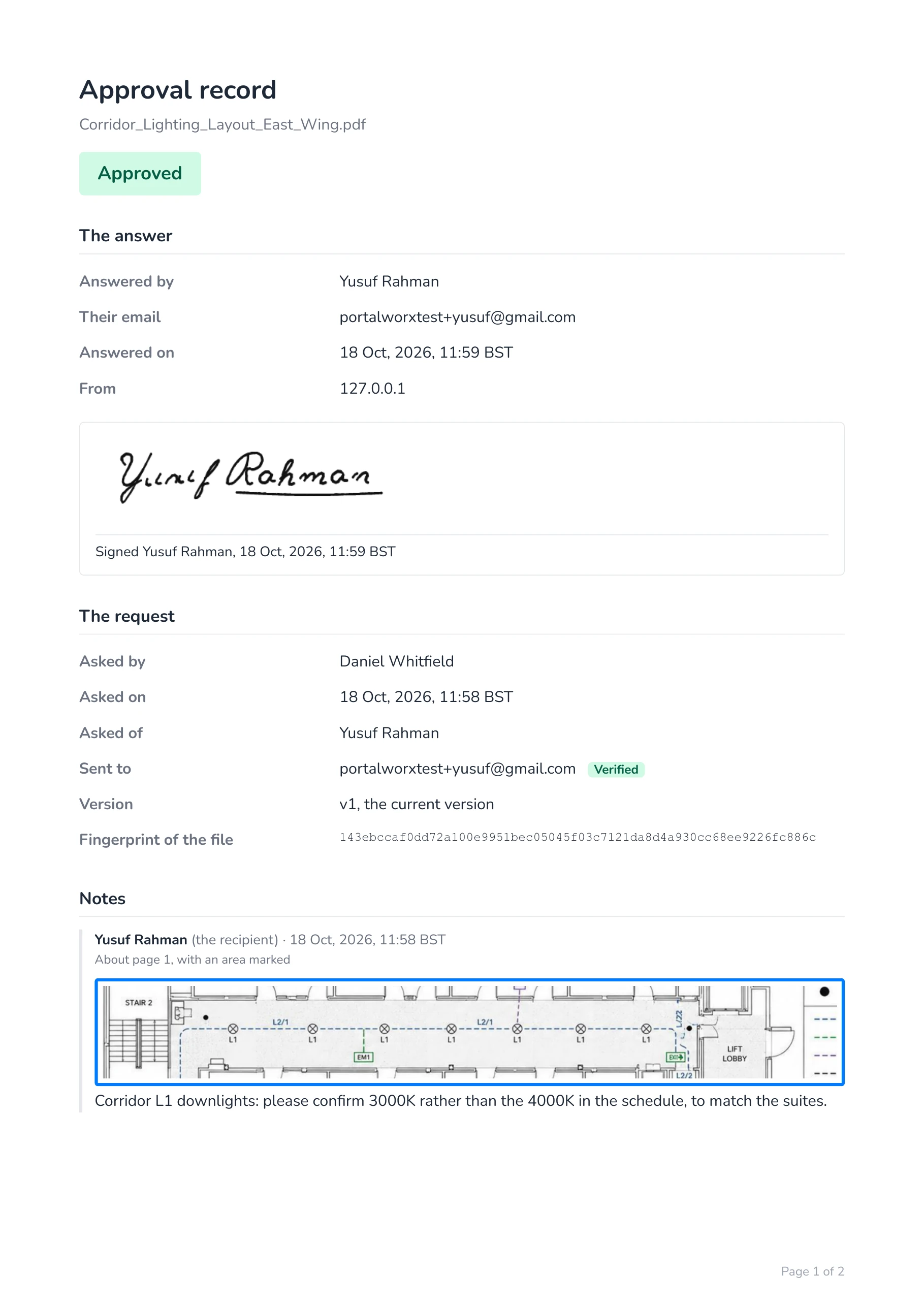
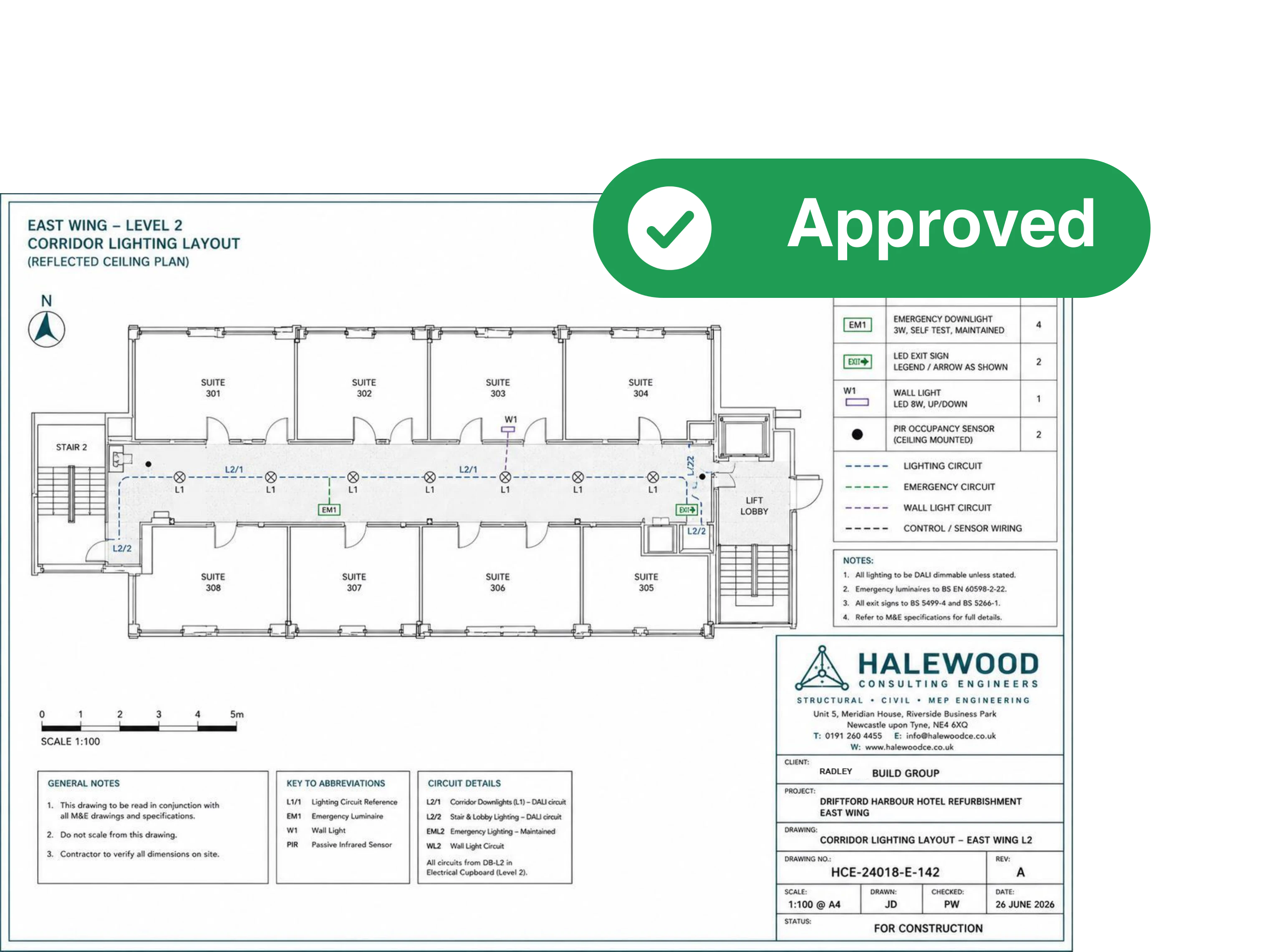
Every answer is written into a PDF with the original file inside it. It names who signed and where from, the time, the exact file they saw, and the version they signed.
Switch reminders on when you send a request and they'll hear from you on day 3, day 7, then every 3 days until they answer. It stops when they do, or when you stop it.
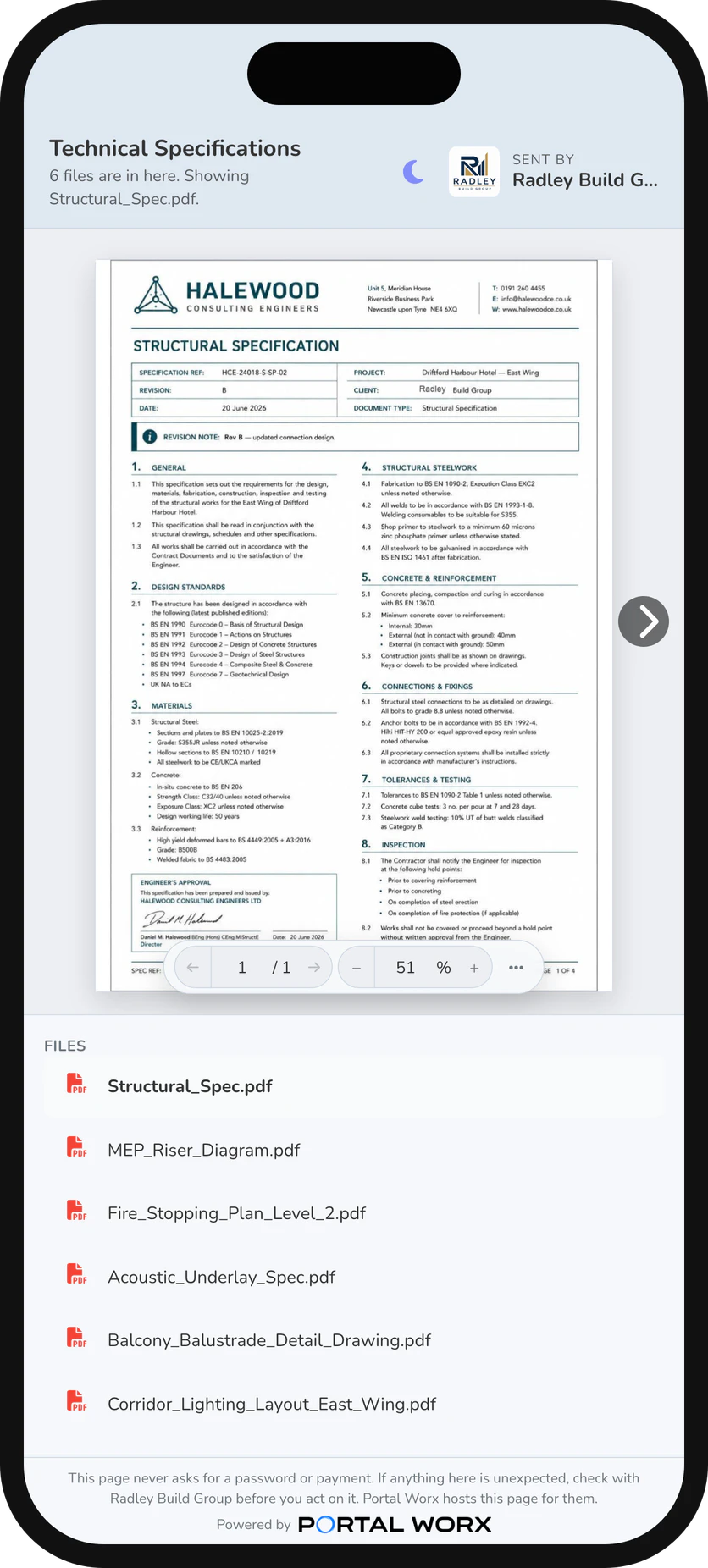
A document, a photo, a report, or a whole category or folder, opened by whoever holds the link, with no account. A folder link shows what's in the folder now.
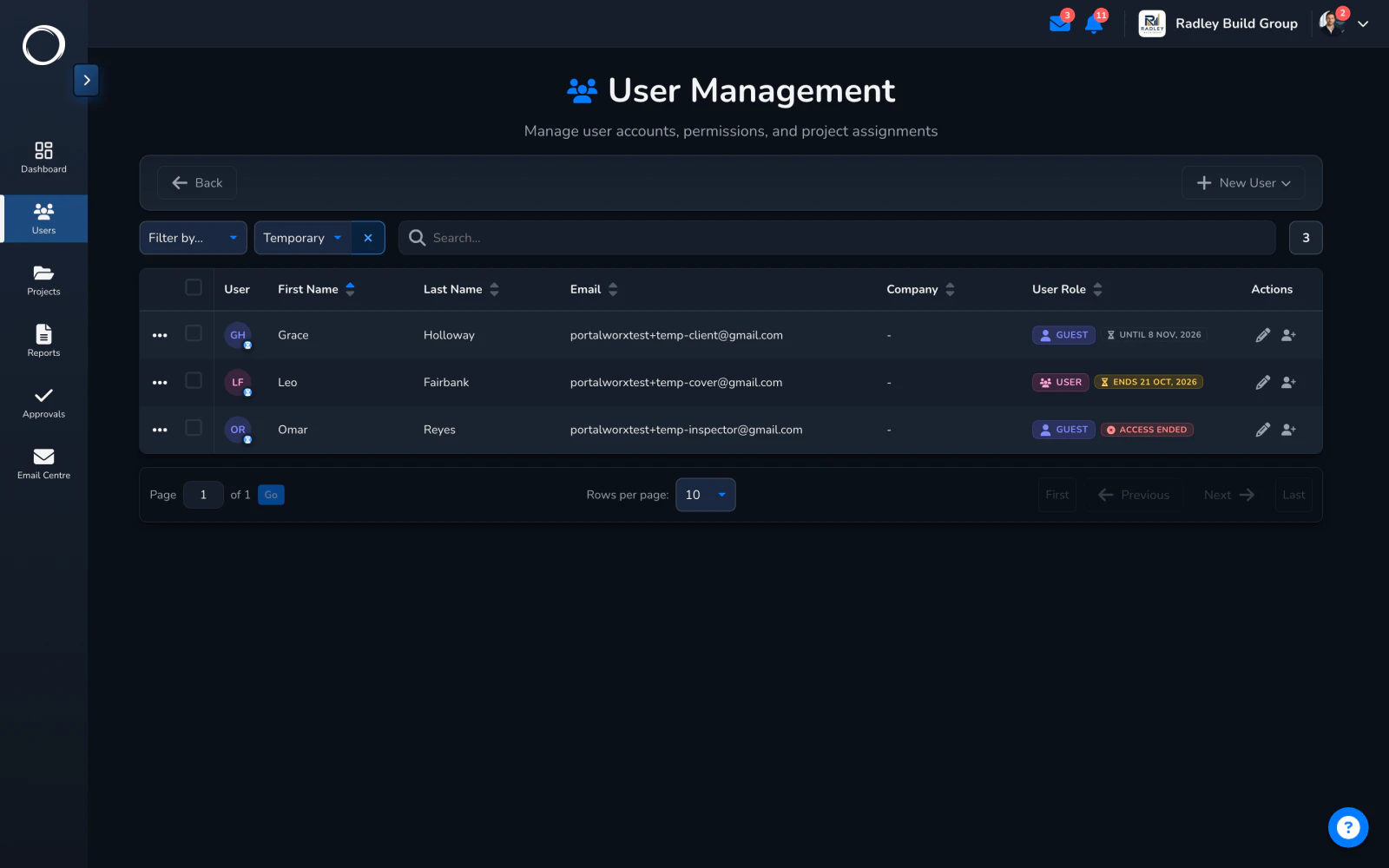
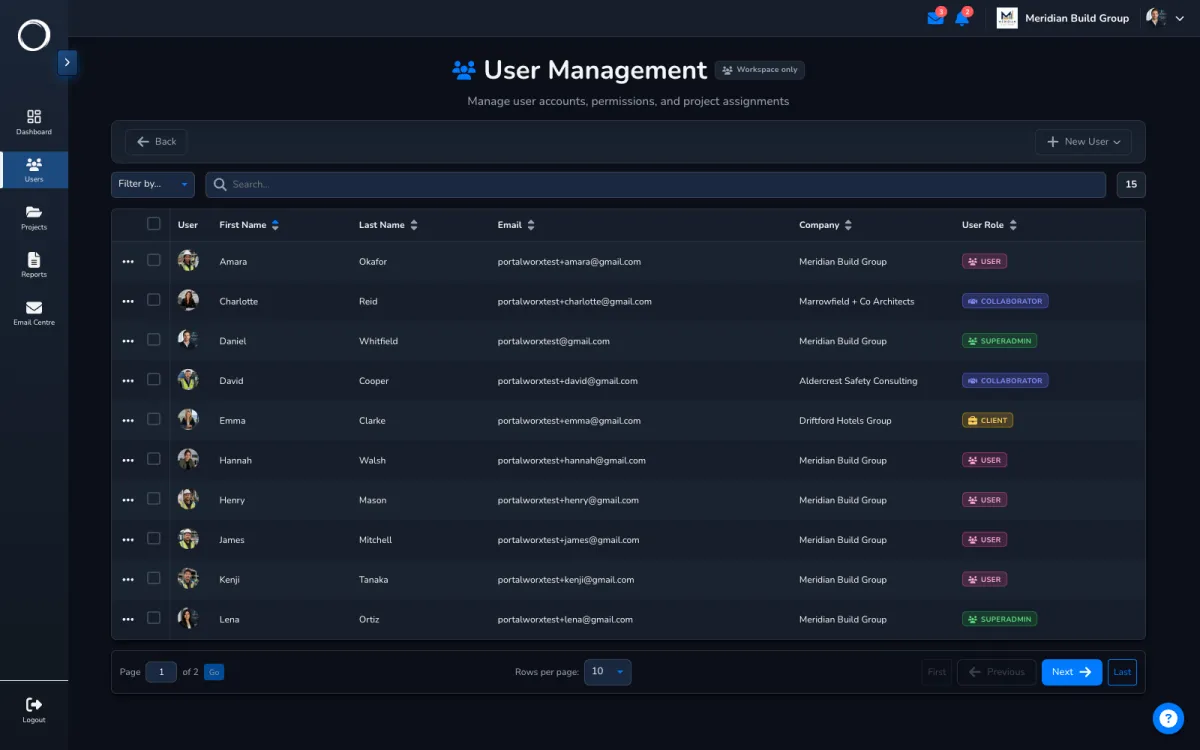
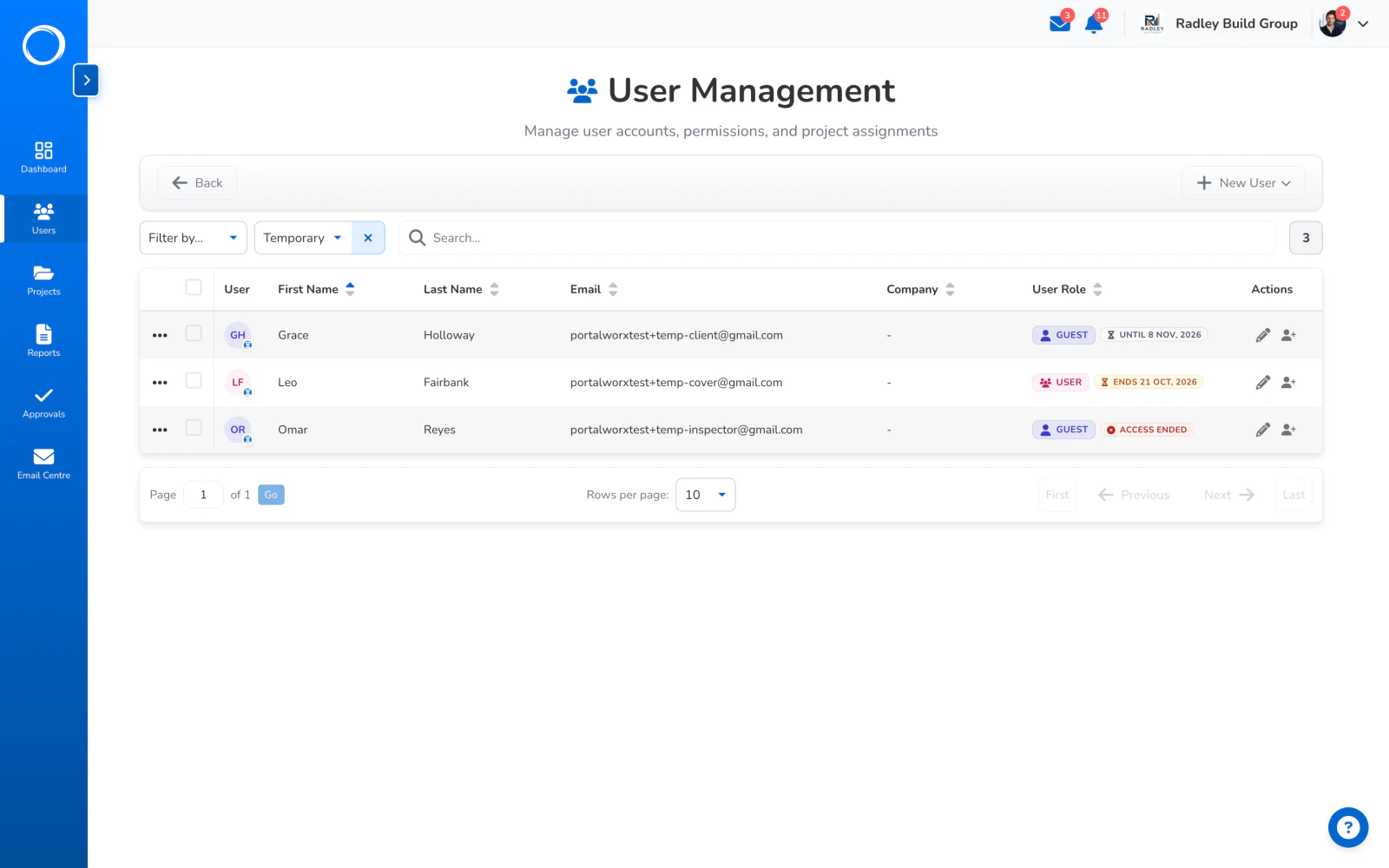
A consultant on the project for a fortnight, an inspector for a week: give them chosen projects until a date. They sign in with a code sent to their email, see only those projects, and the access ends by itself.
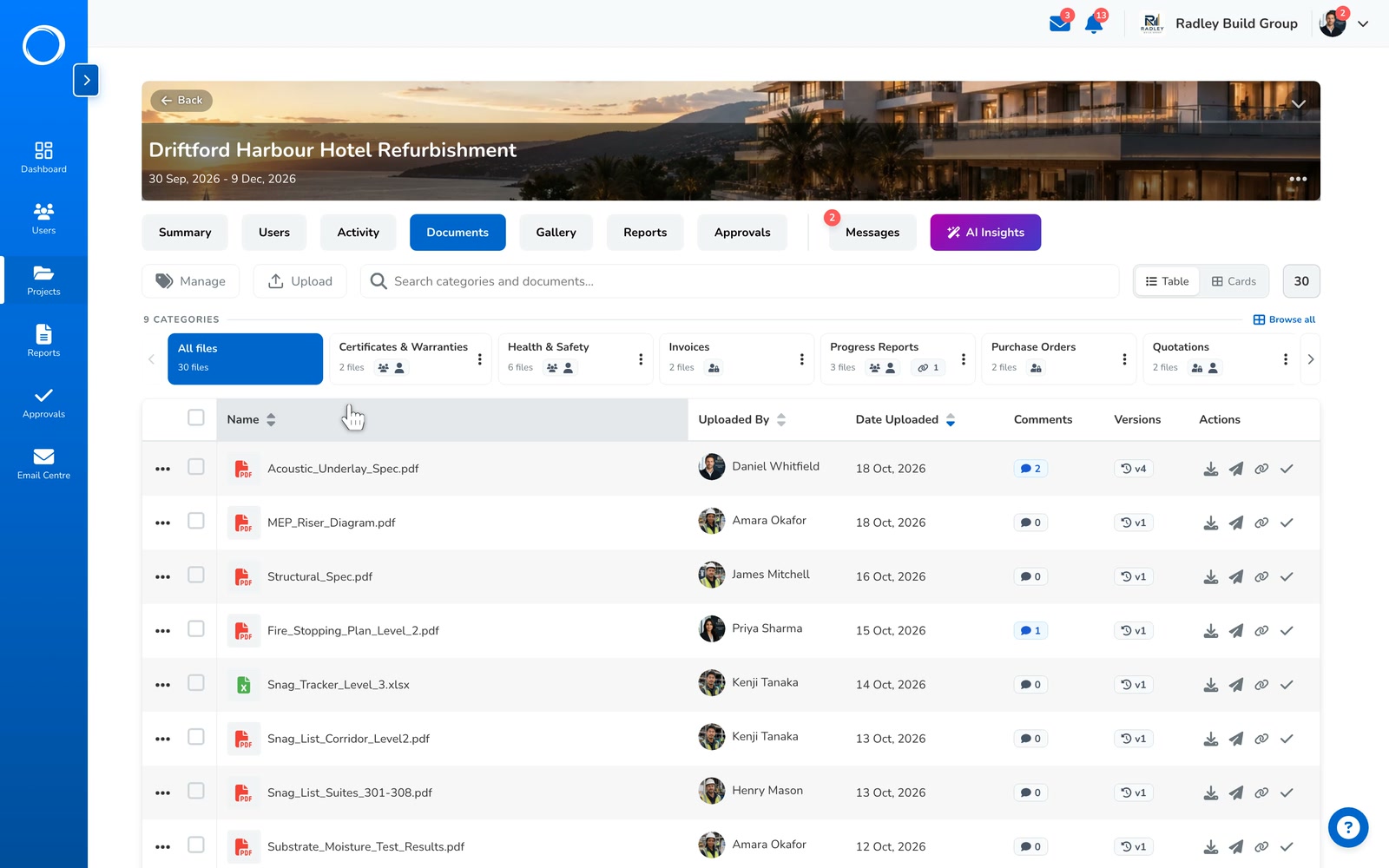
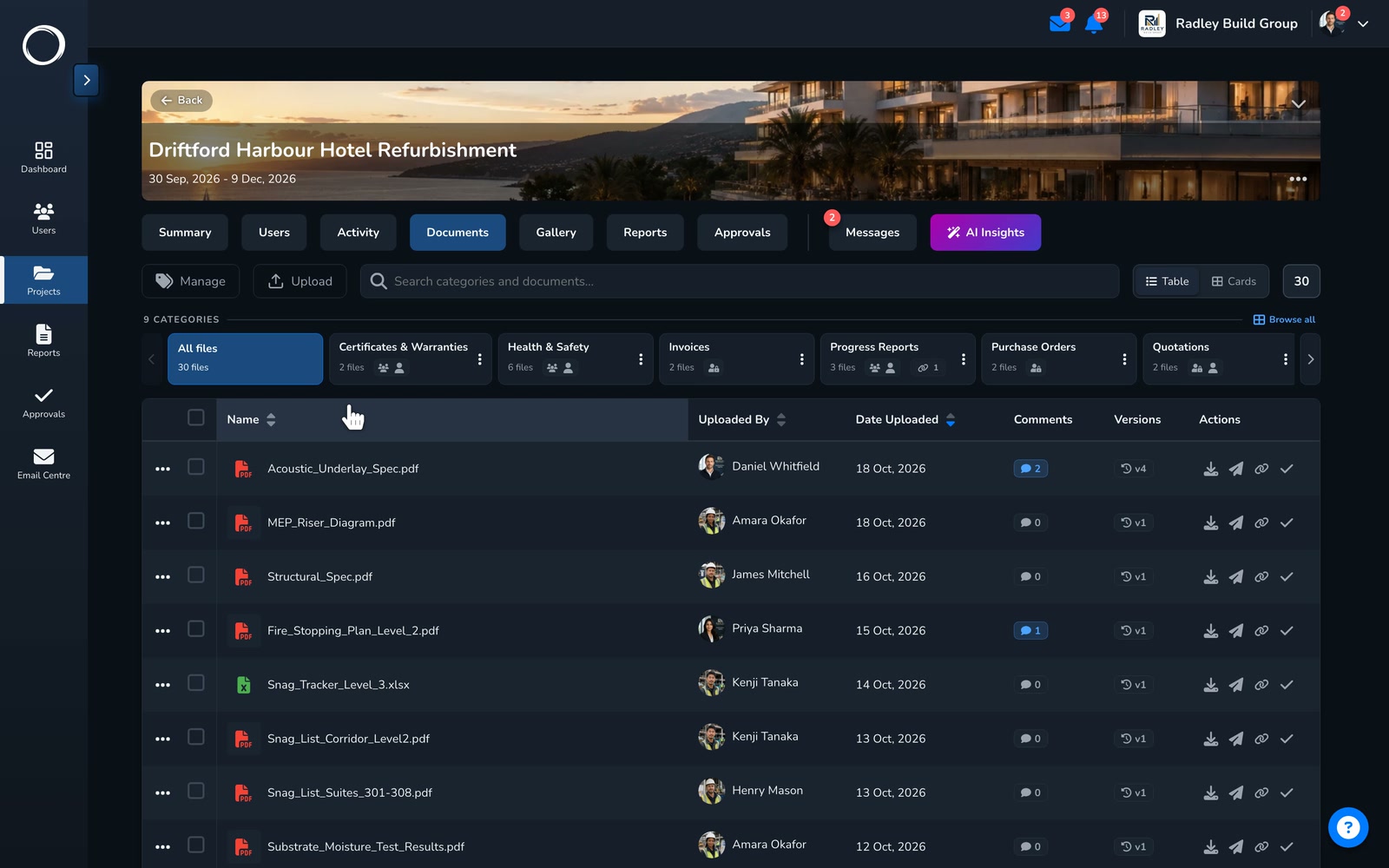
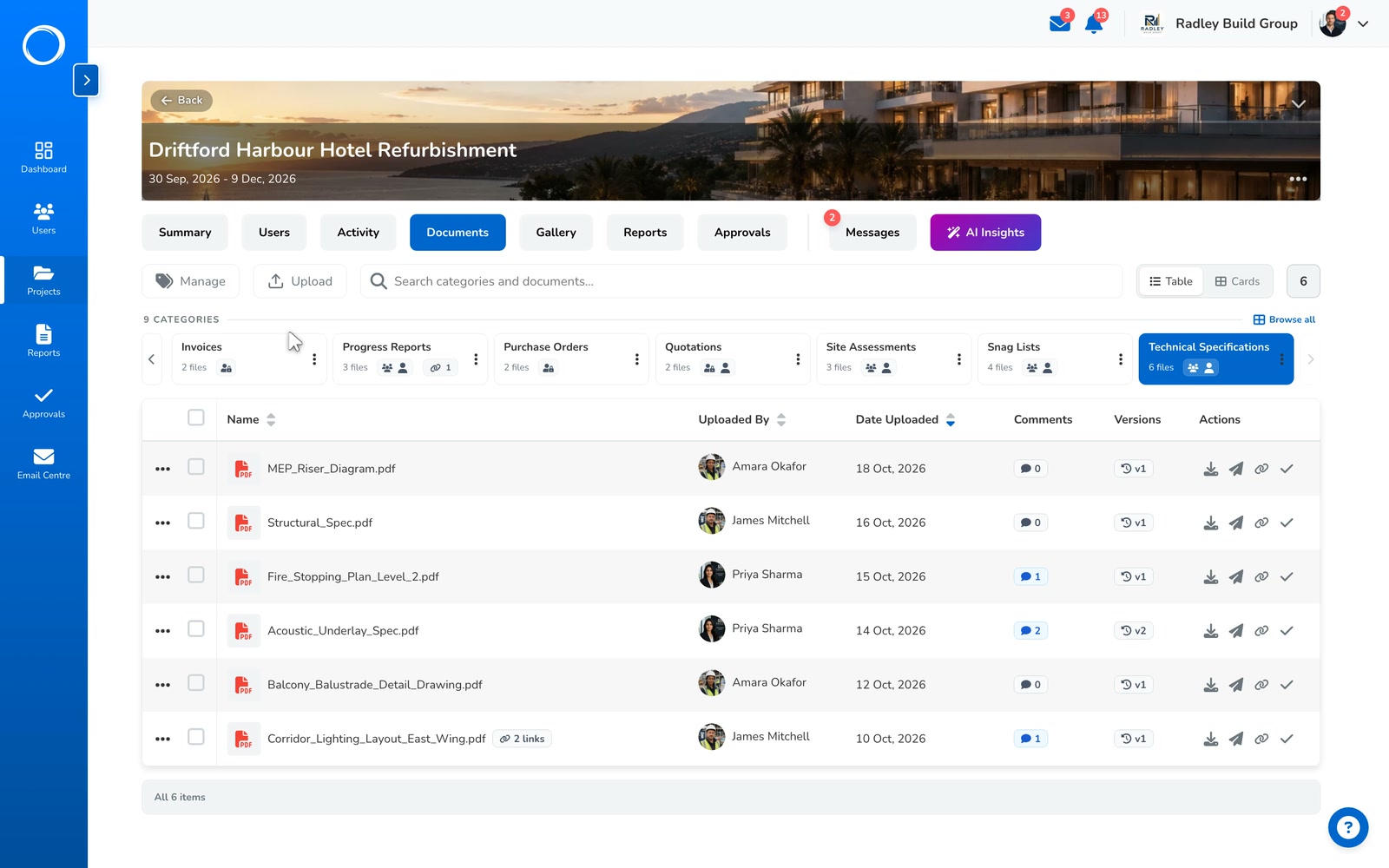
Every upload of a document is a new version, with its history kept. An approval is pinned to the version that was signed, so when version C replaces version B, the sign-off on B stays exactly as it was.
When a new version goes out for sign-off, the AI reads both and says what moved. The client sees the same reading on their link.
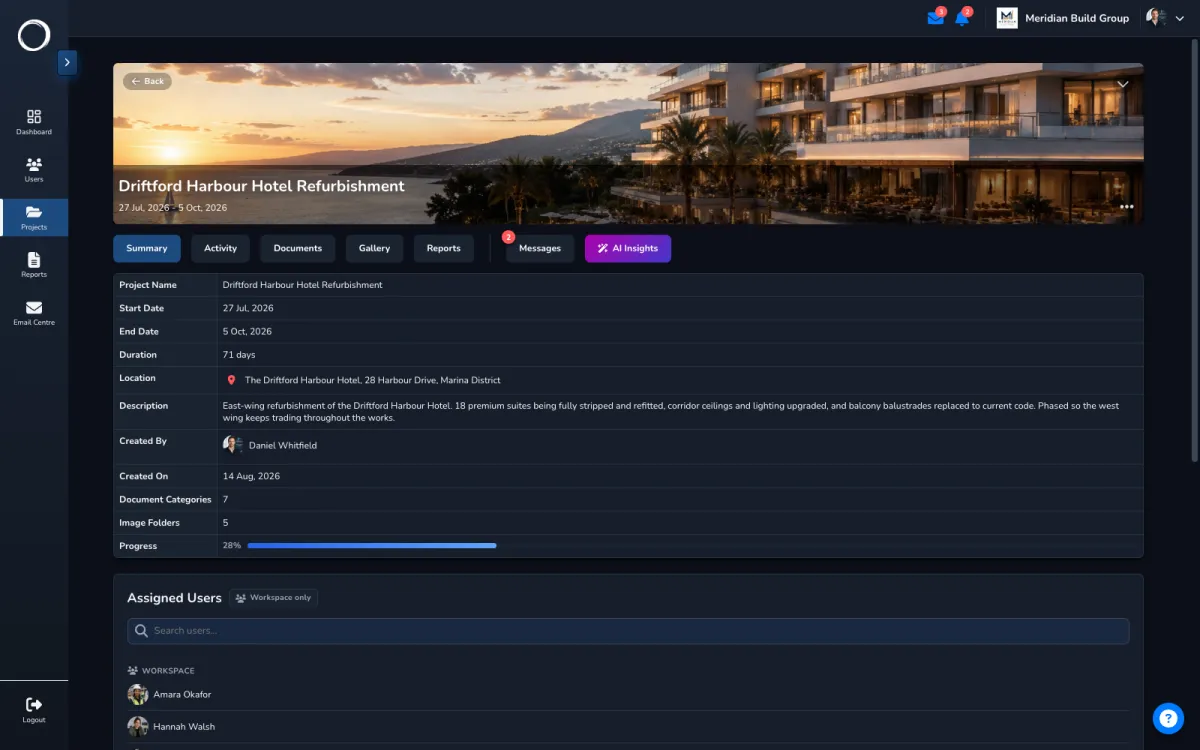
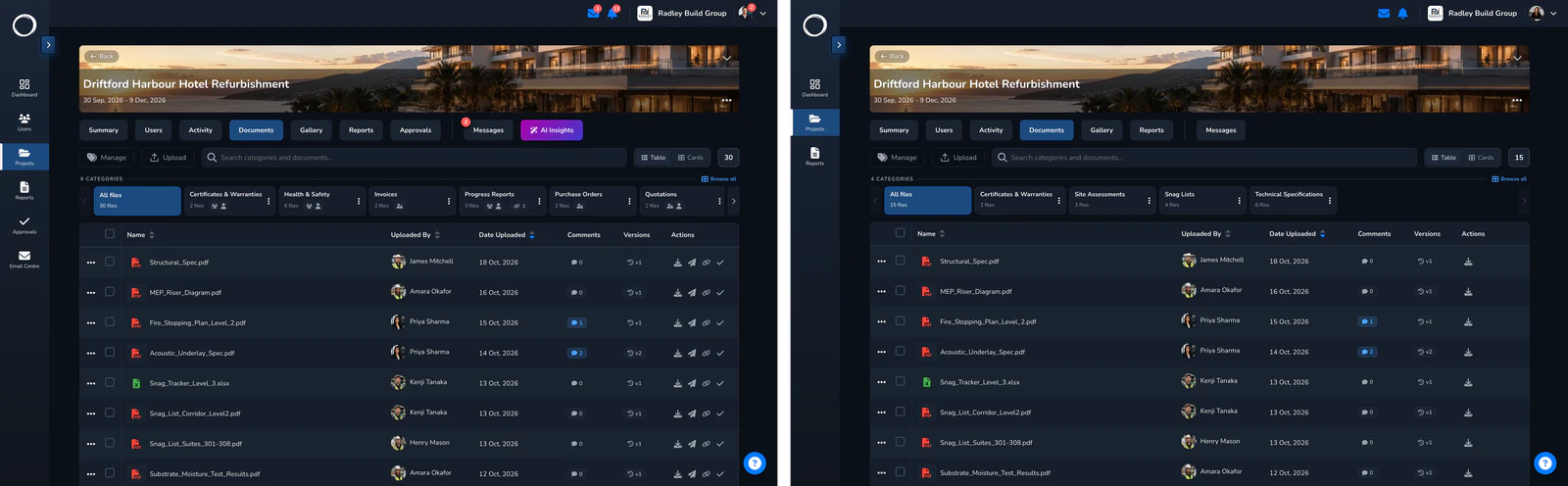
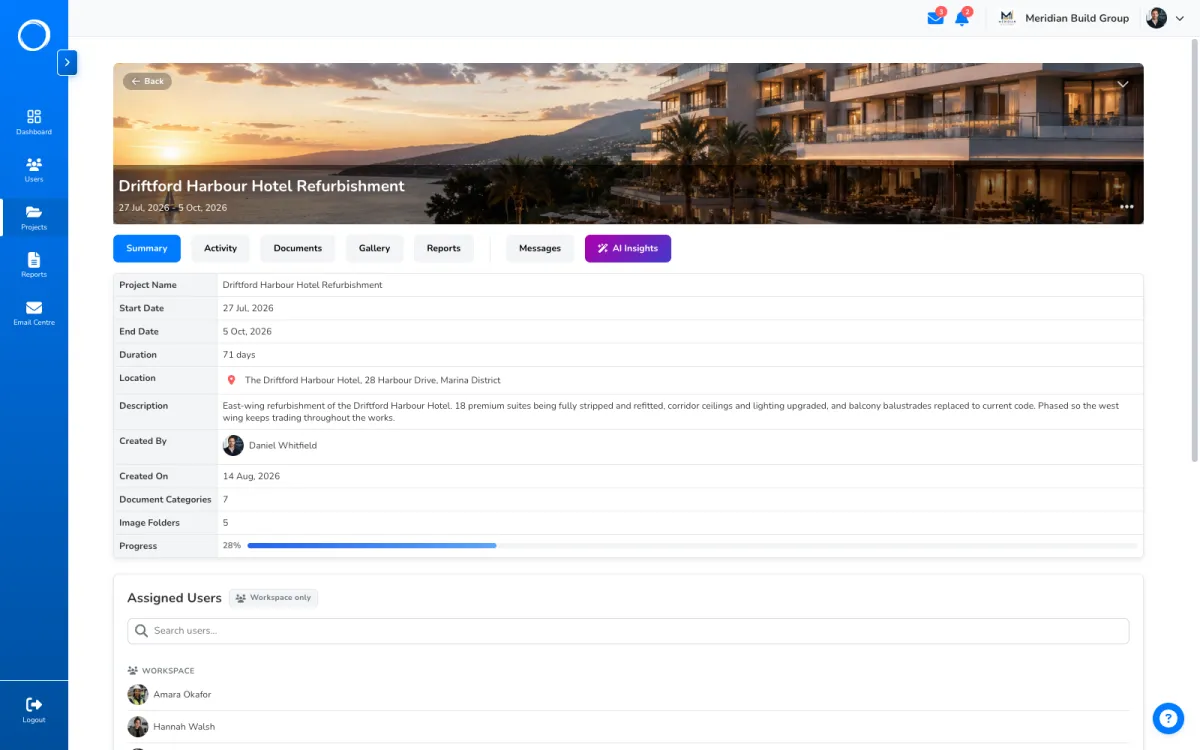
A project holds its documents, its photos, its reports, its conversations and its activity, with the people on it and a summary of where it stands. The signed variation sits next to the drawing it changed and the photo that justified it, and you'll still find it in eighteen months.
Ask for a headline, a short summary or a full write-up. It reads only what you're allowed to see, reports rather than advises, and never sees another client's project.
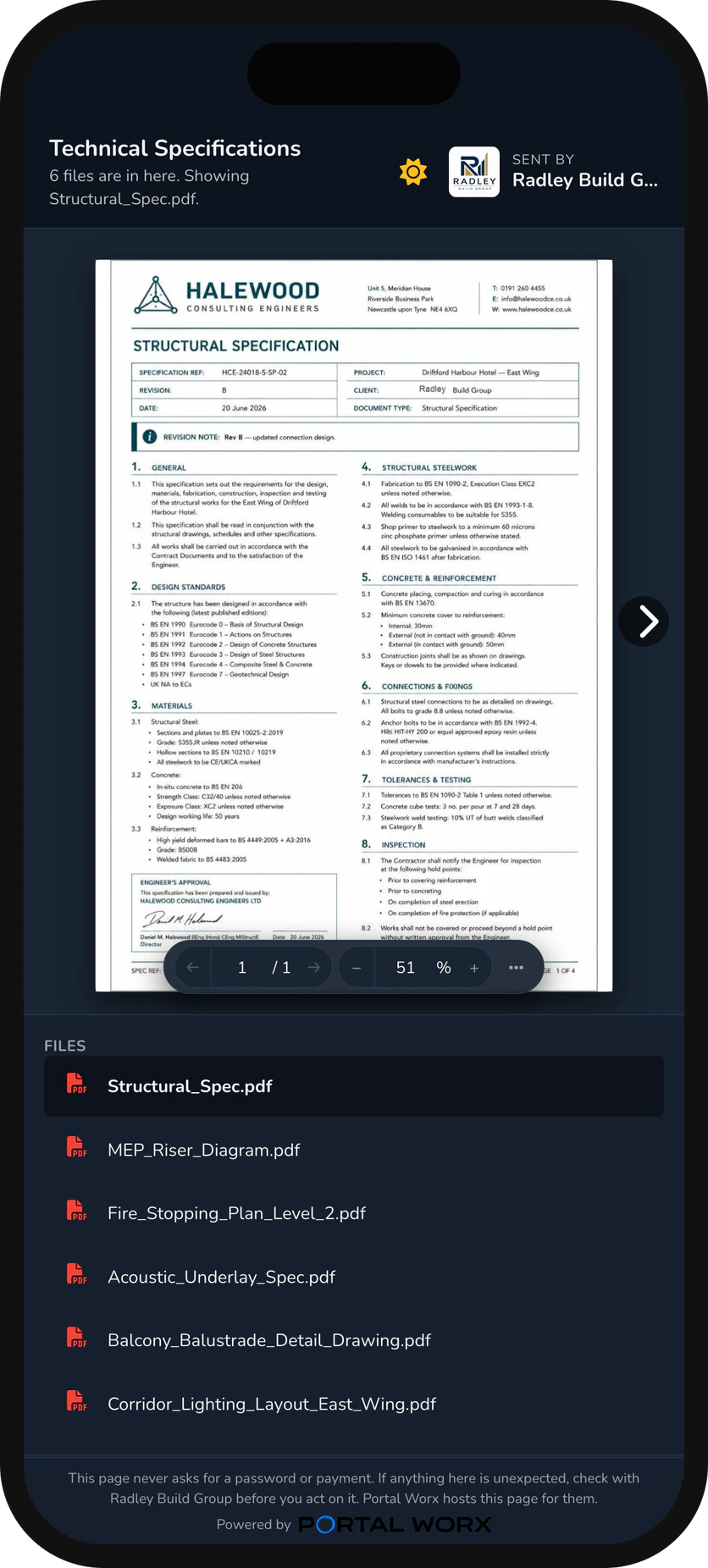
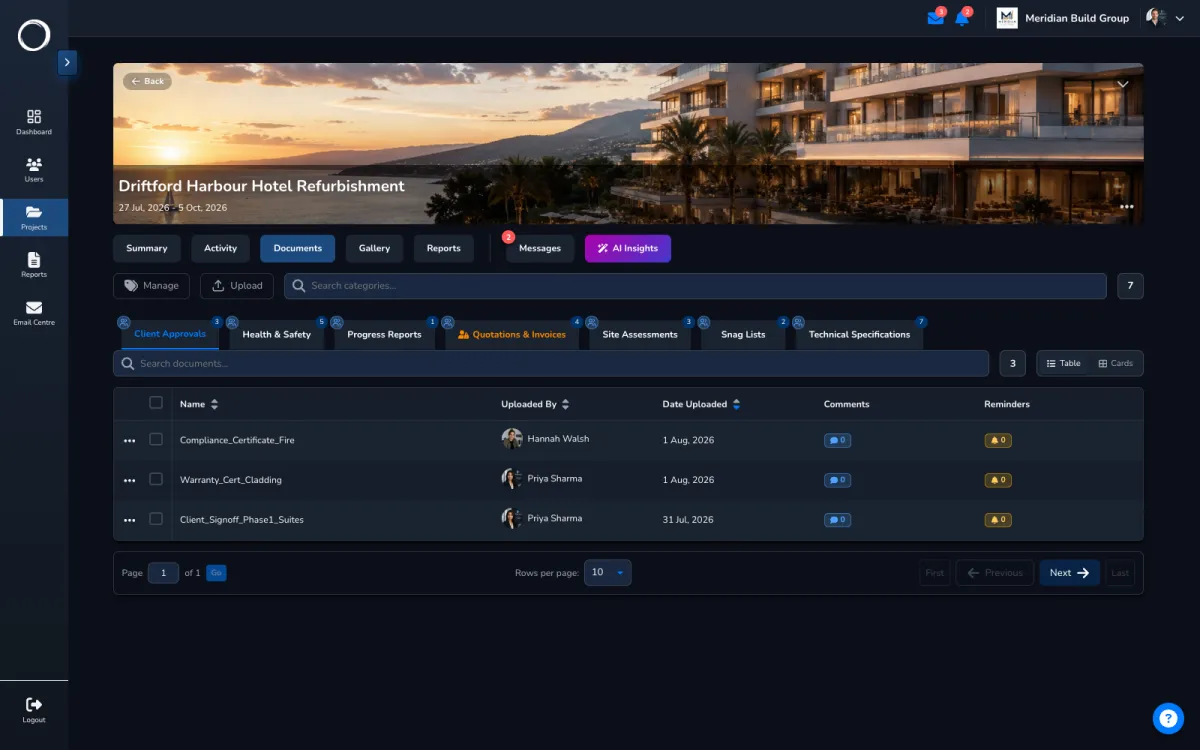
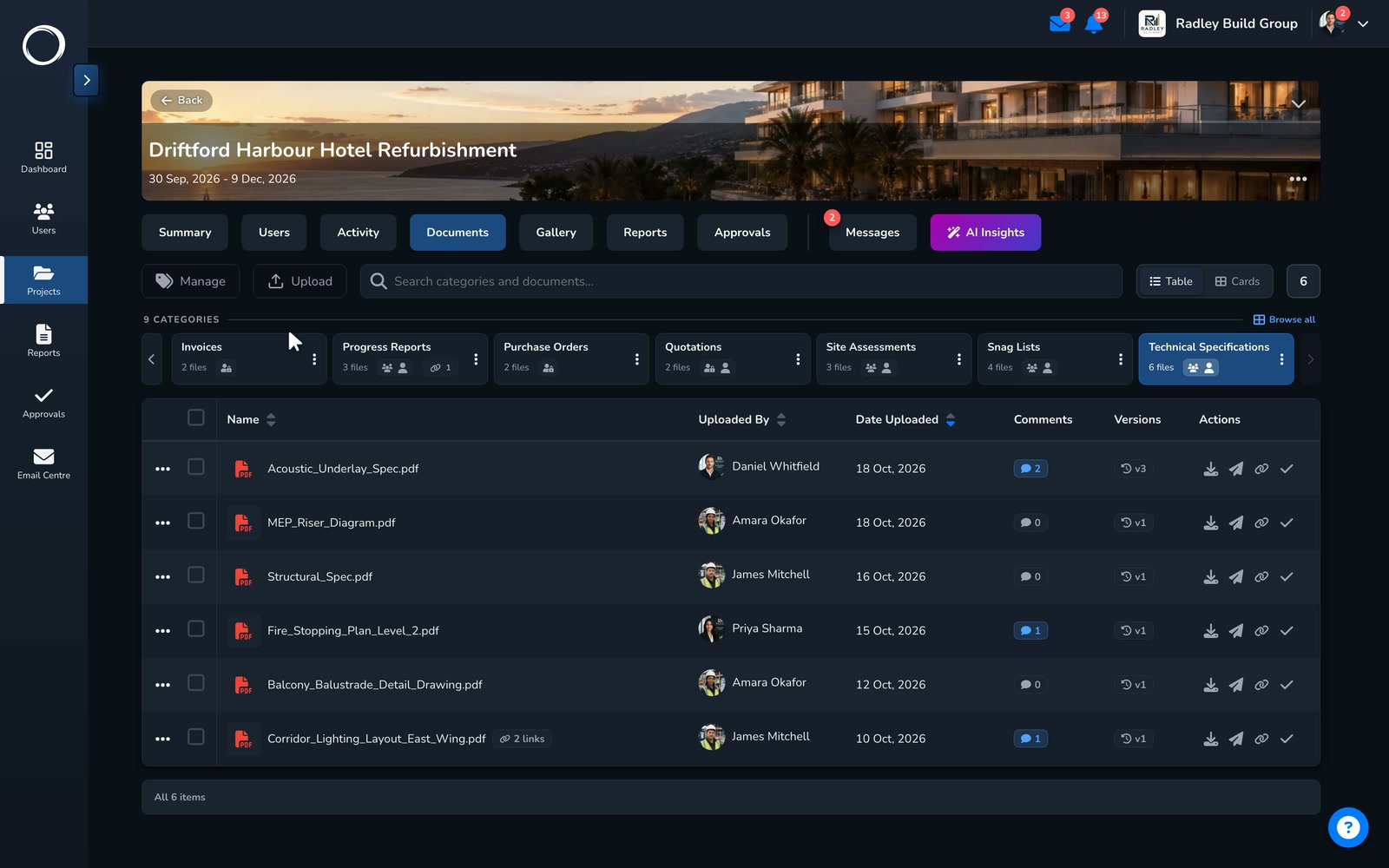
Categories you name, every upload a new version, a comment thread and a reminder on each file, and a PDF that opens in the browser for the client checking a drawing. Nothing has to be downloaded to be checked.
Tell it the industry and how you file, and it suggests the categories for the project, created in one go, so the filing makes sense from day one.
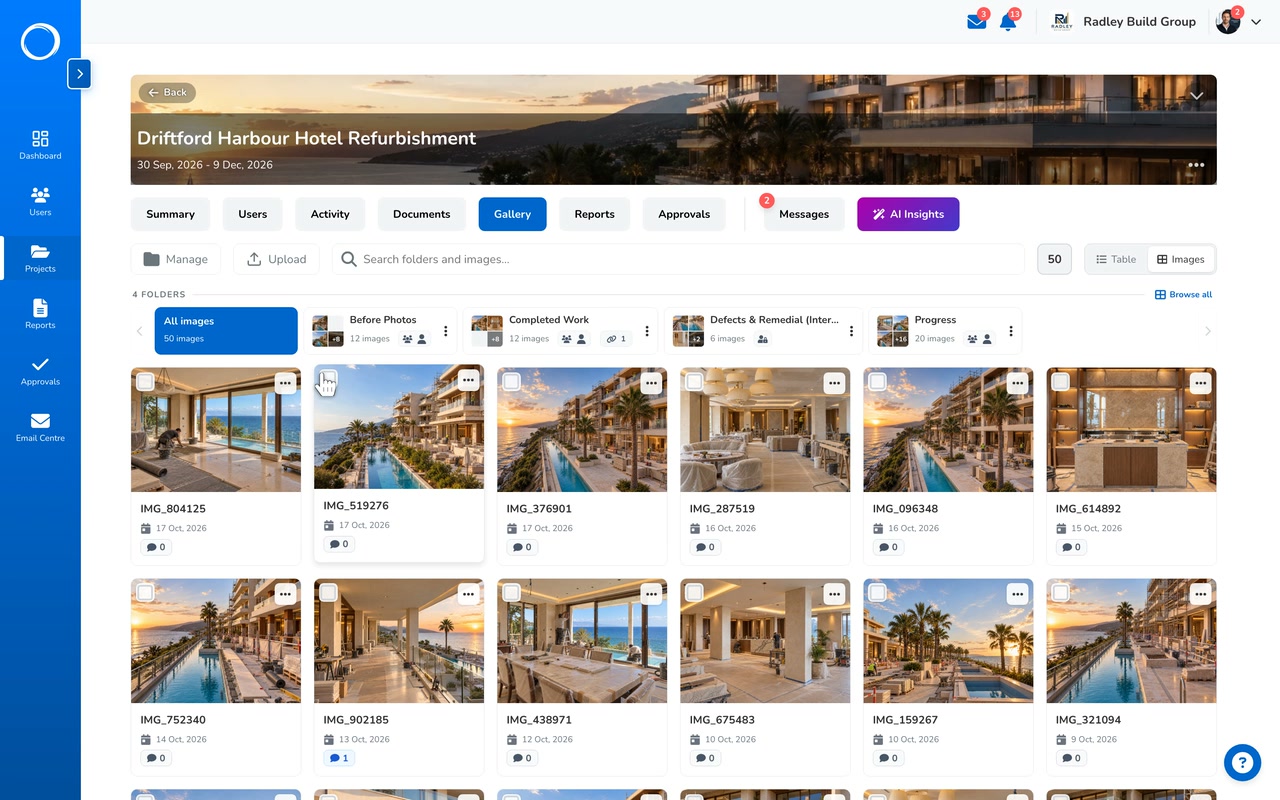
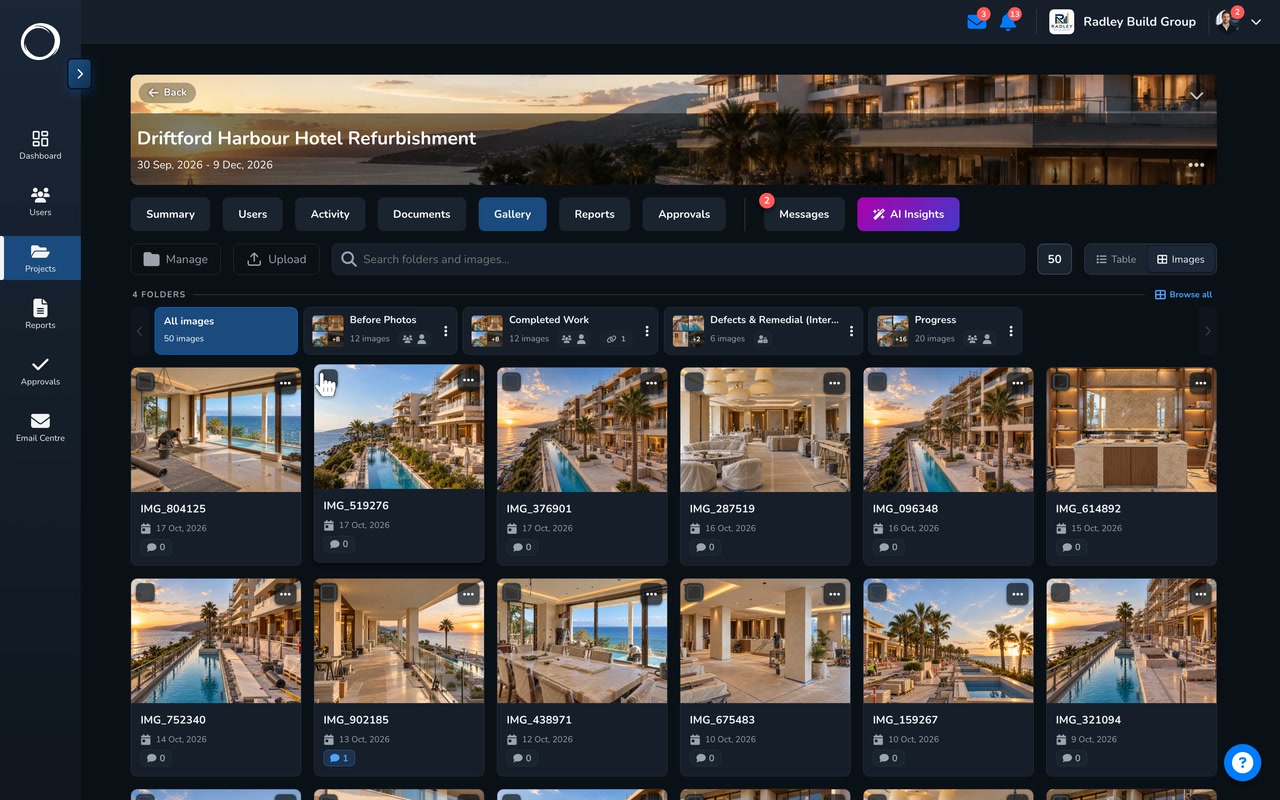
Folders you name, one per stage, with a cover, captions and full-screen viewing. The whole folder downloads as a zip, goes into the report, or reaches the client by one link that shows what's in it now.
The same suggestion for photo folders: the stages a project like this goes through, named and created in one go.
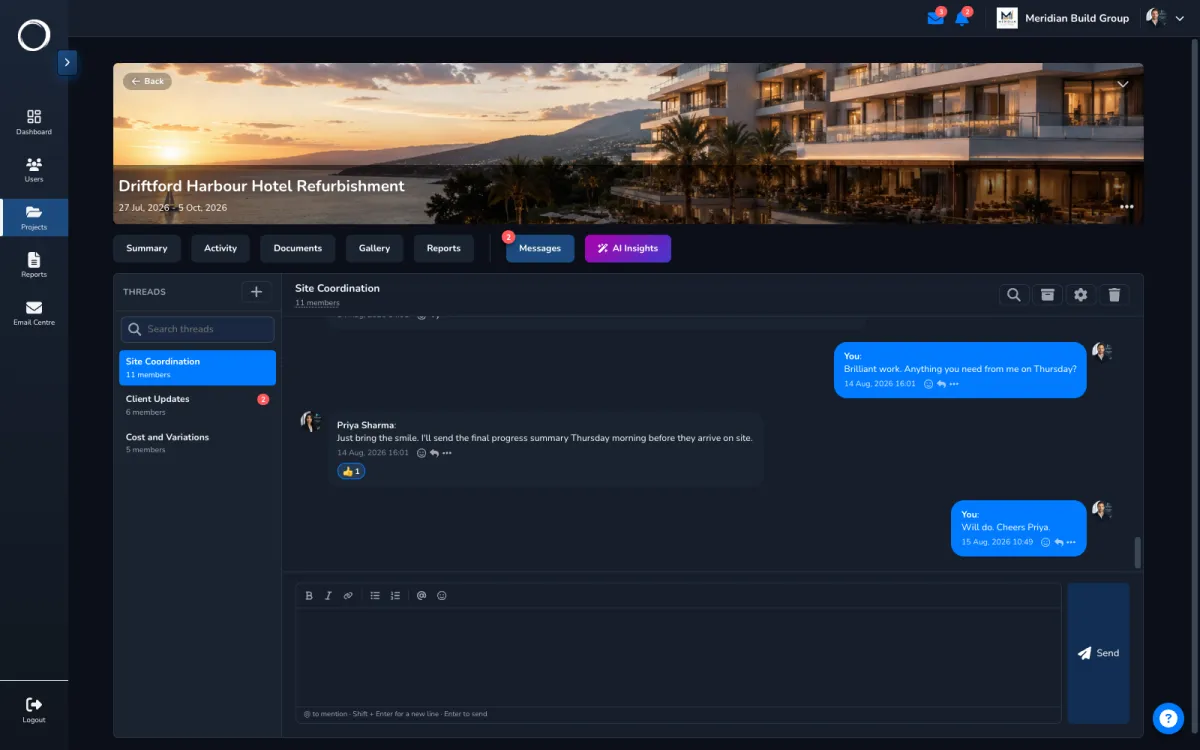
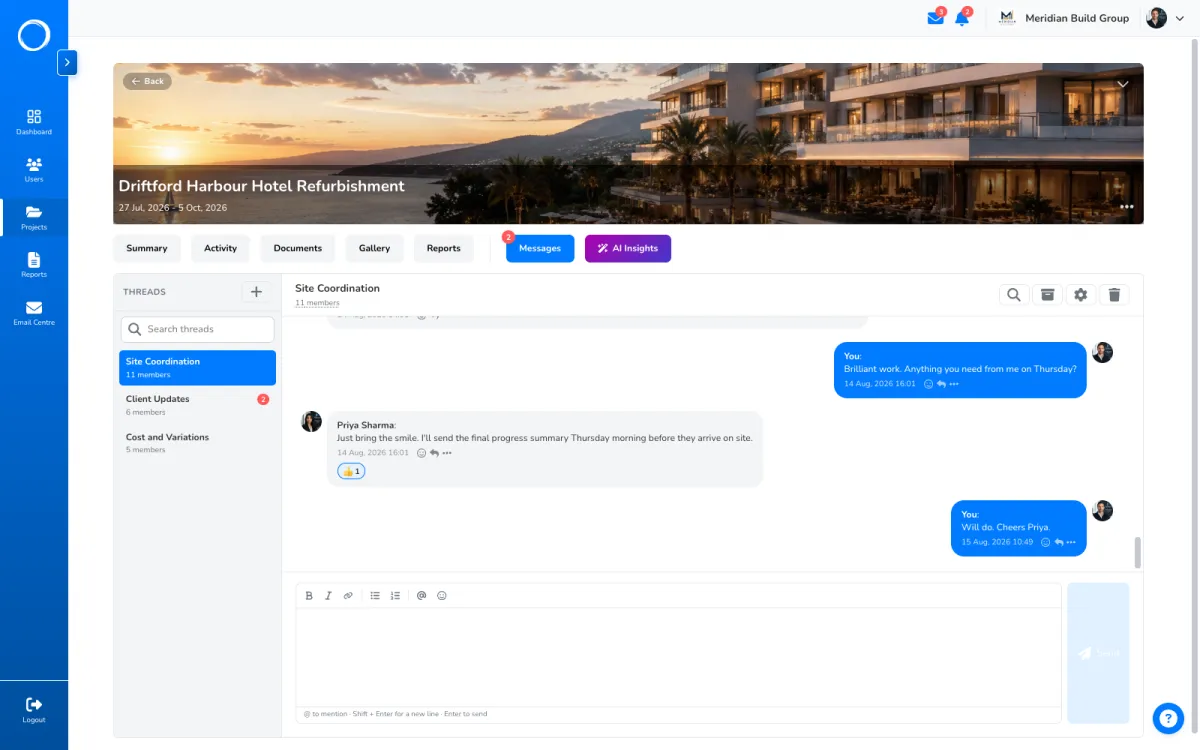
A thread per project, so a conversation only reaches the people on that project. Direct messages with anyone on your projects, your client included. Comments on the document, the photo or the report itself, with a mention when you need someone.
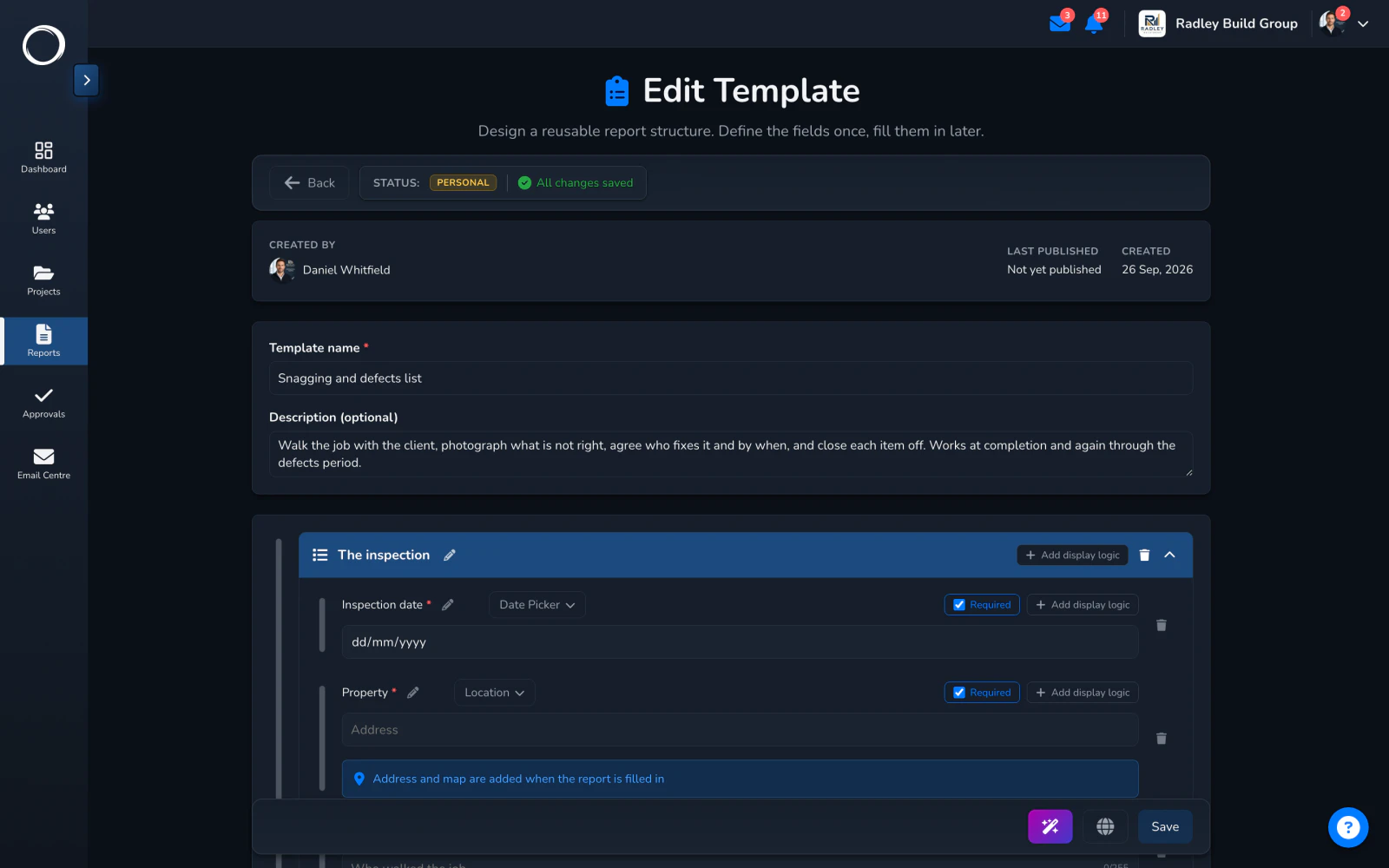
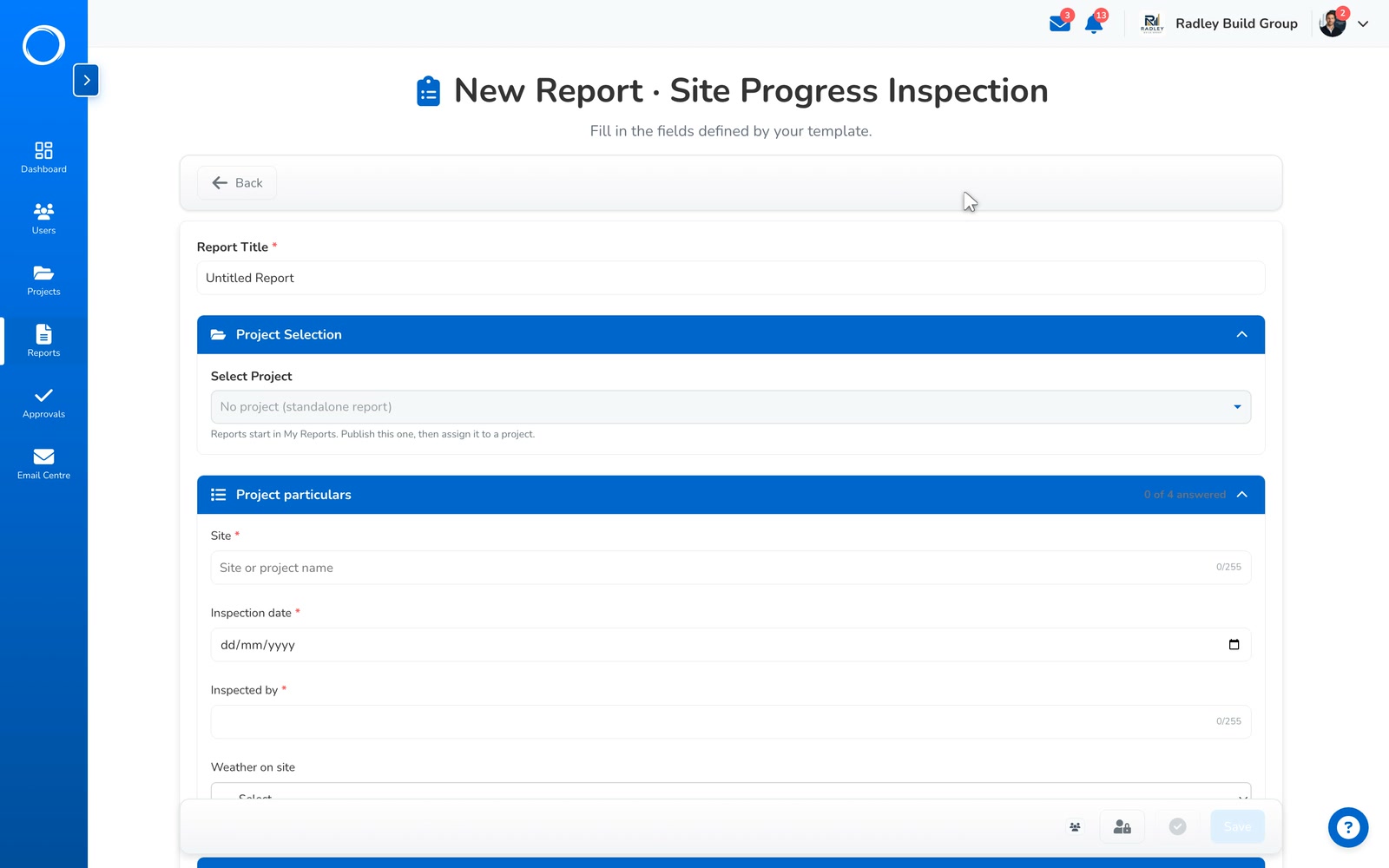
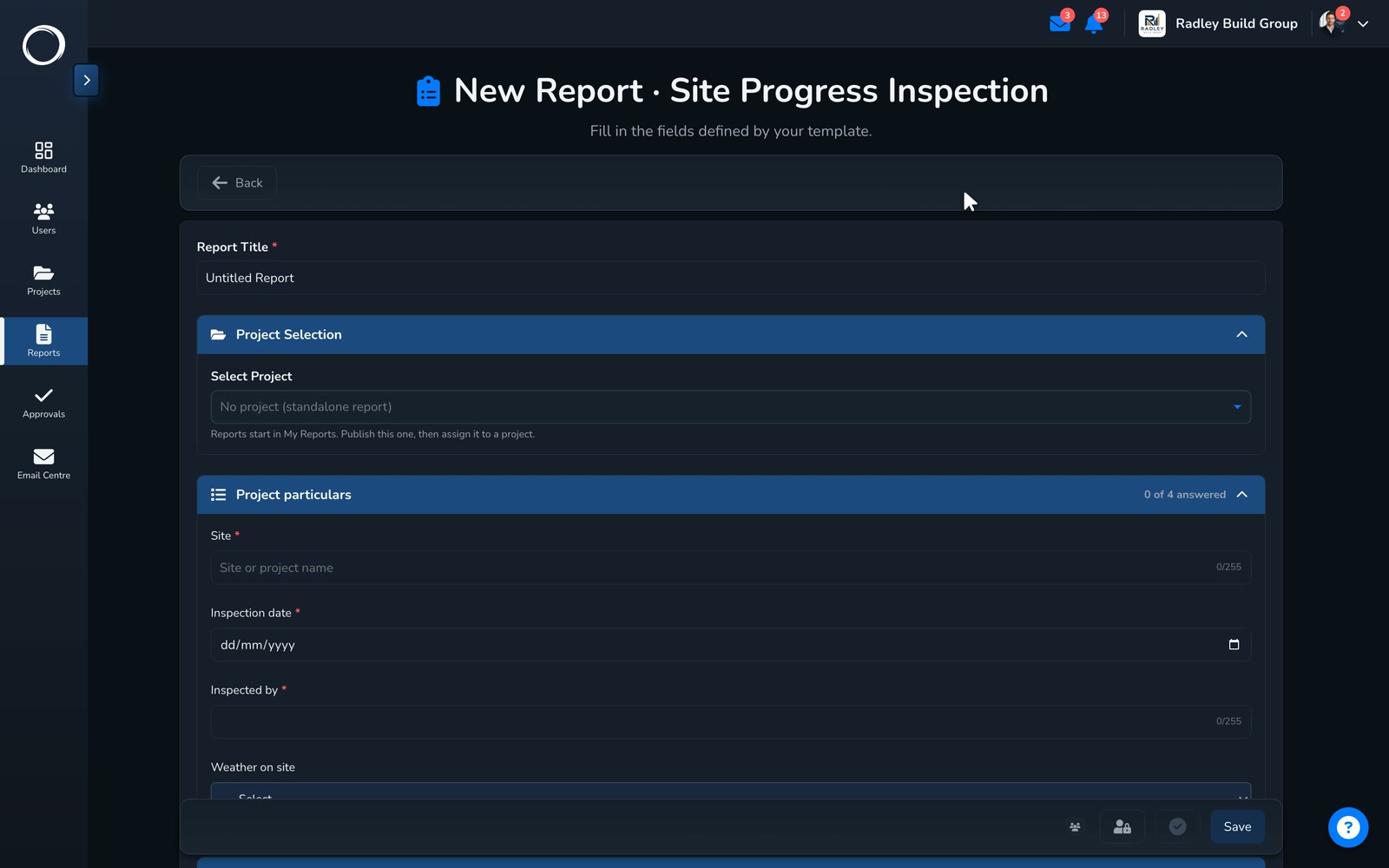
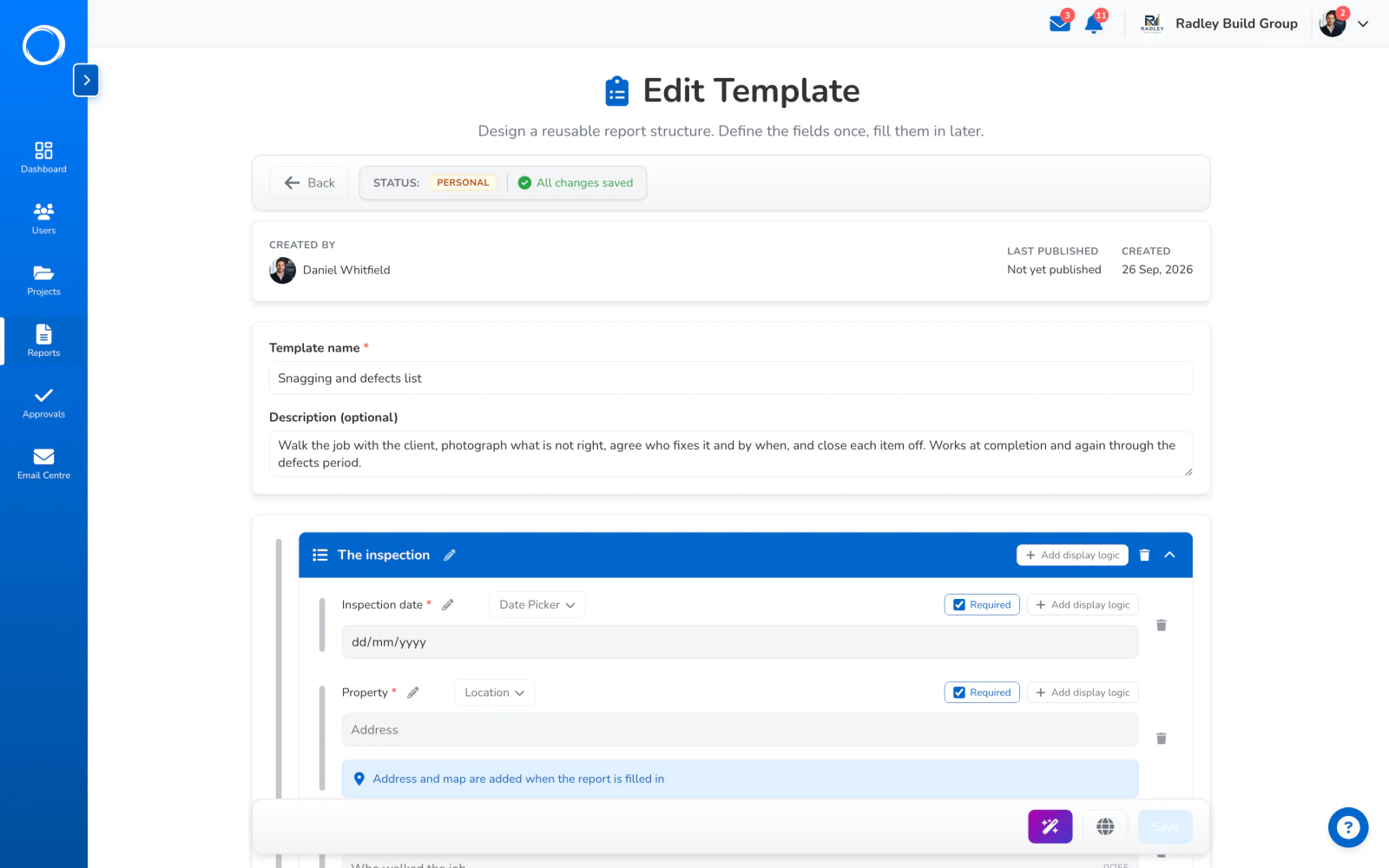
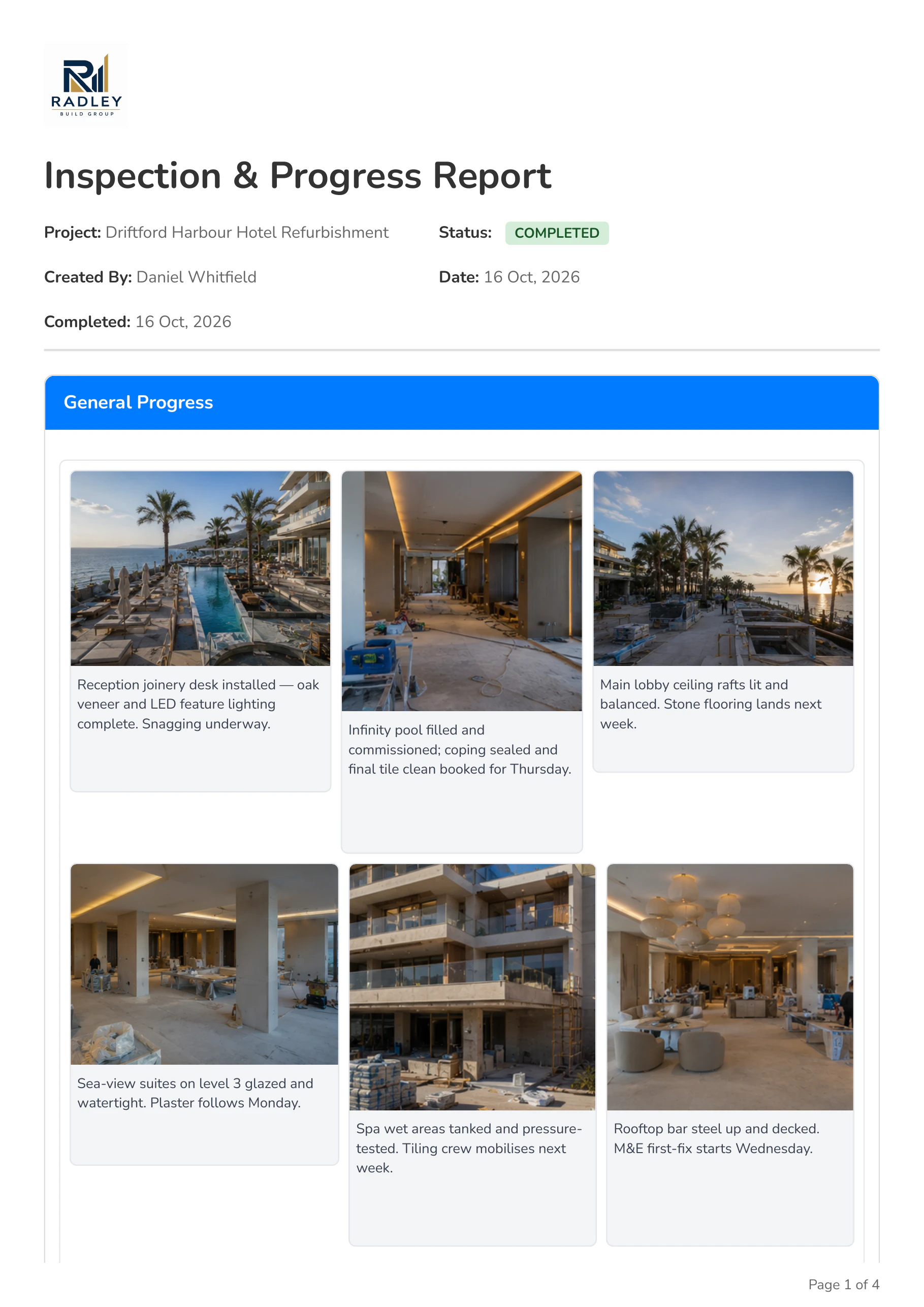
Build the form once as a template or start from one of 33 in the library, fill it in on site, sign it on screen, and export a PDF with your logo on it.
Exporting a PDF and sharing a report by email are on Professional and Business. A report is shared, never sent for signature.
Describe the form you need and it drafts the template, sections and required fields included. Describe what should change in one you have and it edits it. You check it and keep what's right.
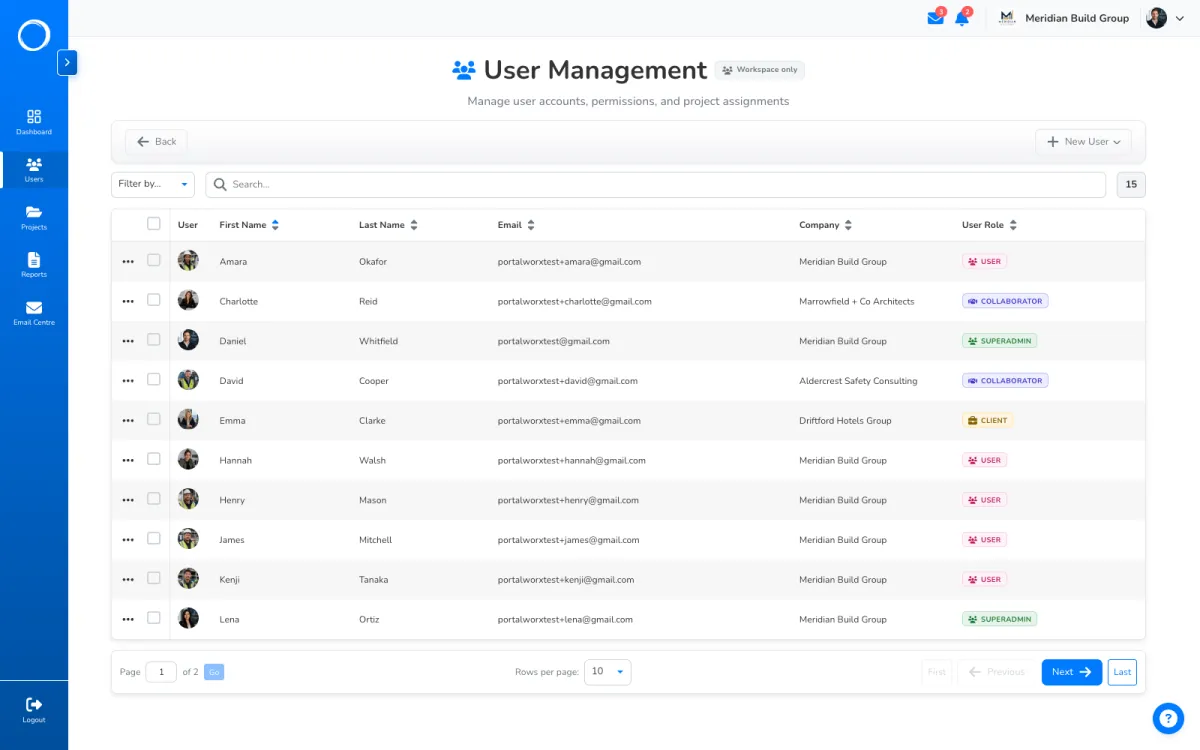
Every category, folder, report and thread carries its own audience: your team on one side, the named people outside it on the other. A guest starts with nothing and gains only what you give them.
Editing the permission matrix is on Professional and Business. Every plan gets the four roles and their defaults.
Who sees what, in detail →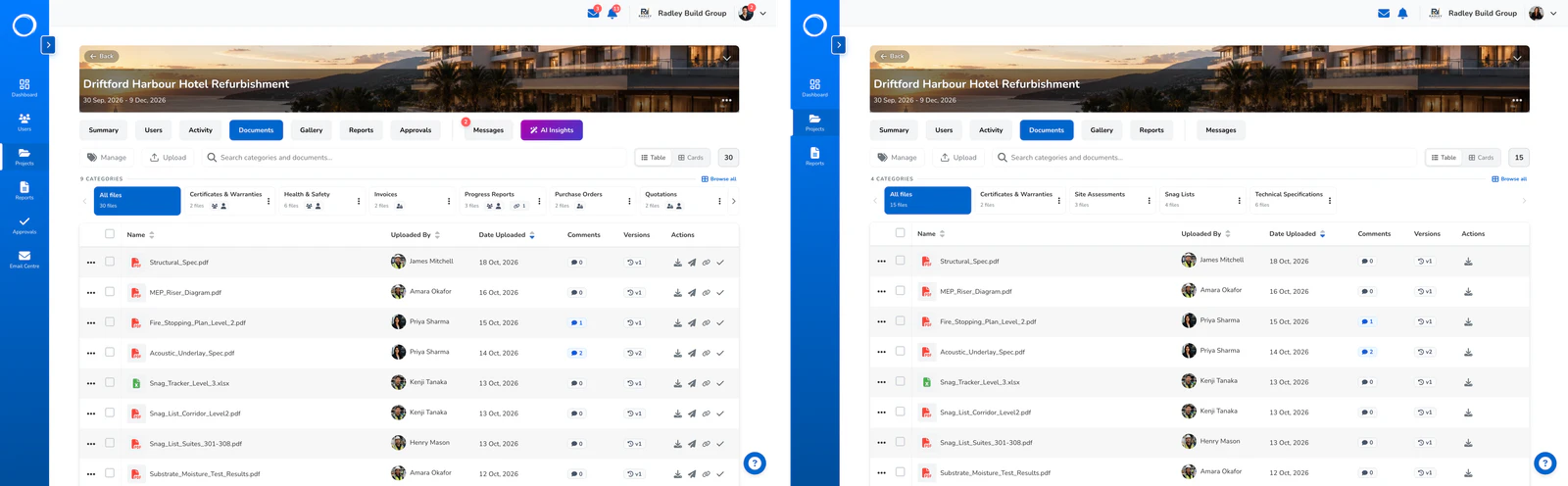
Ask any project for a plain-language catch-up: progress against the dates, what moved, what's flagged. It's built only from what you can see, and it reports rather than advises.
Every plan includes a monthly bundle of credits. A summary costs one, two for detailed. Template drafting is on Professional and Business. Top-up packs from £7.
AI, in detail →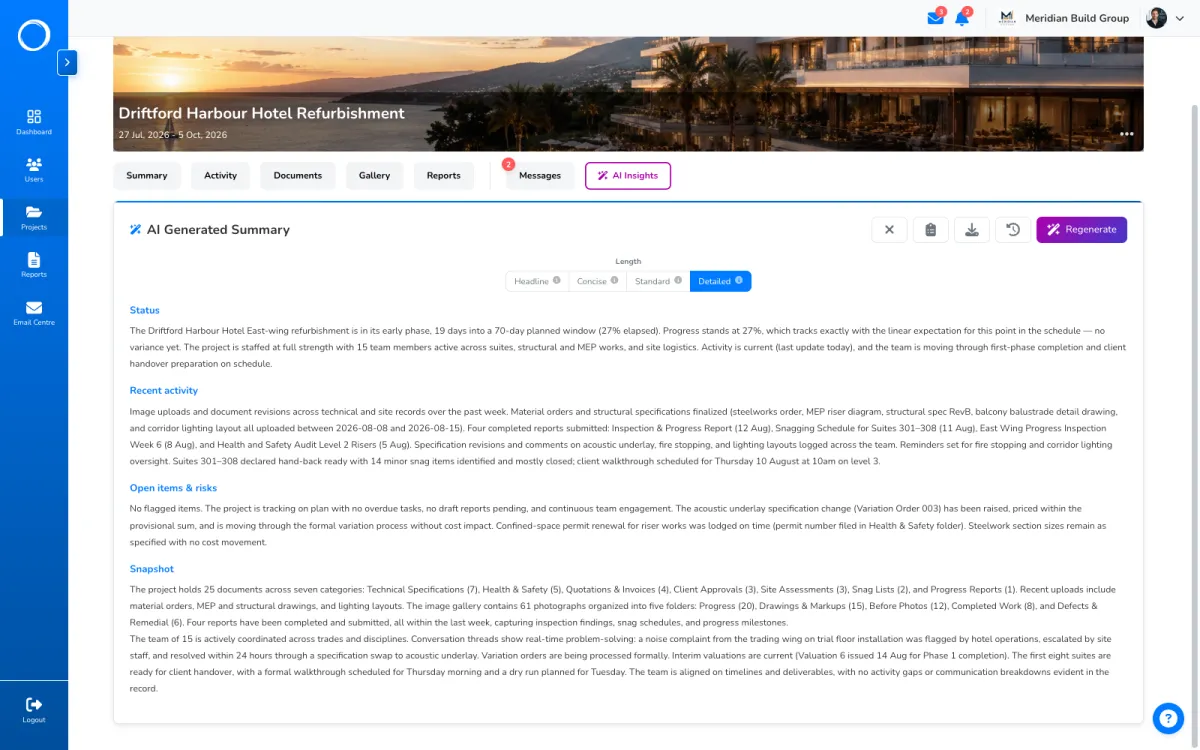
Ask for it on a request and, before they sign, we email them a one-time code they have to type in. That proves whoever signed had that inbox in front of them at that moment, and it's written on the record. It isn't an identity check.
If your document needs a verified identity, a property transfer, a deed, anything that calls for a qualified electronic signature, you need a notary, not us.
Free for 14 days, no card. Approvals and share links aren't counted on any plan.