Portal Worx Logo

Chasing, in detail

It chases them. You don't.

The unpaid evening is the one spent chasing a signature. Switch reminders on when you send a request and they hear from you, in your name, on day 3, day 7 and then every 3 days until they answer. It stops the moment they do, the moment the link expires, the moment you stop it, or the moment they opt out.
Last reviewed

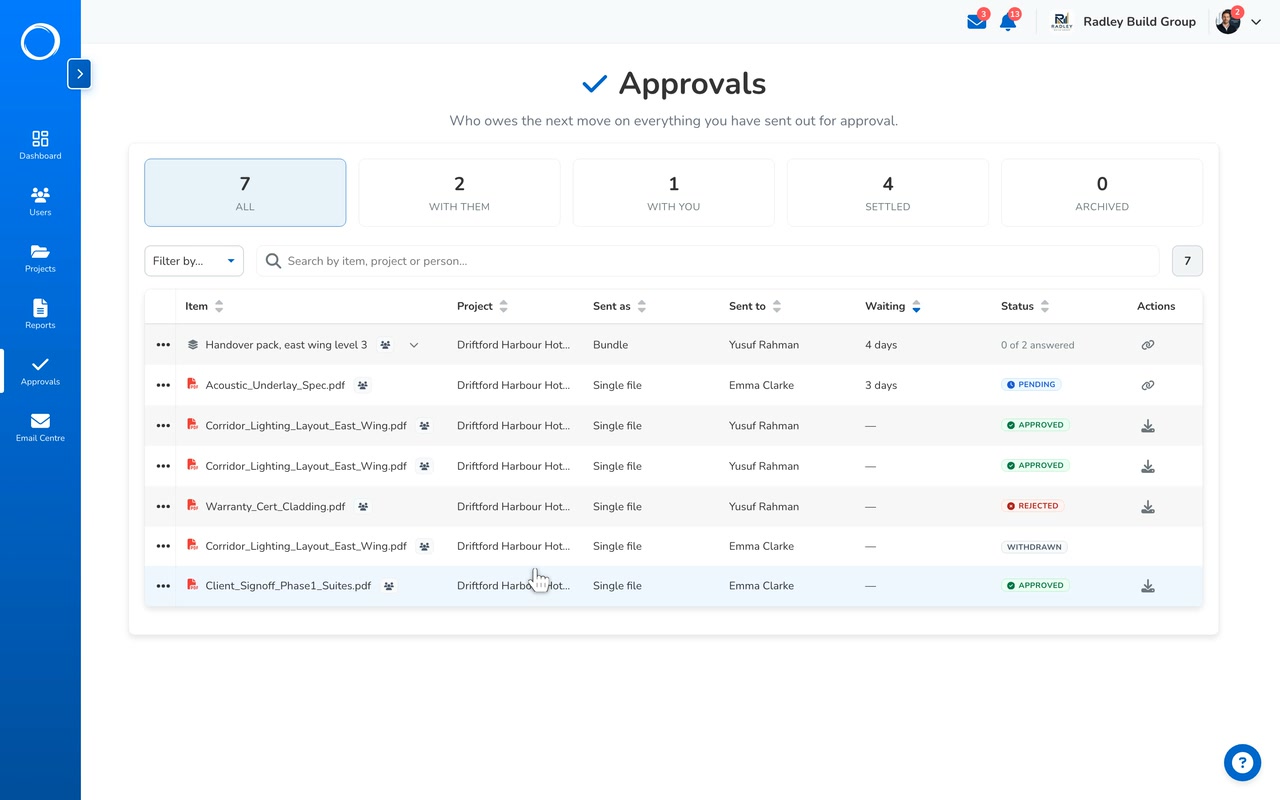
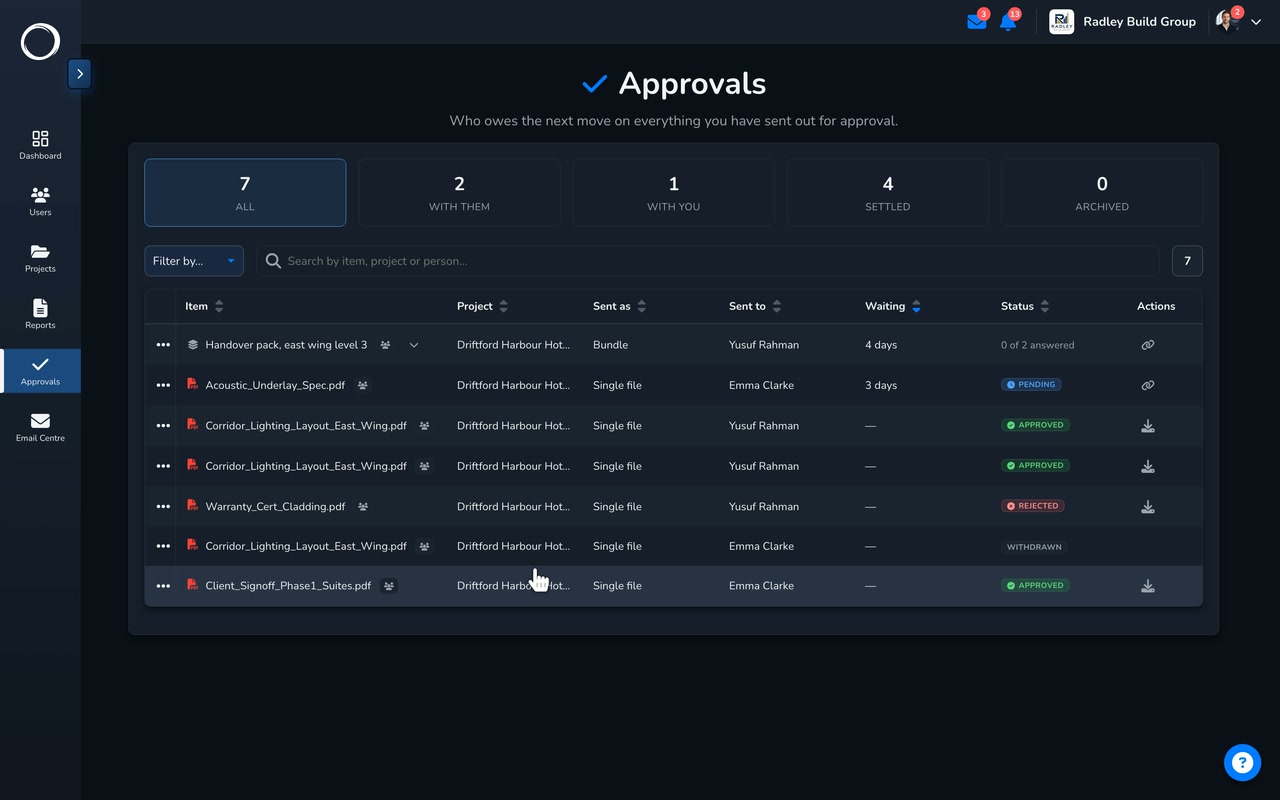
A request that has been with the client for days, its reminders already on, then every email the workspace sent and whether it landed

What happens, from your send to their answer

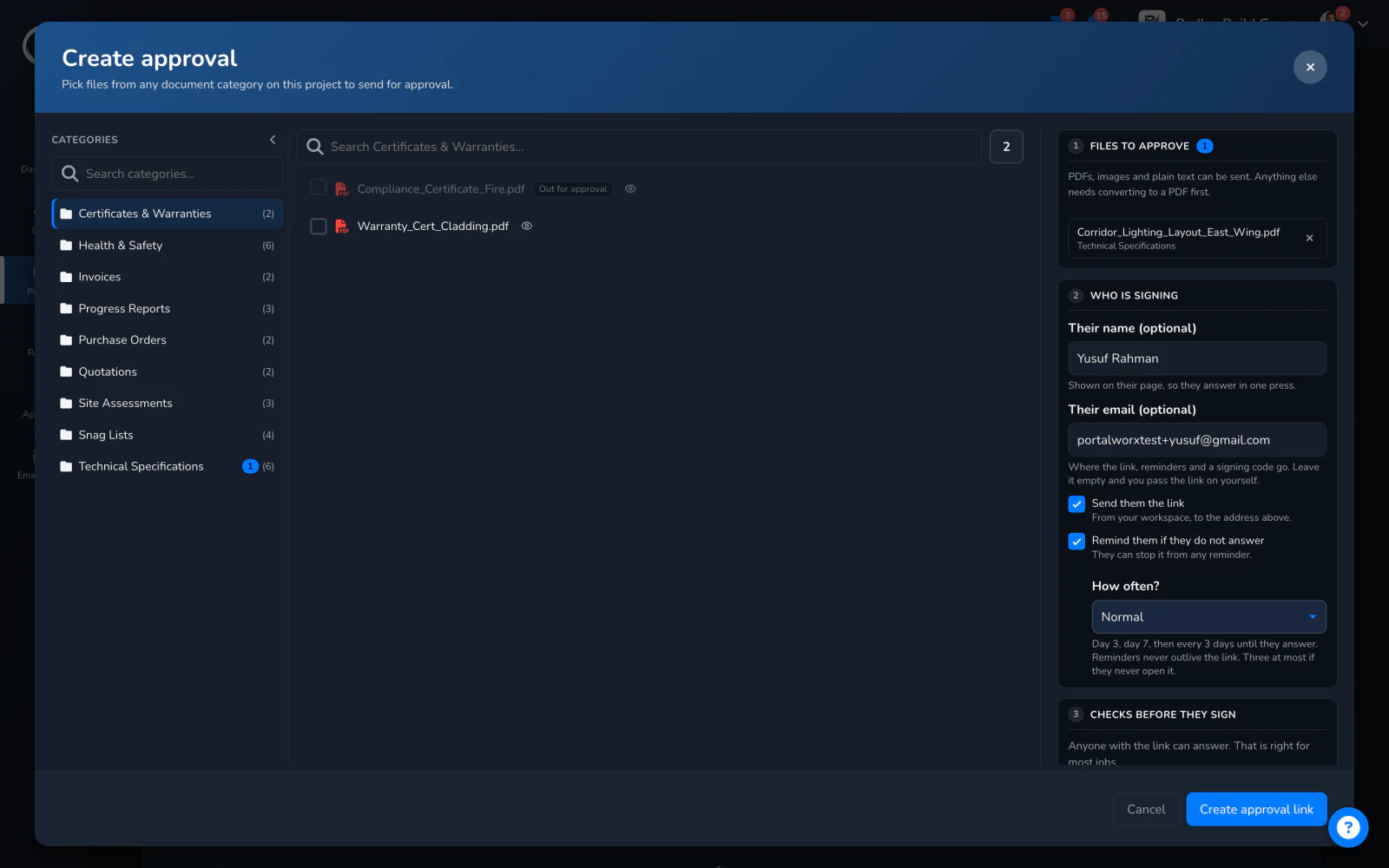
  1. Switch it on when you send

    On the request, choose the normal schedule or the gentle one, or none. The request then sits in the Approvals Centre under With them, with its age beside it, until something moves.
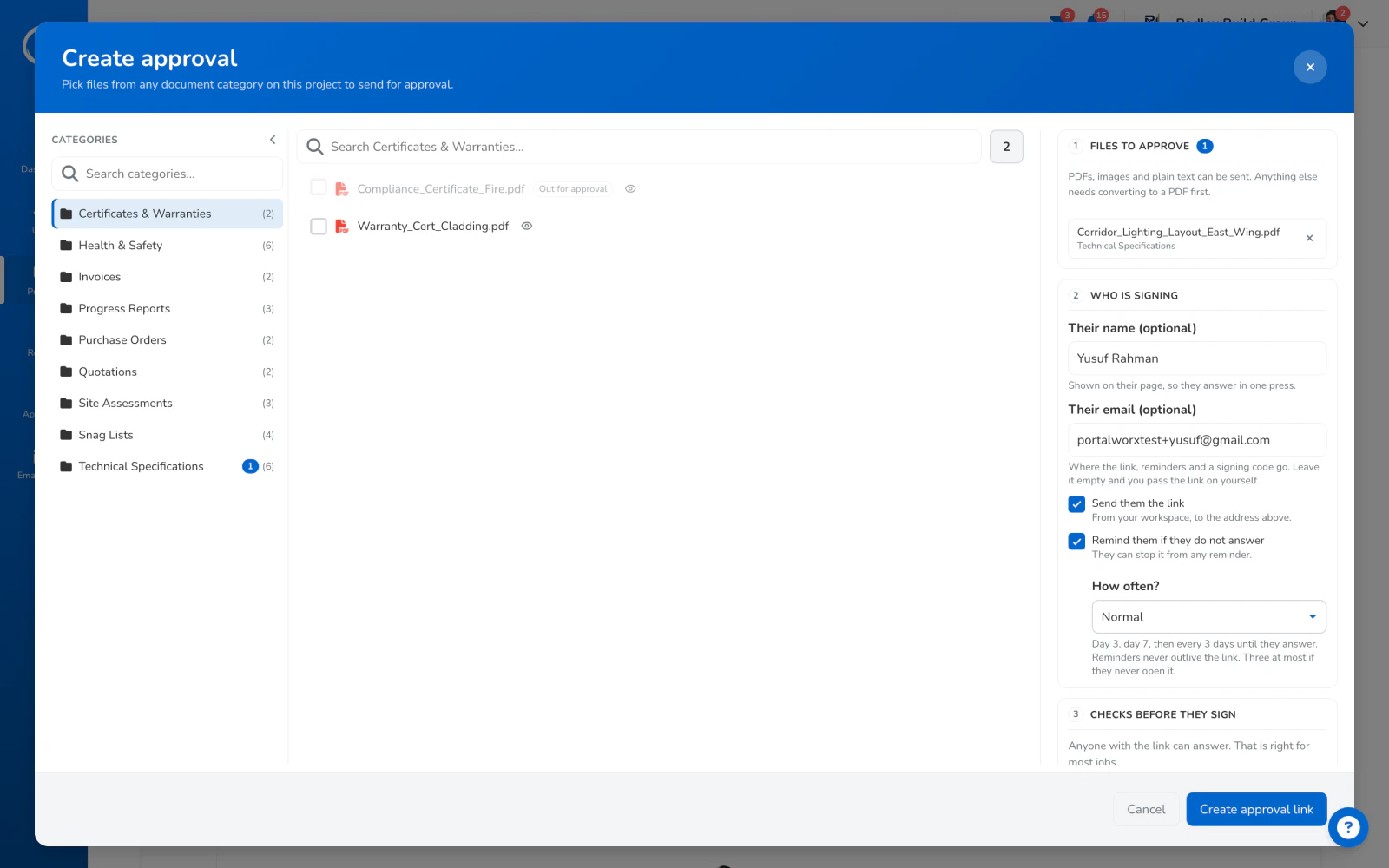
    The request dialog: their name and email, send them the link, and reminders switched on
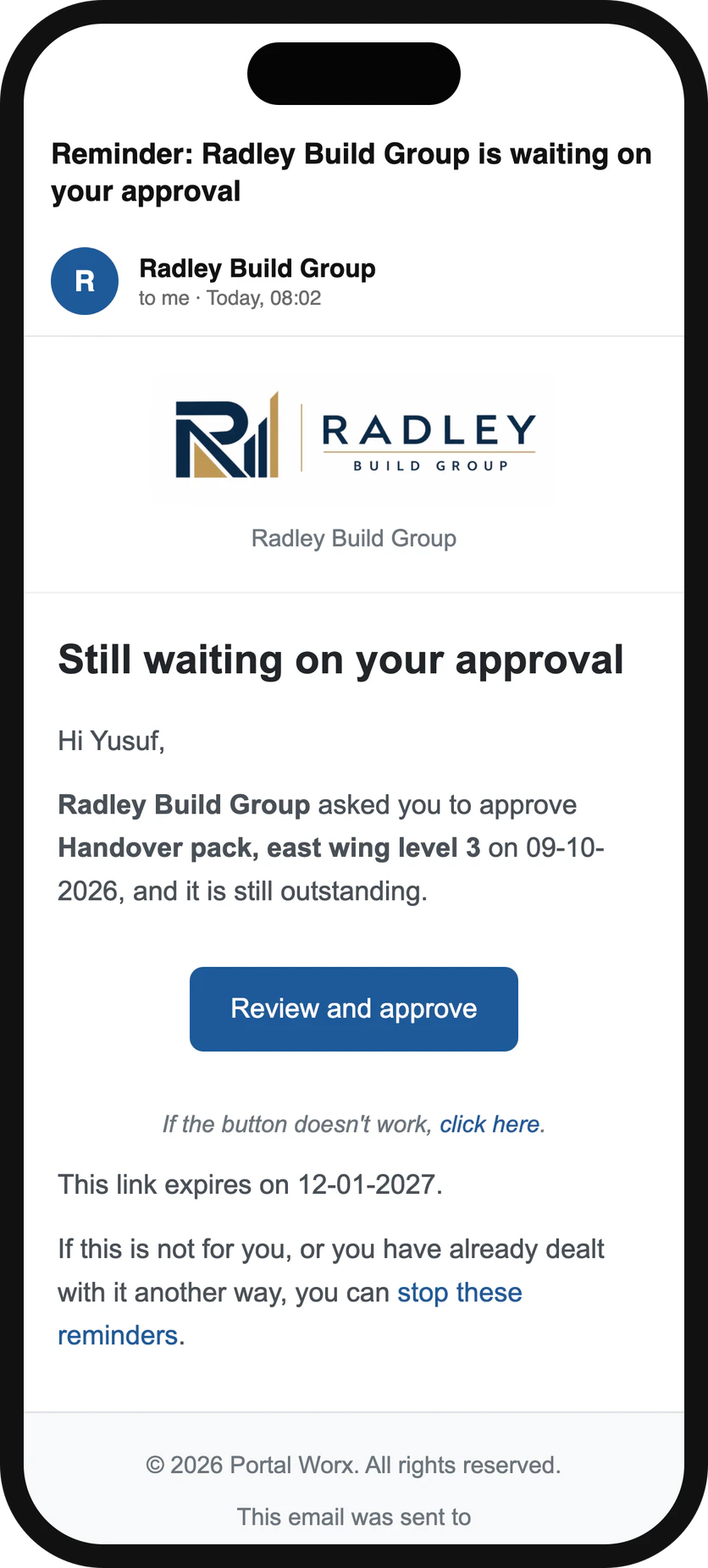
  2. Day 3, day 7, then every 3 days

    Each reminder is an email from you with the same link in it. They tap it and land on the page they were sent the first time, with nothing to find in an old thread.
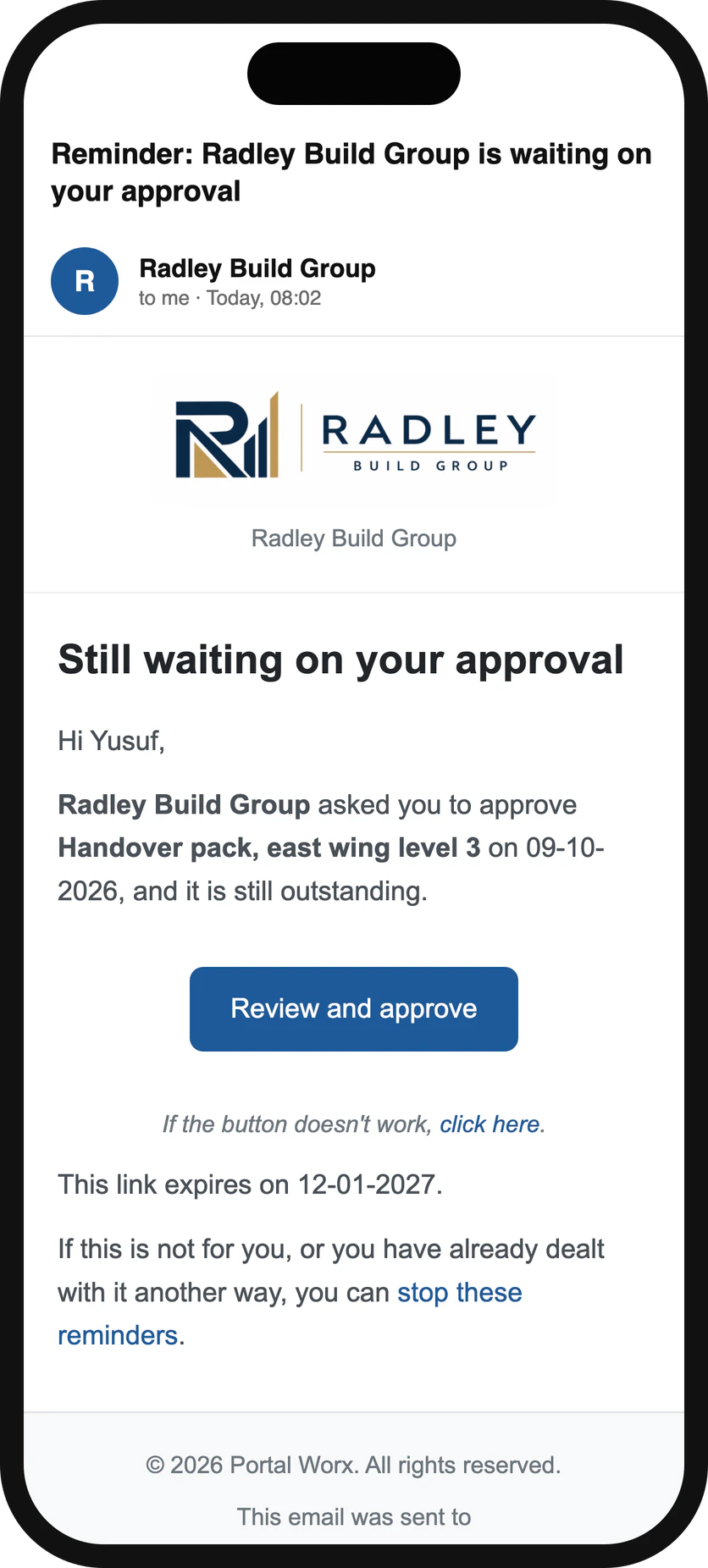
    A reminder on a phone: the same link, three days on, from the builder
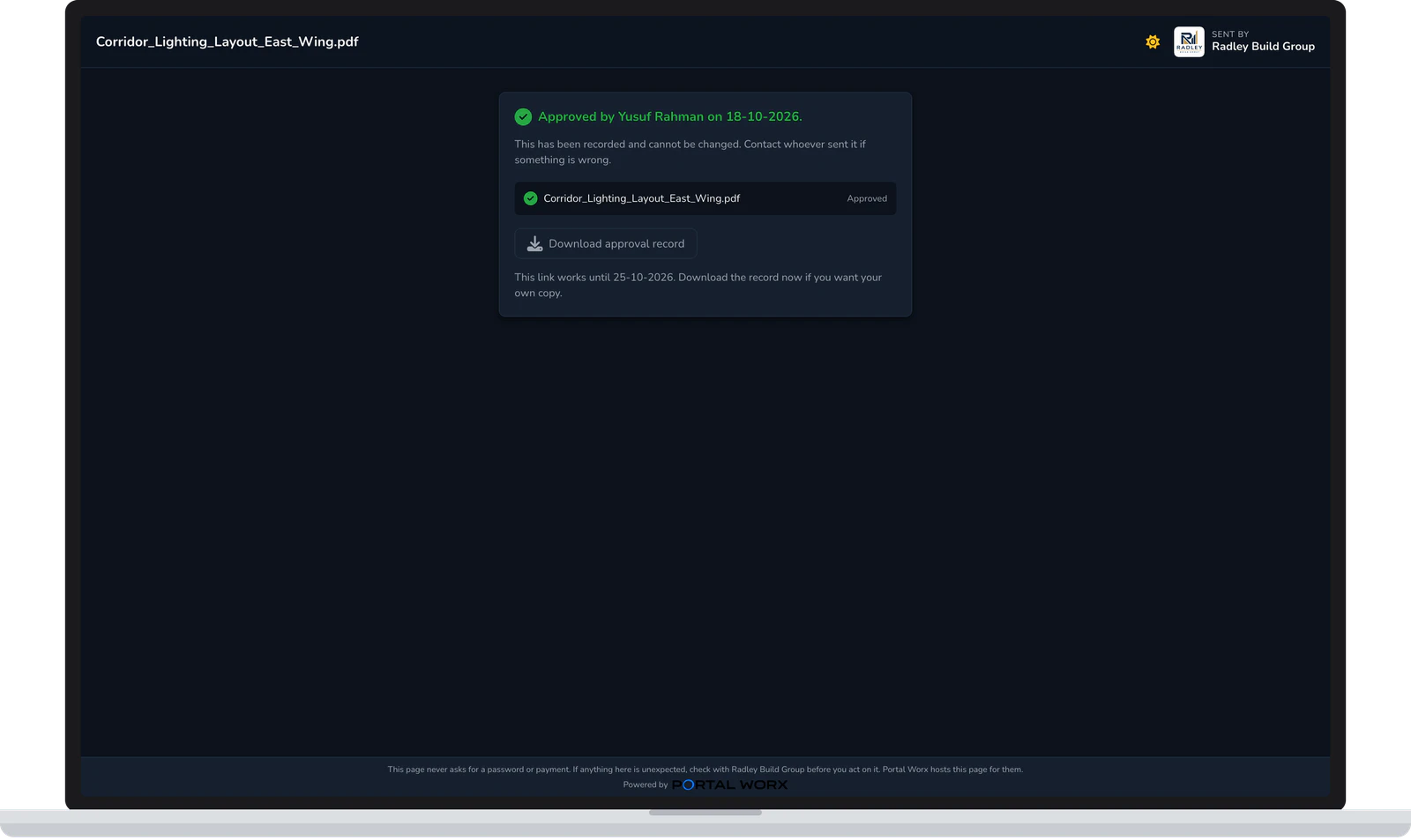
  3. It stops the moment they answer

    An answer, an expired link, a stop from you or an opt-out from them all end the round. There is a brake on the whole workspace too, so a bounce or a complaint stops the chasing before it becomes a nuisance.
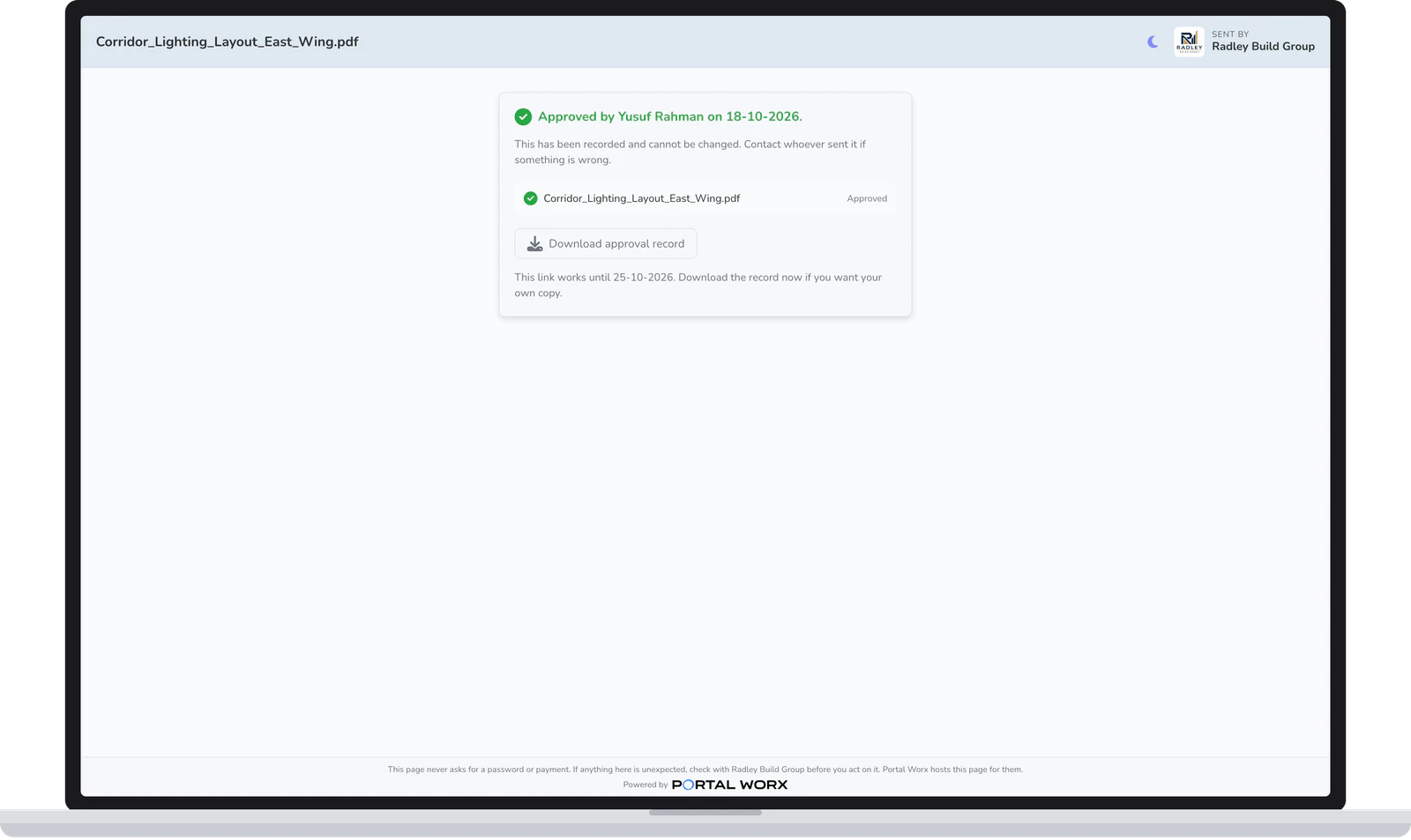
    The done state: approved, signed and dated, and the reminders are over

What you can see

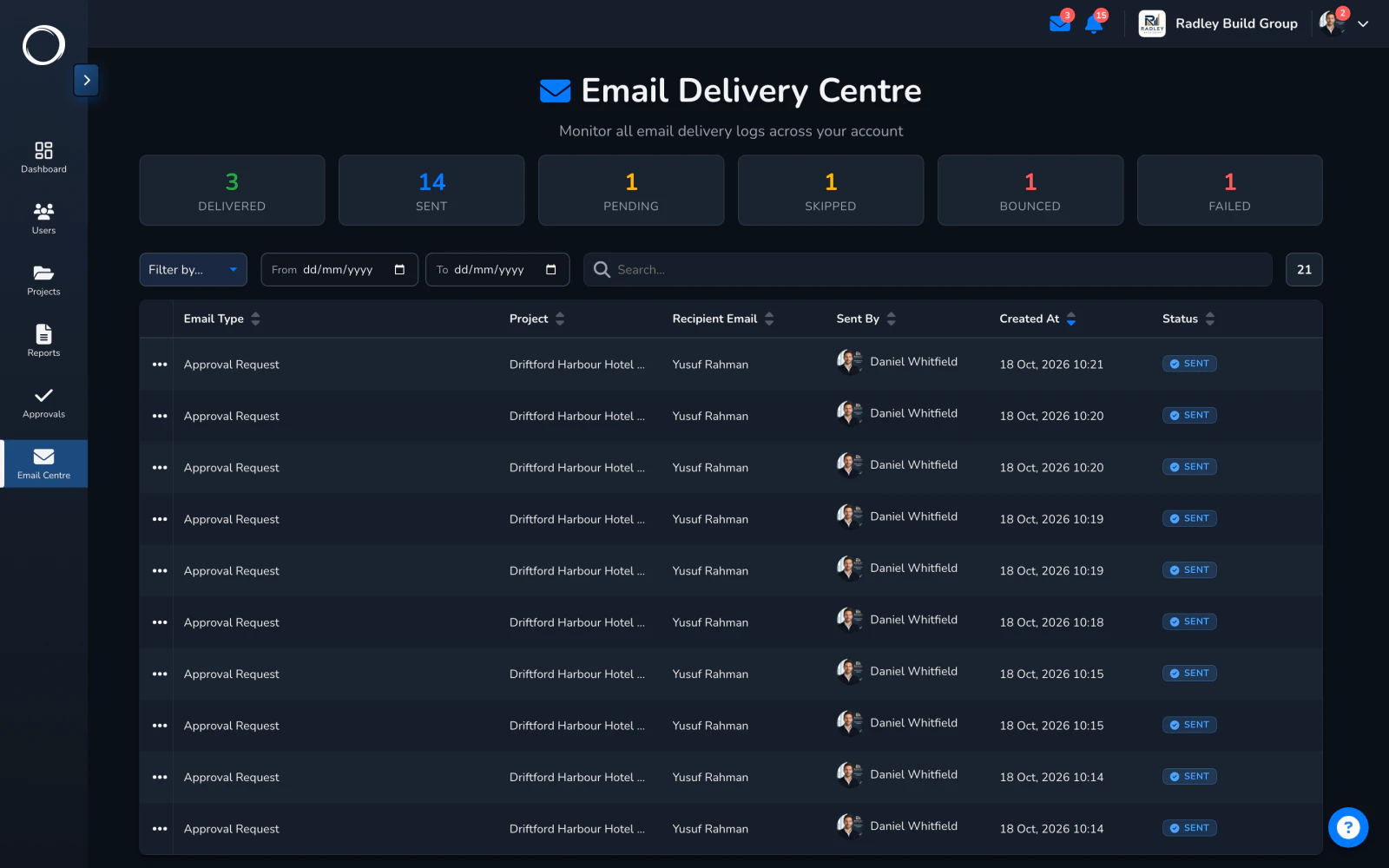
Every email the workspace sent is listed with whether it landed, and one click sends it again. The activity trail shows each reminder going out, and the Approvals Centre shows who owes the next move on every project, so the question in the Monday meeting has an answer before it's asked.

Sign-off, in detail →
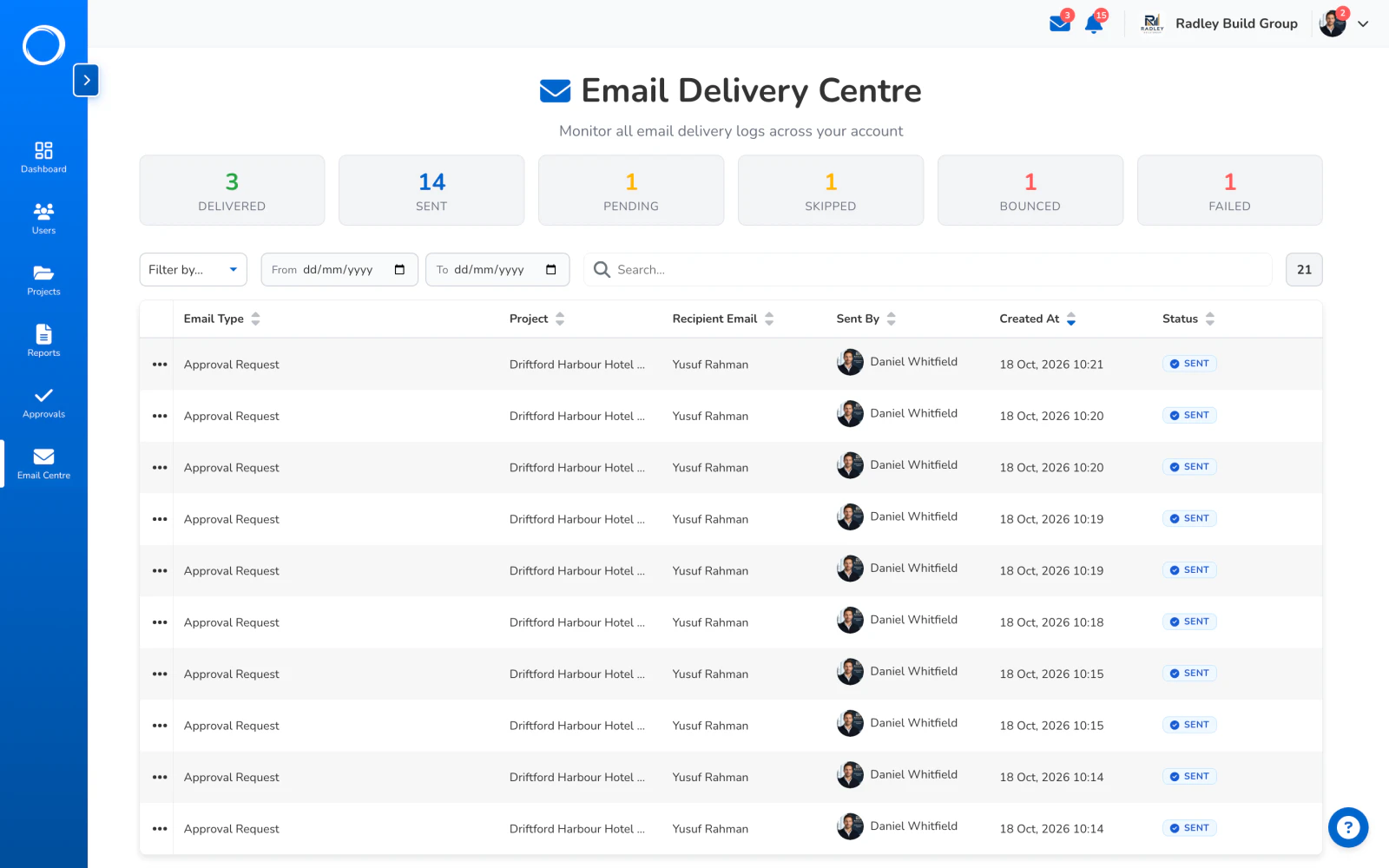
The Email Delivery Centre: every email the workspace sent, with whether it landed, and Resend on each

The parts people ask about

  • Two schedules, normal and gentle, chosen per request; or none.
  • Stops on an answer, when the link expires, when you stop it, or when they opt out. A bounce or a complaint stops the round by itself.
  • A cap on reminders per request, and a brake on the whole workspace, so chasing never turns into spam.
  • Reminders go in your name and with your logo; on Business the Portal Worx mark comes off the email too.
  • The Approvals Centre groups every request by who owes the next move: with them, with you, settled, archived.
  • Every email listed with whether it landed; resend in one click from the Email Delivery Centre.

Chasing is on every plan and isn't metered. Reminders carry your logo on every plan; the Portal Worx mark comes off on Business.

Questions people ask first.

Will it annoy my client?
Three emails in the first week, then one every three days, in your name, with the same link. There's a gentle schedule if that's too much, a cap, and they can opt out in one click, which stops the round.
What stops it?
Their answer, the link expiring, you stopping it, or them opting out. A bounced address or a complaint stops it too, without you doing anything.
Can I see whether the email arrived?
Yes. Every email the workspace sent is listed with whether it was delivered, and you can send any of them again in one click.
Can I chase from my own email instead?
You can forward the link however you like; the reminders only count the ones the workspace sends, so the record of what was sent stays complete.

Send the first one today.

Set up in minutes and send a drawing for sign-off before lunch. Free for 14 days, no card, cancel any time.